Quick Light SE
⚪ Last updated 2019⚠️ Install Order · 5 steps
Install in this order, then this mod last — most mods fail to load without their framework and dependencies in place.
Preview
🔍 Analysis
- 👍 0.8% endorsement rate
- 🏆 #13 of 36 Miscellaneous mods in this game by downloads
📋 About This Mod
Tu7S4btgrb0
日本語の説明はブログ記事にて
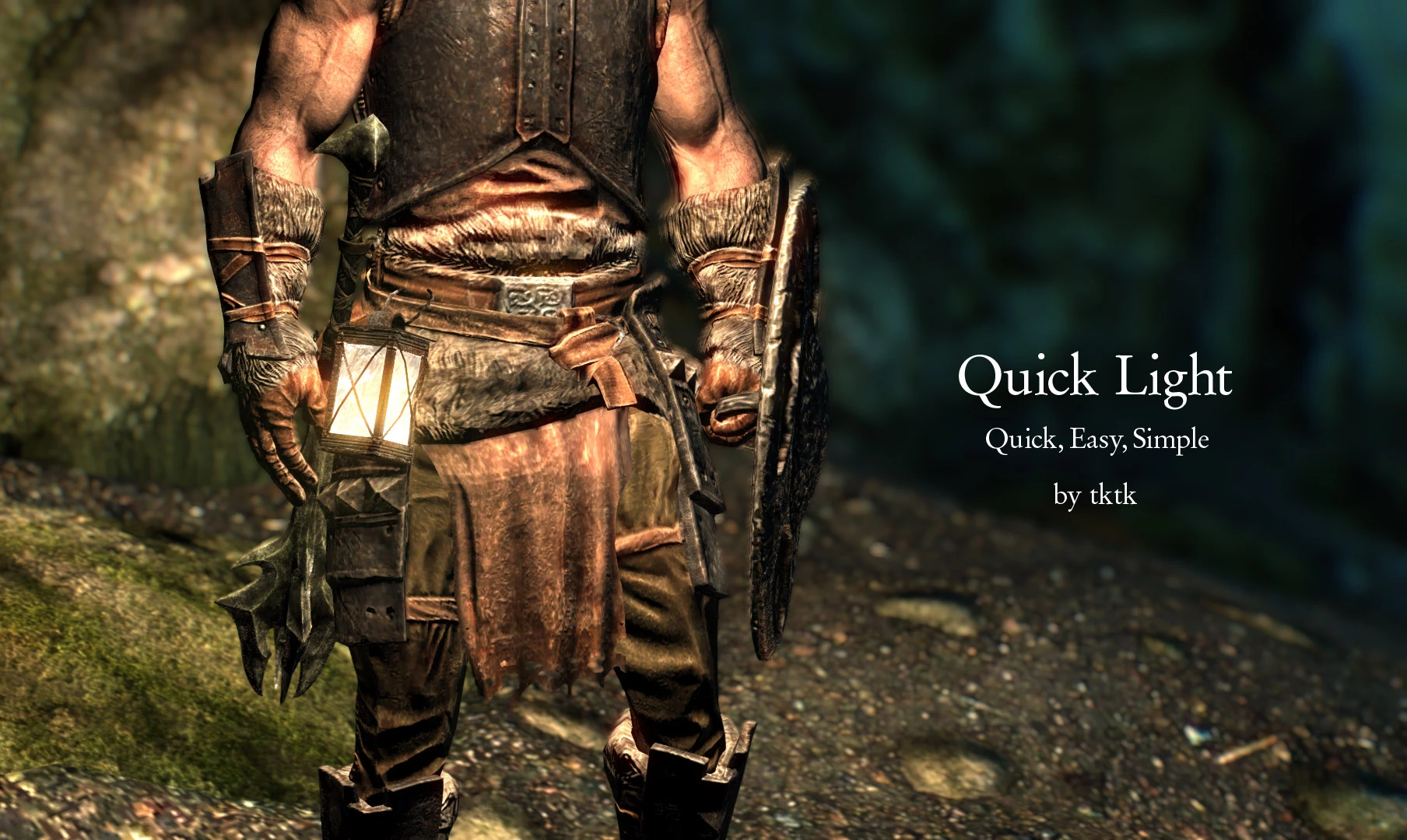
Turn on a light when long press the Activation key(E key and A button) or Short press L key.
It can be operated like the pip-boy light in Fallout 4.
It is aimed to be quick, easy, simple.
-
[] Stable, almost no performance hit, compatible with almost mods.
[
]Not use an equip slot.[]The light has infinite duration.
[]No make a terrible face by the lantern light.
[]If you use the face light and face light+, auto turn off it for compatible. If you turn off the light, turns on the face light.
Requirement
Skyrim 1. 4. 2+
SKSE 2. 0. 02+
SkyUI 5. 1 SE
You can quickly use it after installing.
There are two ways to turn on/off light.
Long press the activation key
You can turn on/off the light by long pressing the Skyrim's Activation key.
The default activation key for Skyrim is:
Keyboard: E key
X BOX Pad: A button
It can not be turned on/off the light when player targets something on cross-hair.
You can change the long press time of the key.
Press Light key(L key)
Press Light key (Default:"L" key). It can be changed "Light key" in MCM.
Light key and activation keys(E, A button) are completely different. The light key cannot be set by long pressing.
Configuration
It can be configured in the SkyUI MCM.
Type of Light Source
Choose one as a light source among lantern, magic, no effect.
Brightness
Choose one as the brightness of a light source among normal, slightly bright, bright and wide.
Set light key
Sets key to turn on the light. It can be disabled it with Esc key.
Enable to Long press activation key
Enable to long press the activation key(E, A button) for turn on the light.
Long press time for activate key
Set the long press time of the Activation key(E , A button) to turn on the light.
Activate Mod
Deactivate/activate this mod. Please turn off the light before deactivating.
Uninstallation
-
[]Turn off the light. No need this process if version 2. 0 - 2016 09. 19.
[]Deactivate mod in the MCM.
[]Uninstall this mod.
Special Than
-
[]Turn off the light. No need this process if version 2. 0 - 2016 09. 19.
Quick Light SE is a lightweight Skyrim Special Edition mod that lets you toggle a light source by long-pressing the activation key or short-pressing the L key, mimicking Fallout 4's Pip-Boy light. It's designed to be quick, easy, and simple, with a massive 19,335 endorsements and 2.4 million downloads, though it hasn't been updated since December 2019.
✨ Key Features
📊 Pros & Cons
✅ Pros
- Huge community trust: 19,335 endorsements and 2.4 million downloads show it's a proven favorite.
- Simple, intuitive controls—long press or L key—no complex menus or hotkeys to remember.
- Lightweight and focused: does one thing and does it well, perfect for immersion without bloat.
⚠️ Cons
- Last updated in December 2019—might have compatibility issues with newer Skyrim SE patches or mods.
- No detailed documentation or troubleshooting provided by the author, so issues may require community digging.
For Skyrim players who want a quick, immersive way to light up dark dungeons without fumbling through menus. Ideal for those who loved Fallout 4's Pip-Boy light and want that same convenience in Skyrim. Skip if you prefer realistic lighting mods or need extensive customization—this is a simple utility.
💡 Beginner Tips
- Make sure you have a light source (like a torch or magelight) in your inventory or equipped, as the mod likely uses that to create the light.
- Test the long-press activation key in a safe area first to get the timing right—it might conflict with other long-press actions.
- If you're using a mod manager, install via that to keep track of files and easily uninstall if needed.
📊 Mod Details
- Game
- Skyrim Mods
- Author
- tktk
- Version
- 2.2
- Downloads
- 2,410,934
- Endorsements
- 19,335
- Category
- Miscellaneous
- Created
- 10/2/2017
- Updated
- 12/5/2019
🔗 Required By 2 Mods
These mods list this mod as a dependency.
🧩 Commonly Used Together
Users add these mods to the same collections — a real compatibility signal, not an AI guess.
🔧 How to Install Skyrim Mods
Download from Nexus.
📖 Full step-by-step install guide for Skyrim →
Visit the official mod page for specific installation instructions for this mod.
🎮 Need cheat codes or console commands? Check ur gaming wiki for Skyrim commands, item IDs, and more.
Keep browsing — more Skyrim mods await