SmoothCam - Octavian's Preset
⚪ Last updated 2021⚠️ Install Order · 6 steps
Install in this order, then this mod last — most mods fail to load without their framework and dependencies in place.
Preview
🔍 Analysis
- 👍 0.4% endorsement rate
- 🏆 #12 of 140 User Interface mods in this game by downloads
📋 About This Mod
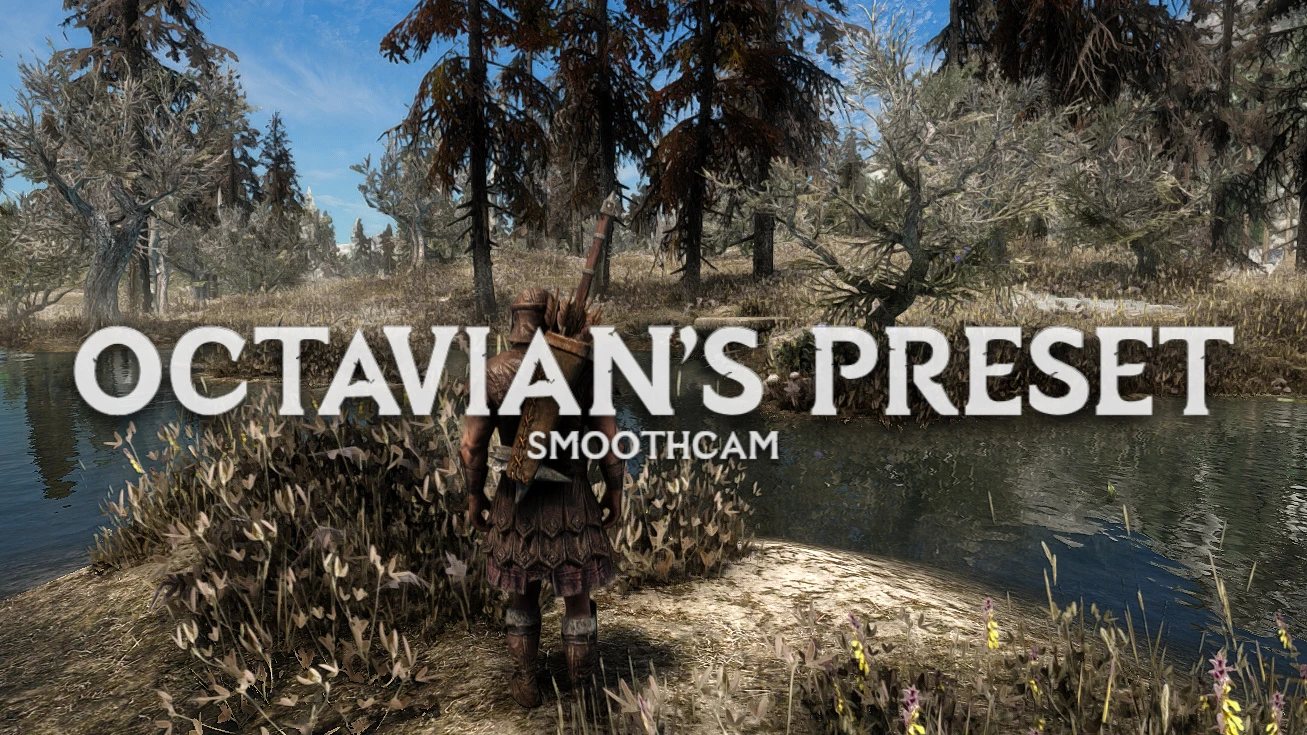
SmoothCam - Octavian's Preset is a heavily-tweaked modification built on the revered SmoothCam, taking full advantage of the features the mod offers! Aimed towards both KB/M and controller players who prefer a somewhat taut and snappy (but still buttery smooth) over-the-shoulder style camera, this preset is focused on gameplay over anything else. It features dynamic camera offset and interpolation based on your actions and equipped weapon, as well as toggleable tweaked raycasting for ranged combat and incredibly smooth transitions between everything mentioned.
This was originally created with my own taste in mind, taking inspiration from AAA titles such as Red Dead Redemption 2 and the Witcher 3. I disliked the looser feel of most current camera mods and SmoothCam presets, often becoming disoriented—especially during combat—and struggling to perform basic gameplay actions, like picking up items, or having magic attacks go everywhere but where you aim. Part of this is due to the fact that I play with controller primarily, but the frustration was still more than present with keyboard and mouse. Hence the birth of Octavian's Preset! I consider it an overhaul of the vanilla third person camera, with a modern breath added.
QALrXceFDpU◦ Modern third person camera suited for all playstyles
◦ Support for both Keyboard/Mouse and Controller
◦ Dynamic offset and interpolation for:
◦ Walking, running, sprinting, sneaking, swimming and standing still
◦ Equipped weapon type (melee, ranged, magic)
◦ Horseback and dragon riding
◦ Werewolf and Vampire Lord forms
◦ Smooth dynamic transitions
◦ Tweaked raycasting and arrow prediction for ranged weapons (can be toggled)
◦ Shoulder-swapping with a chosen hotkey
◦ Entirely configurable settings using MCM
INSTALLATION & REQUIREMENTS
Requires SmoothCam by mwilsnd. [ SKSE64, SkyUI, Address Library for SKSE Plugins ]
Strongly recommend 360 Movement Behavior SE and Combat Gameplay Overhaul SE by DServant.
Installation:
-
[]Install using your preferred mod organizer (Vortex, MO2, NMM) or manually.
[
]Launch Skyrim.[]Access SmoothCam's MCM and scroll to 'Presets'.
[]Load 'Octavian's Preset' in the sixth preset slot.
- Enjoy!
SmoothCam - Octavian's Preset is a modern preset for the SmoothCam mod, designed to enhance gameplay with cinematic shots, fast-paced combat, and exploration. It supports both keyboard/mouse and controller players, making it a versatile choice for Skyrim players seeking a balanced camera experience.
✨ Key Features
📊 Pros & Cons
✅ Pros
- Huge community trust with 3,378 endorsements
- Nearly a million downloads (935,865) — this preset is battle-tested
- Works for both keyboard/mouse and controller, so no one's left out
⚠️ Cons
- Last updated in 2021 — may not be compatible with the latest SmoothCam versions
- Requires SmoothCam as a dependency, so you'll need to install that first
For Skyrim players who want a polished camera preset that balances gameplay and cinematics without fiddling with settings. Great for both mouse-and-keyboard purists and controller users. Skip if you're looking for a complete camera overhaul — this is a preset, not a standalone mod.
💡 Beginner Tips
- Make sure SmoothCam is installed and working before adding this preset, or it won't show up in-game.
- If you're using a mod manager, install this preset after SmoothCam and let it overwrite the default settings.
- Test the preset in combat and exploration to see if the camera speed suits your playstyle — you can tweak it in the MCM menu if needed.
📊 Mod Details
- Game
- Skyrim Mods
- Author
- OctavianMods
- Version
- 1.1.1
- Downloads
- 935,865
- Endorsements
- 3,378
- Category
- User Interface
- Created
- 1/3/2021
- Updated
- 1/17/2021
🔧 How to Install Skyrim Mods
Download from Nexus.
📖 Full step-by-step install guide for Skyrim →
Visit the official mod page for specific installation instructions for this mod.
🎮 Need cheat codes or console commands? Check ur gaming wiki for Skyrim commands, item IDs, and more.
Keep browsing — more Skyrim mods await