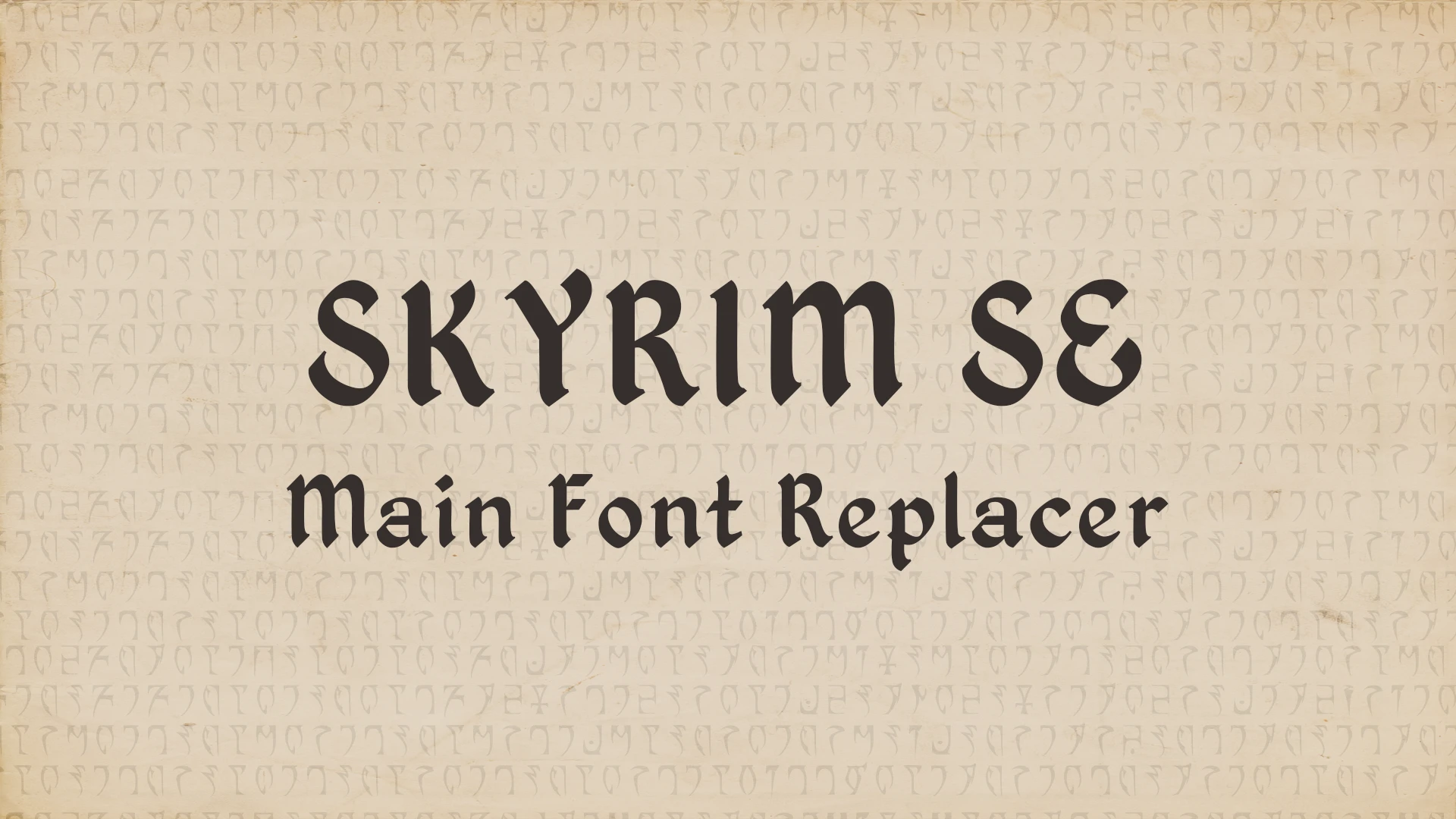
Skyrim SE Main Font Replacer (Oblivion Font)
⚪ Last updated 2023⚠️ Install Order · 5 steps
Install in this order, then this mod last — most mods fail to load without their framework and dependencies in place.
Preview
🔍 Analysis
- 👍 3.0% endorsement rate — high engagement, a strong quality signal
- 🏆 #13 of 142 User Interface mods in this game by downloads
📋 About This Mod
This mod changes Skyrim SE's main UI font to the font from Oblivion.
Installation - Requirements
Donwload with your mod manager and follow the FOMOD installation instructions. Now includes a Regular version and a Light version of the font so you can choose which one you prefer.
Compatibility
-
[]Incompatible with any mod that replaces the main font.
[
]Can be made compatible with mods that replace other fonts (such as book or note fonts) if you edit the fontconfig.txt file in Data/interface to include both this font and the other as well (see explanation a little below).
-
[]Compatible with everything else, really, it just changes the main font. No esp, no new textures or meshes.
[
]Not tested on Oldrim so I can't garantee if it will work or not but the console font might cause issues since SSE now uses a different font for the console and my fontconfig.txt file tells Skyrim to use that one, which doesn't exist in Oldrim's files (I think) hence the risk of seeing squares. Feel free to tell me if it actually works, as I don't play Oldrim anymore.Supported Languages
I originally made this mod using a french localization of Skyrim but since 1. 1 I'm now playing in english so I can't garantee that it's still working as intended in a french game, feel free to let me know if you encounter any problems or missing letters in different localizations.
- English
F. A. Q / Known Bugs
In the skill tree menu some text can be cut before the end (for example the Alteration tree description) because the font has a different size and/or spacing than the default Skyrim Font and I don't know how to fix this problem as for now.
This mod replaces Skyrim SE's default UI font with Oblivion's Kingthings Petrock font, offering both Regular and Light versions. It's a simple cosmetic tweak for players who prefer the classic Oblivion look. With 772 endorsements and recent updates, it's a popular choice for UI customization.
✨ Key Features
📊 Pros & Cons
✅ Pros
- Community favorite with 772 endorsements and over 25k downloads.
- Gives your UI that classic Oblivion vibe without any hassle.
- Two font weights let you pick the look that suits your preference.
⚠️ Cons
- Only changes the main UI font—menus, dialogue, and books stay the same.
- If you're using other UI overhauls, this might conflict with their font changes.
- No preview images in the description, so you can't see the font in action before installing.
For Skyrim players who miss Oblivion's font and want a quick, lightweight UI tweak. If you're into full UI overhauls or need more font options, this might be too limited. Skip if you want gameplay changes—this is purely cosmetic.
💡 Beginner Tips
- Use a mod manager like Vortex or MO2 to install and easily switch between Regular and Light versions.
- If you're using other UI mods, place this one lower in your load order to ensure it takes effect.
- Check the mod's posts section for any user screenshots to see the font before you install.
📊 Mod Details
- Game
- Skyrim Mods
- Author
- Dovahsaur
- Version
- 1.1
- Downloads
- 25,434
- Endorsements
- 772
- Category
- User Interface
- Created
- 2/26/2018
- Updated
- 7/14/2023
🧩 Commonly Used Together
Users add these mods to the same collections — a real compatibility signal, not an AI guess.
🔧 How to Install Skyrim Mods
Download from Nexus.
📖 Full step-by-step install guide for Skyrim →
Visit the official mod page for specific installation instructions for this mod.
🎮 Need cheat codes or console commands? Check ur gaming wiki for Skyrim commands, item IDs, and more.
Keep browsing — more Skyrim mods await