Immersive Equipment Displays - Tutorials and presets
⚪ Last updated 2023⚠️ Install Order · 6 steps
1🛠️ SKSE64 — Skyrim Script Extender 64 Download ↗
2🔧 USSEP — Unofficial Skyrim Special Edition Patch Download ↗
3🖥️ SkyUI — SkyUI (MCM framework) Download ↗
4🧩 Address Library — Address Library for SKSE Plugins Download ↗
5🔧 SSE Engine Fixes — SSE Engine Fixes Download ↗
6📦 Immersive Equipment Displays Find it →
Install in this order, then this mod last — most mods fail to load without their framework and dependencies in place.
Preview
🔍 Analysis
- 👍 0.3% endorsement rate
- 🏆 #53 of 162 Immersion mods in this game by downloads
📋 About This Mod
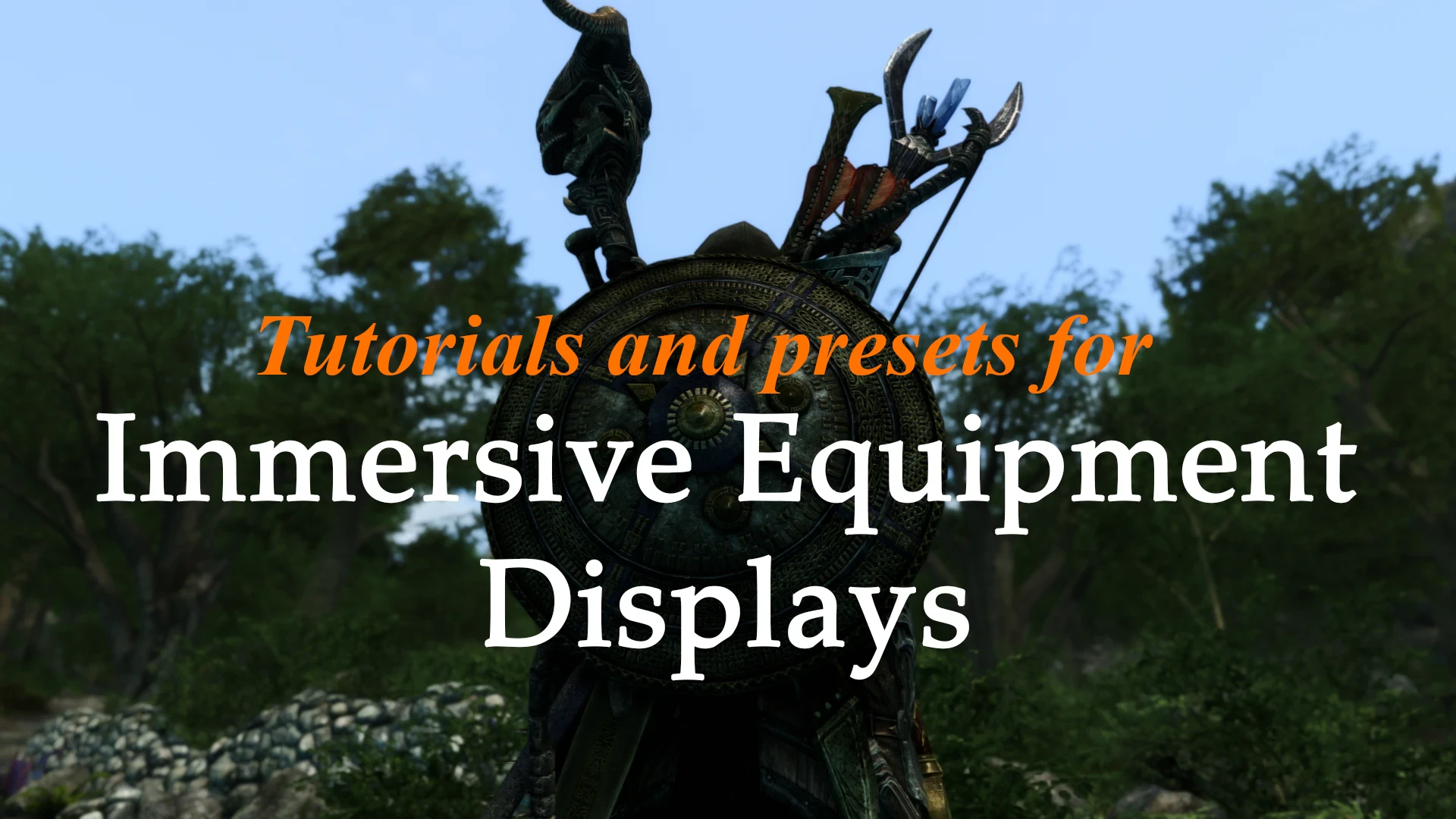
Just some weapons/customs displays that I use and decided to share as a form of tutorial.
🤖 AI-enhanced — based on mod data
A tutorial-style mod by GiraPomba sharing custom weapon and equipment displays for Immersive Equipment Displays, with 1,255 endorsements and 369,227 downloads. Last updated December 2023, it serves as a guide for players to create their own displays.
✨ Key Features
Shares custom weapon and equipment displays as a tutorial
Provides presets for Immersive Equipment Displays
High community adoption with 1,255 endorsements and 369,227 downloads
📊 Pros & Cons
✅ Pros
- Huge download count (369k) shows tons of players have grabbed this
- Endorsement ratio is solid — 1,255 people vouched for it
- Tutorial format means you learn how to make your own displays, not just copy-paste
⚠️ Cons
- Last updated December 2023 — might be out of sync with newer game patches
- No explicit install instructions in the description, so you're on your own if you're new
- It's presets, not a full overhaul — you'll still need the base mod to use them
🎯 Is This For You?
For Immersive Equipment Displays users who want ready-made weapon displays and want to learn how to customize their own. Skip if you're not using that mod or prefer a plug-and-play experience without tinkering.
For Immersive Equipment Displays users who want ready-made weapon displays and want to learn how to customize their own. Skip if you're not using that mod or prefer a plug-and-play experience without tinkering.
📦 Install:Easy· Under 5 minutes
💡 Beginner Tips
- Make sure you have Immersive Equipment Displays installed first, or these presets won't work.
- Check the mod's posts section for any user-made tutorials or troubleshooting tips.
- If you're on a mod manager, use the preview feature to see what each display looks like before installing.
📊 Mod Details
- Game
- Skyrim Mods
- Author
- GiraPomba
- Version
- 1.4
- Downloads
- 369,227
- Endorsements
- 1,255
- Category
- Immersion
- Created
- 10/11/2022
- Updated
- 12/31/2023
🔧 How to Install Skyrim Mods
Download from Nexus.
📖 Full step-by-step install guide for Skyrim →
Visit the official mod page for specific installation instructions for this mod.
🎮 Need cheat codes or console commands? Check ur gaming wiki for Skyrim commands, item IDs, and more.
Keep browsing — more Skyrim mods await