Contextual Crosshair
🟡 Updated this yearThis mod may not work until the author updates it. Check for an update, or see the rollback guide.
⚠️ Install Order · 6 steps
Install in this order, then this mod last — most mods fail to load without their framework and dependencies in place.
🖼️ Gallery (12 images)





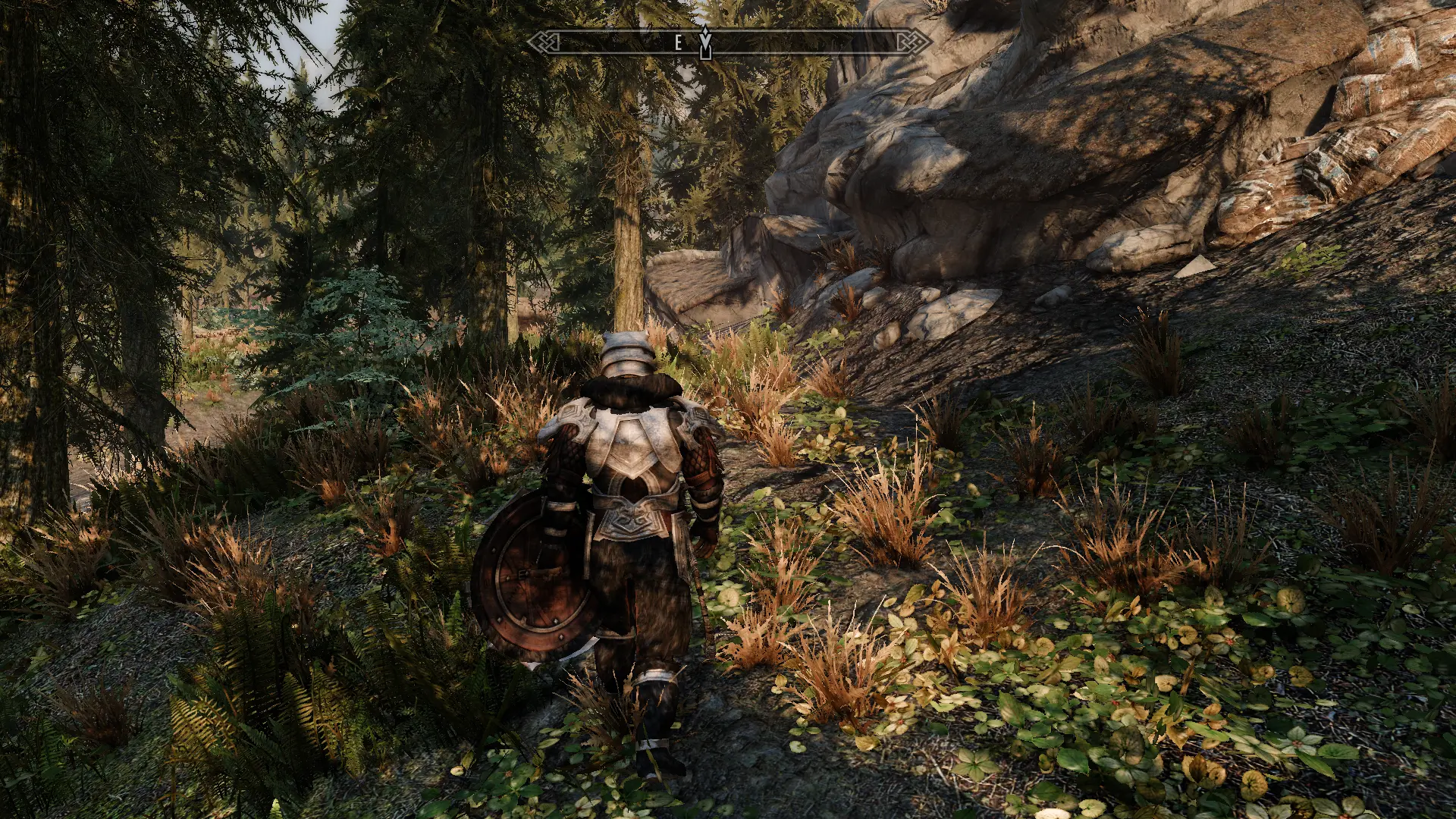
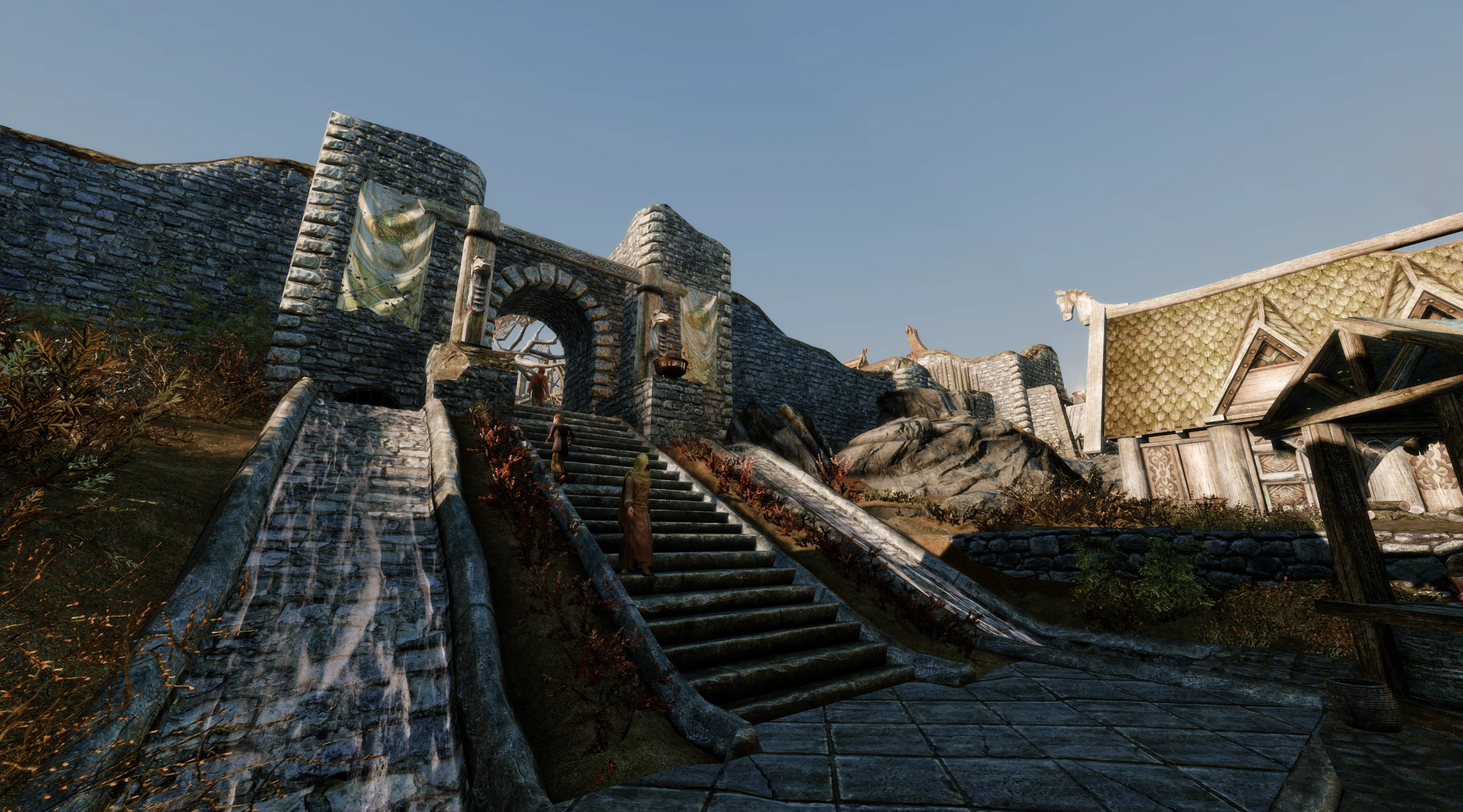
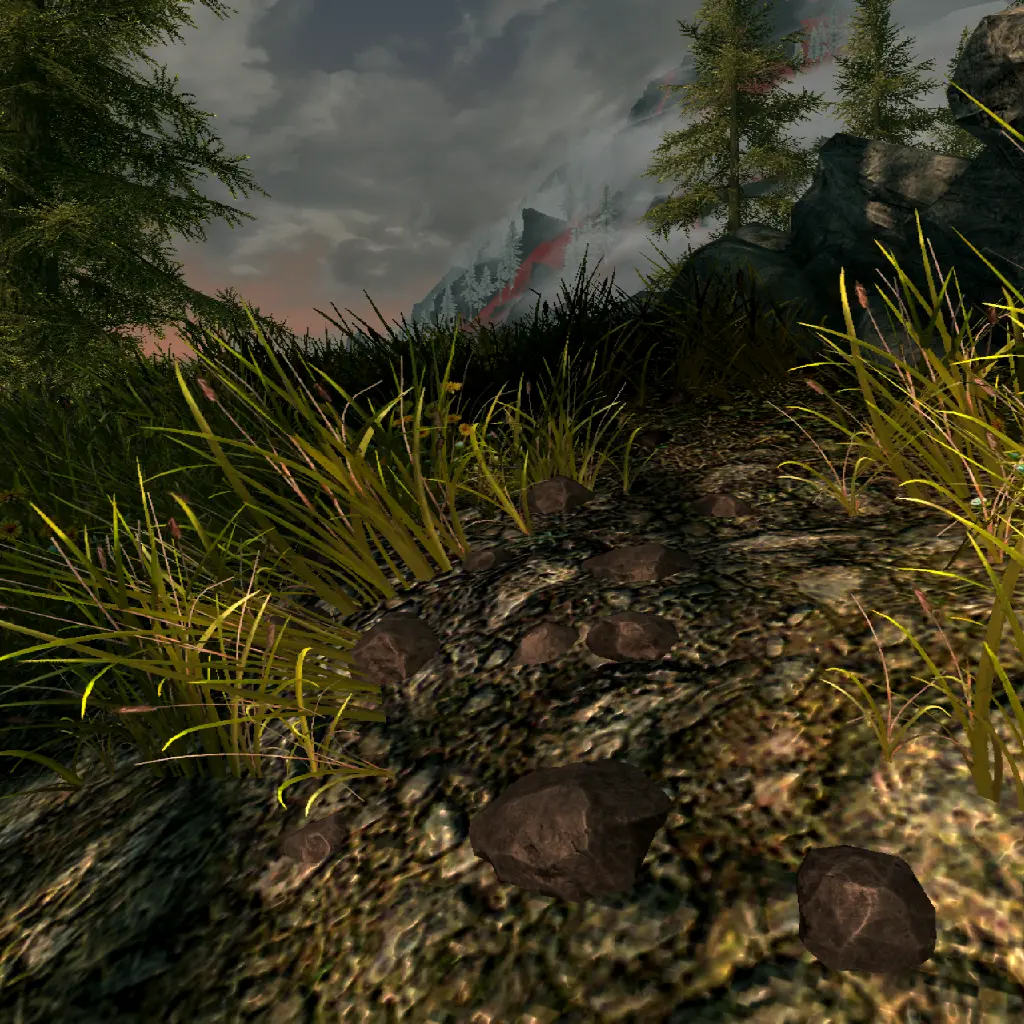
🔍 Analysis
- 👍 0.2% endorsement rate
- 🏆 #27 of 141 User Interface mods in this game by downloads
📋 About This Mod
There when you need it, gone when you don't. A modern SKSE replacement for iHUD's crosshair feature, with smooth fading transitions, numerous options, and deep integration with mods.
Contextual Crosshair is a modern SKSE-based replacement for iHUD's crosshair feature in Skyrim, offering smooth fading transitions and deep mod integration. With 7,579 endorsements and 3.3 million downloads, it's a popular choice for players seeking a cleaner UI that hides the crosshair when not needed.
✨ Key Features
📊 Pros & Cons
✅ Pros
- Huge community trust with 7,579 endorsements and 3.3 million downloads
- Smooth fading transitions make the UI feel polished and immersive
- Deep mod integration means it plays well with other UI mods
⚠️ Cons
- Requires SKSE, so it's not for console players or those avoiding script extenders
- As a UI replacement, it may conflict with other crosshair mods if not set up correctly
For Skyrim players who want a cleaner HUD without the crosshair cluttering the screen, especially those already using SKSE and mod managers. If you're a purist who likes the default crosshair, this isn't for you, but if you want a modern, customizable alternative to iHUD, this is a top pick.
💡 Beginner Tips
- Make sure SKSE is installed and launched via the SKSE loader, not the default Skyrim launcher, or the mod won't work.
- Use a mod manager like Vortex or Mod Organizer 2 to install and manage the mod, and check for compatibility patches if you use other UI mods.
- Test the crosshair fading in different situations (combat, dialogue, etc.) to adjust the options to your preference.
📊 Mod Details
- Game
- Skyrim Mods
- Author
- doodlum
- Version
- 1.3.2
- Downloads
- 3,295,573
- Endorsements
- 7,579
- Category
- User Interface
- Created
- 2/21/2022
- Updated
- 1/7/2026
🧩 Commonly Used Together
Users add these mods to the same collections — a real compatibility signal, not an AI guess.
🔧 How to Install Skyrim Mods
Download from Nexus.
📖 Full step-by-step install guide for Skyrim →
Visit the official mod page for specific installation instructions for this mod.
🎮 Need cheat codes or console commands? Check ur gaming wiki for Skyrim commands, item IDs, and more.
Keep browsing — more Skyrim mods await