Camera Noise
🟠 Updated over a year agoThis mod may not work until the author updates it. Check for an update, or see the rollback guide.
⚠️ Install Order · 6 steps
Install in this order, then this mod last — most mods fail to load without their framework and dependencies in place.
🖼️ Gallery (12 images)
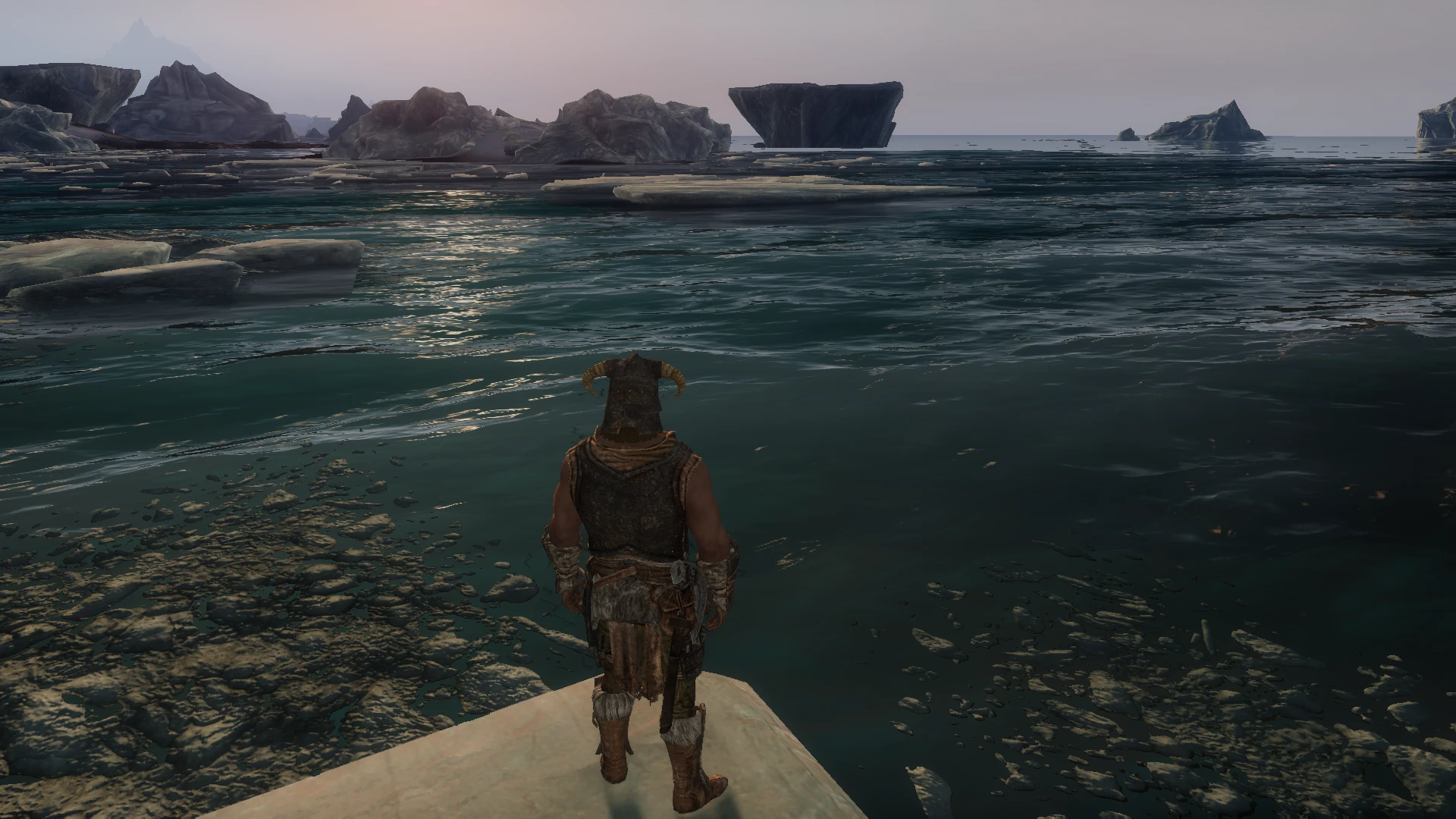


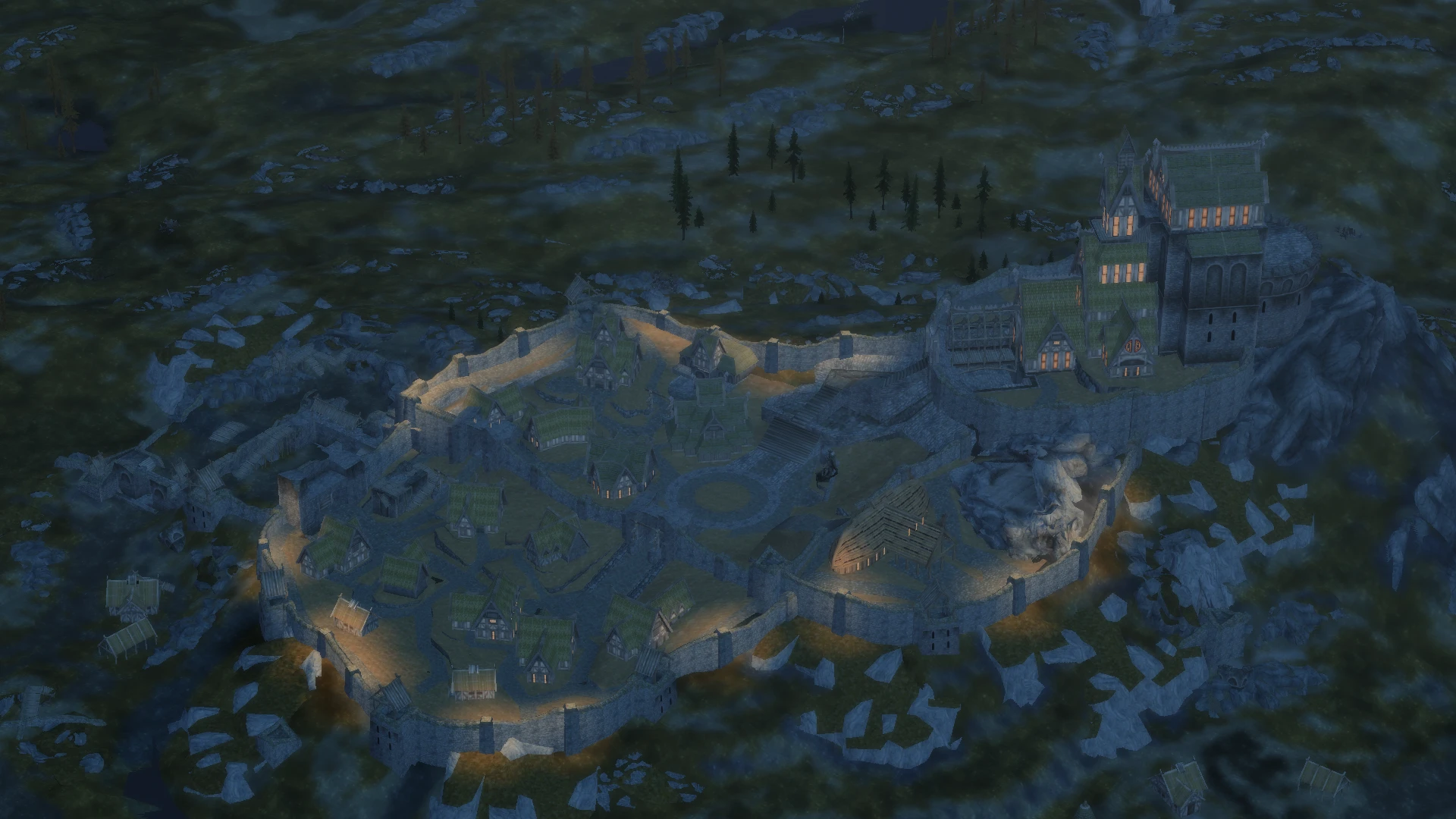
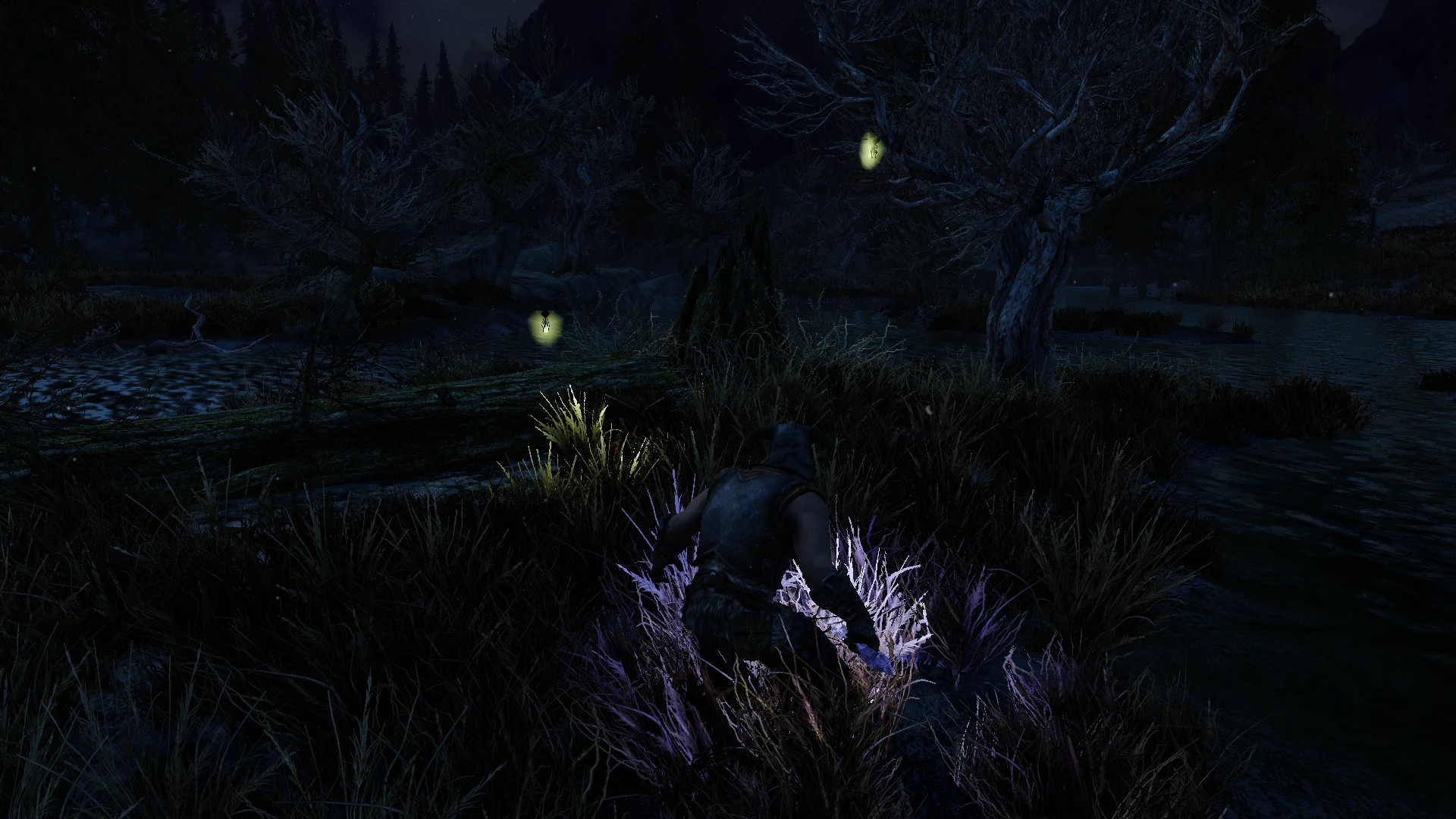
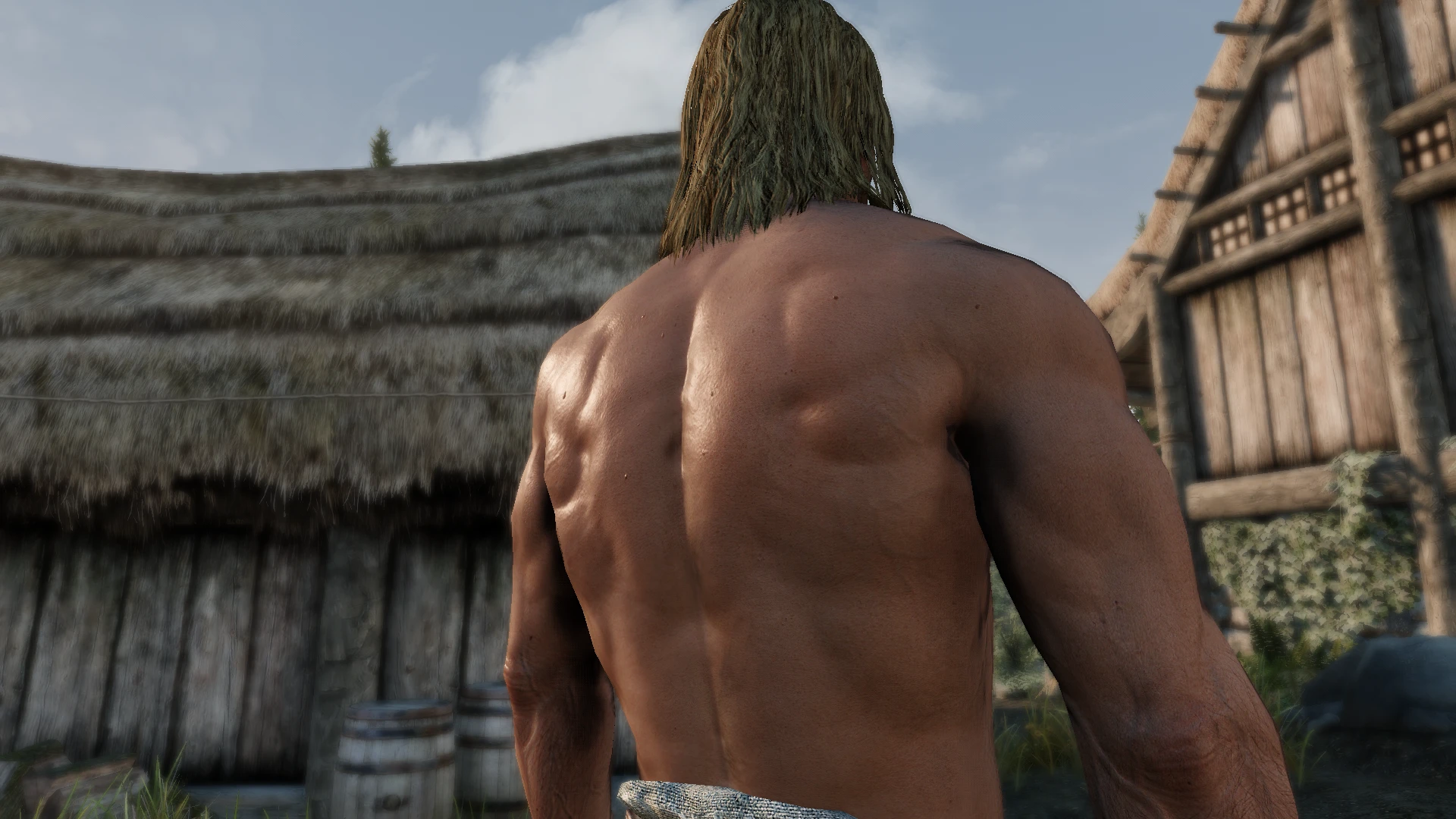
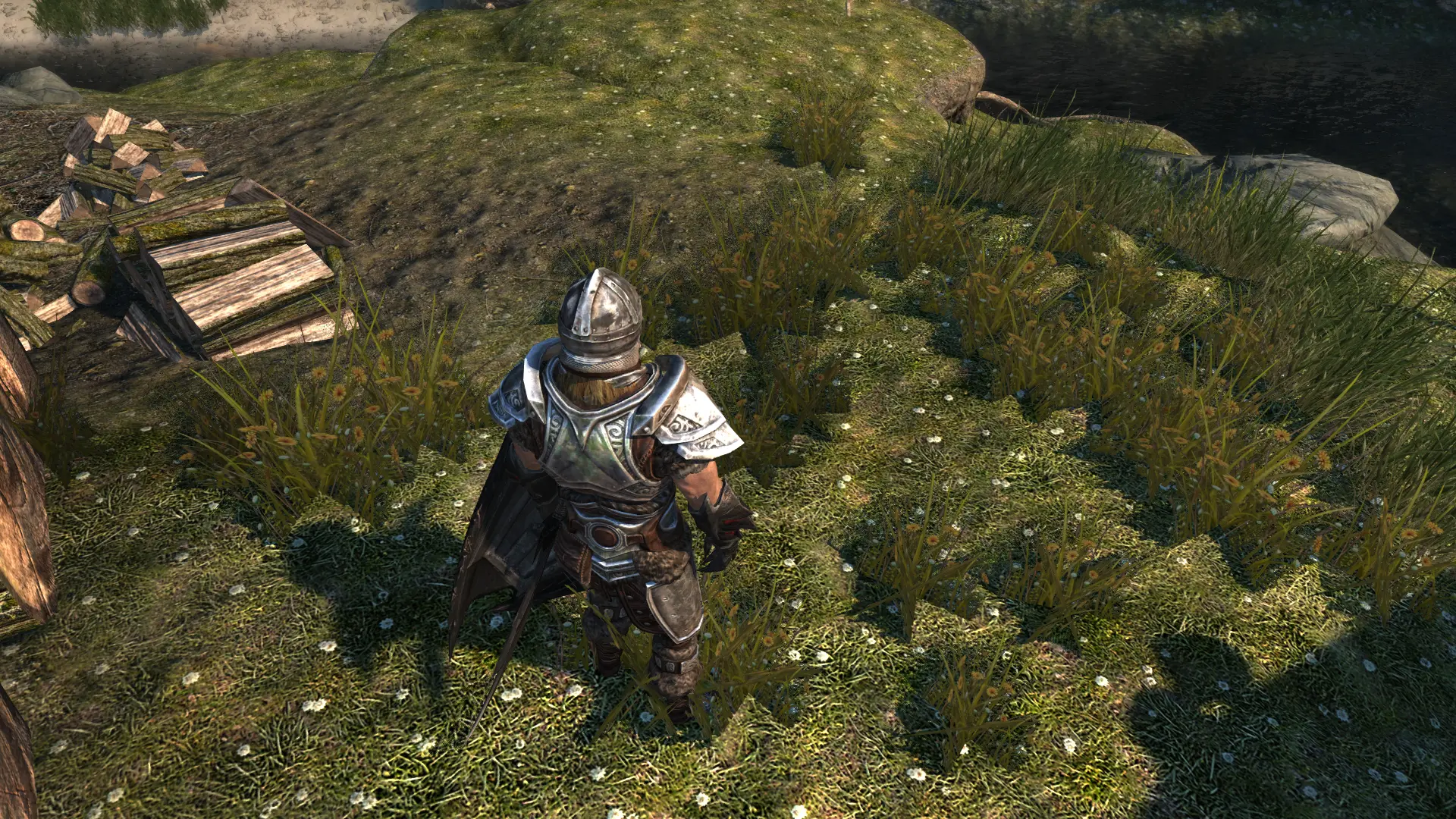
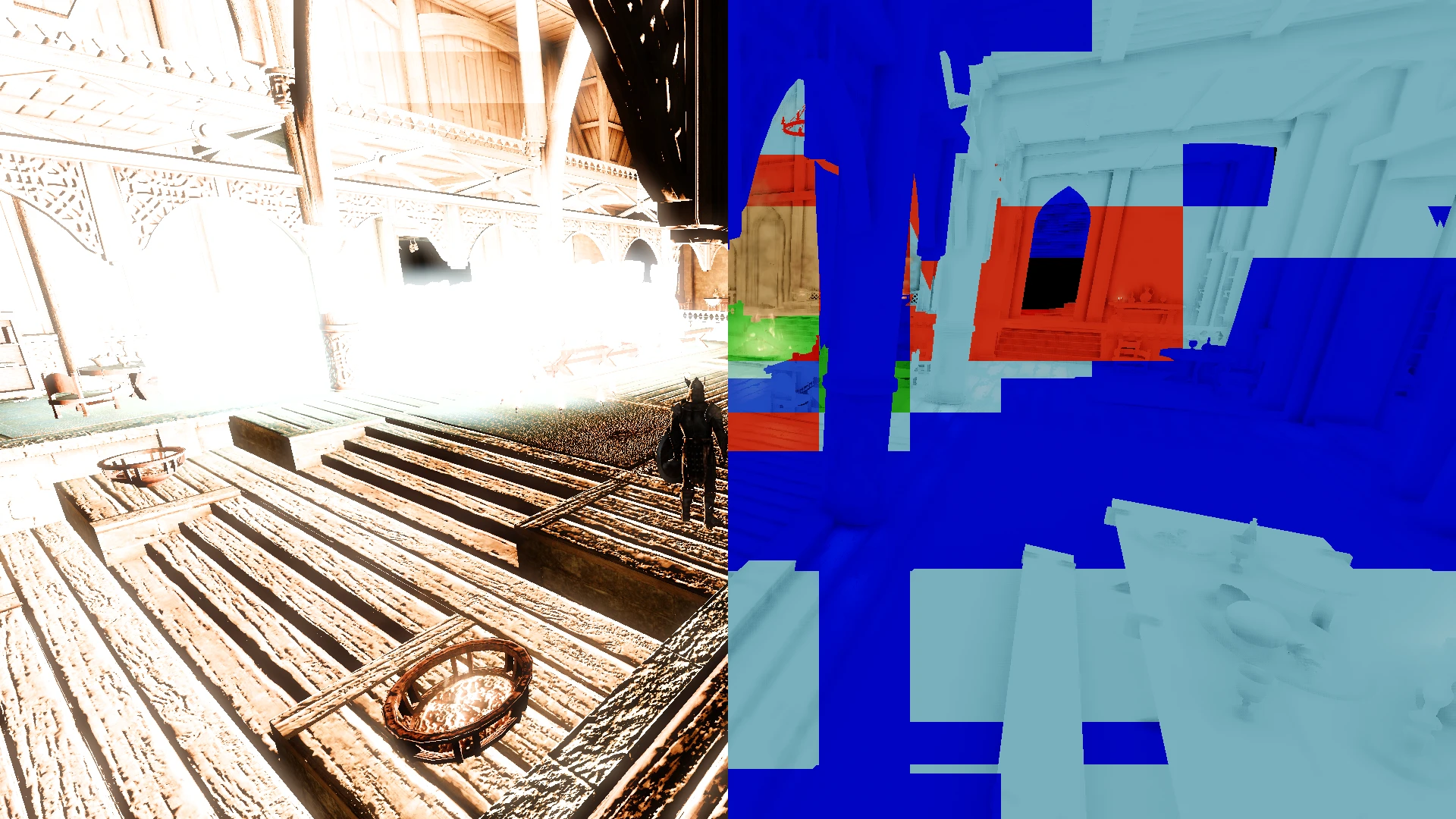
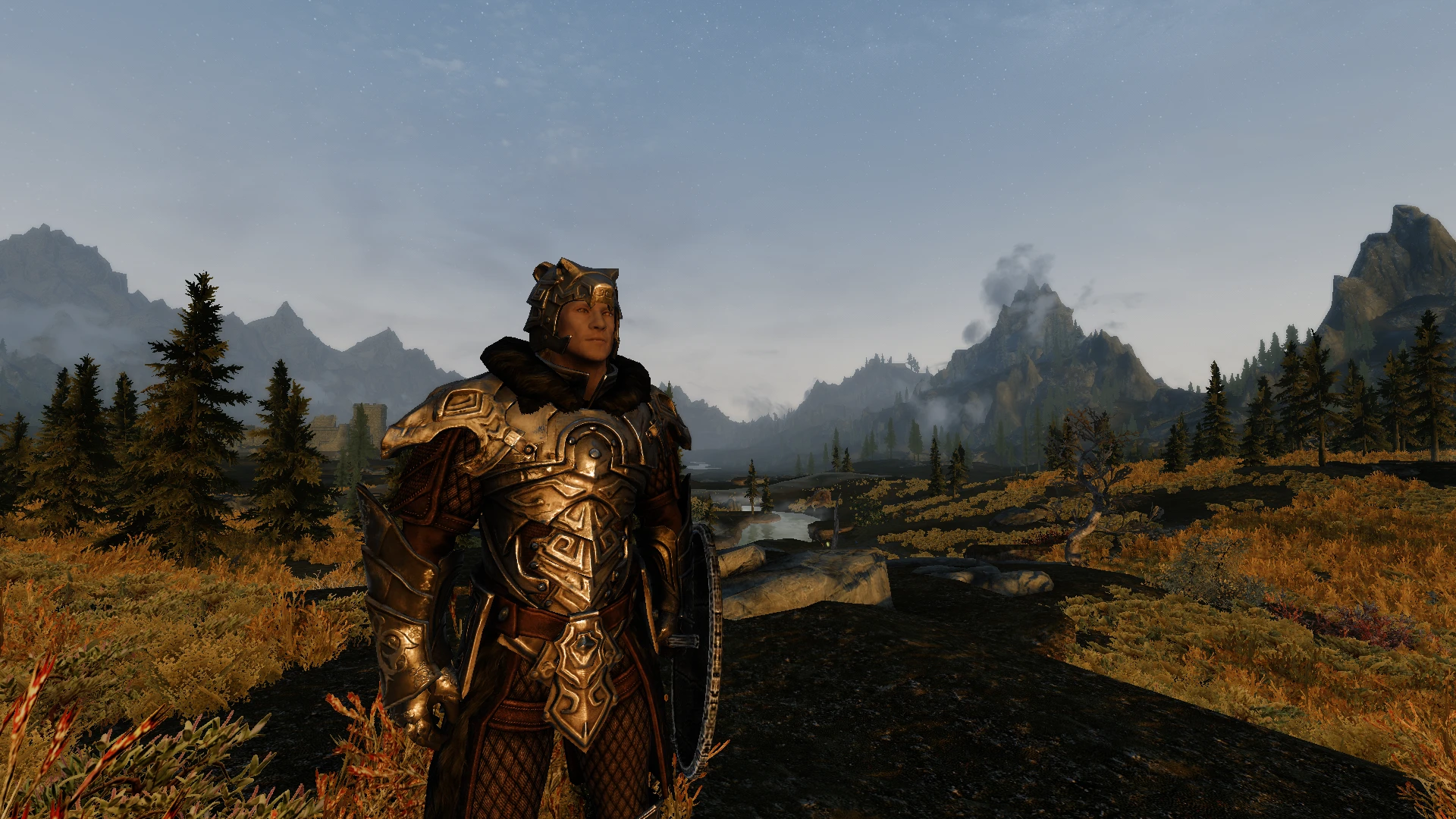
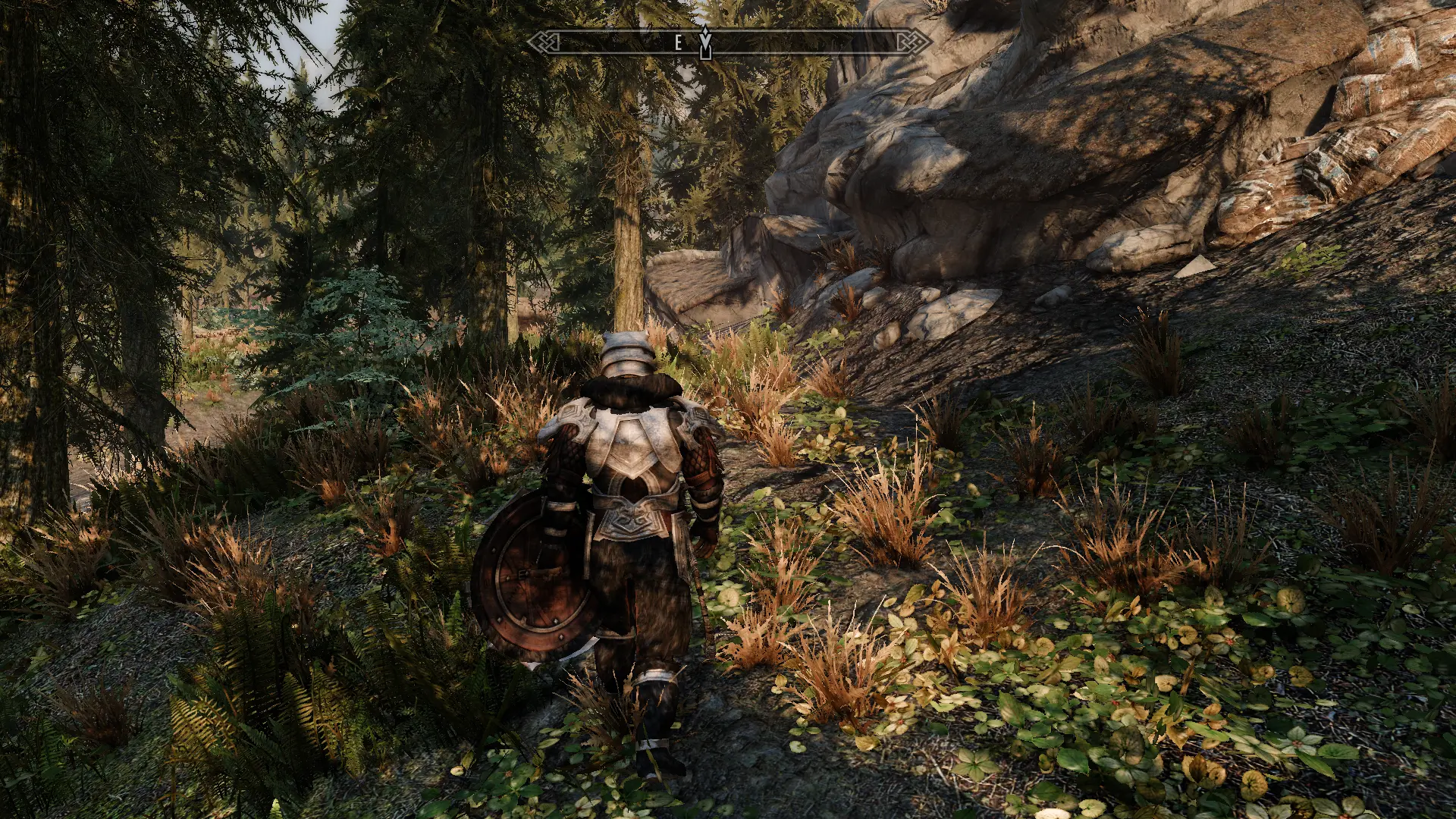
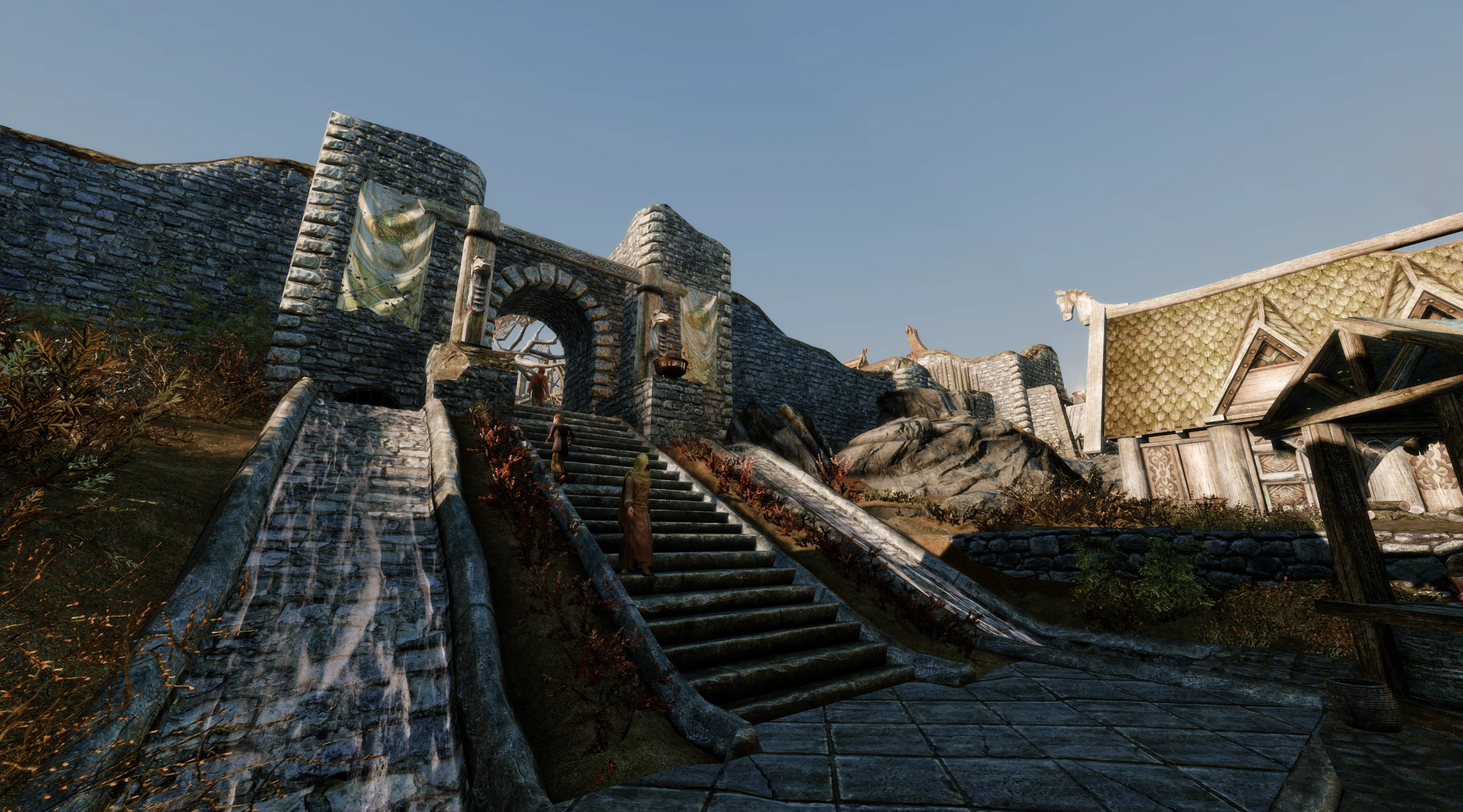
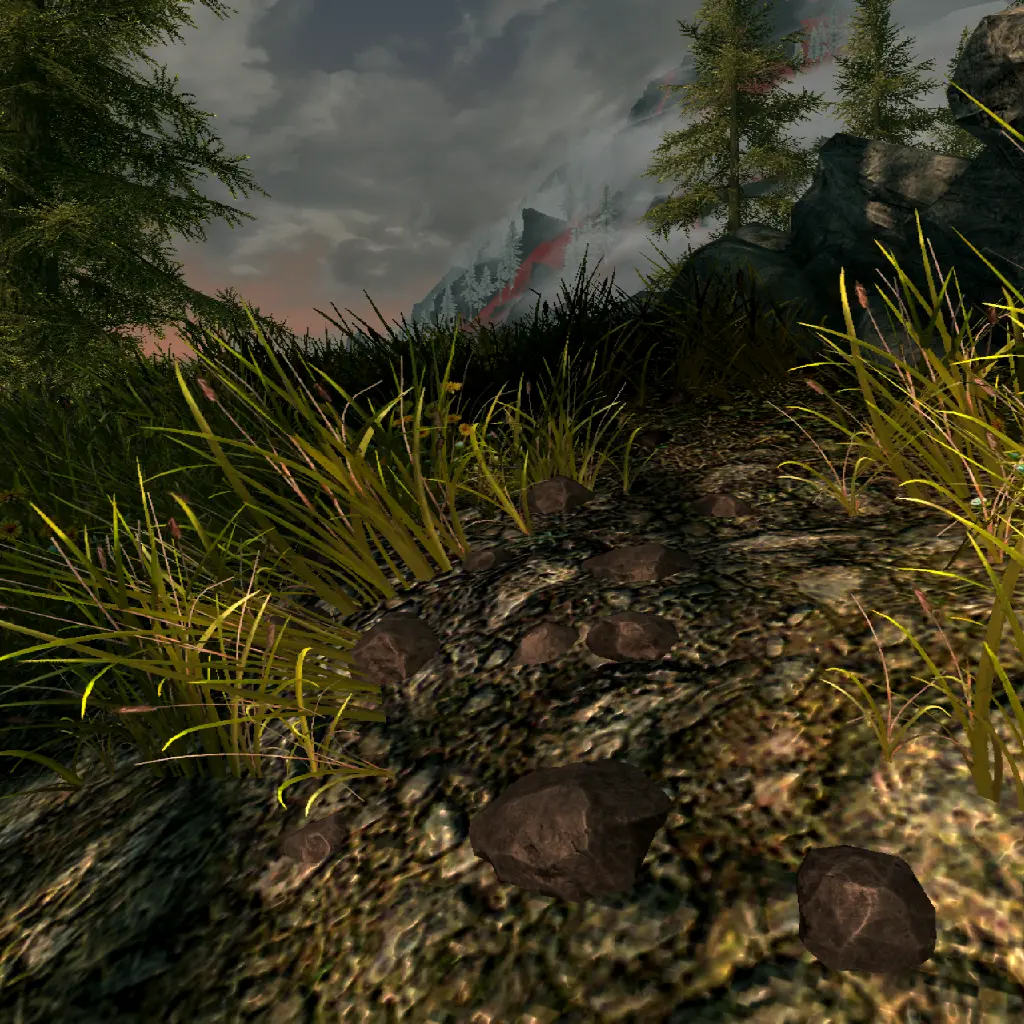
🔍 Analysis
- 👍 0.3% endorsement rate
- 🏆 #46 of 179 Immersion mods in this game by downloads
📋 About This Mod
SKSE plugin which adds a natural camera noise effect.
This mod is styled after the camera noise effect used in God Of War. Perlin noise is used to modify camera position and orientation.
First-Person and Third-Person are separated with their own settings.
The previews are more aggressive than the mod is by default. This is mod intended to be subtle; making the game cameras look more grounded in reality instead of floating statically.
If ENB is installed, a menu is added in the shaders window which allows you to customise and save the effect in-game.
Additionally, if you don't have ENB installed, you can change your settings in-game manually by:
- Editing the settings in the CameraNoise.ini file
- Saving the changes to the CameraNoise.ini file
- Saving your game
- Reloading your save
If you are not a mod author, skip this entire section
Papyrus API:
Activate custom camera effects via CameraNoise.pex script with:
CameraNoise. LoadINI(String asFilepath)
CameraNoise. UnloadINI(String asFilepath)
CameraNoise. ResetINI()
SKSE API:
Request custom camera effects via CameraNoise_API.h file with:
bool LoadIni(std::string filepath)
bool UnloadIni(std::string filepath)
void ResetIni()
(ex. of using RequestAPI)
Add-On:
Create custom camera effect events via "Camera Noise - Add On" plugin with .ini presets in "SKSE\Plugins\_CameraNoise\":
; Determines how quickly the camera transitions. Positive values = faster. Negative values = slower
iTransitionSpeed=1
; The key is the animation event, while the value is the animation variable. For example, this entry means the camera effect will load when the player starts casting their spell in their right hand, but only when dualcasting
BeginCastRight=IsCastingDual
; When the animation variable is empty, then the camera effect will load/unload immediately when the event is found
ADDONS
Cinematic Sprint
REQUIREMENTS
Address Library for SKSE Plugins
COMPATIBILITY
Compatible with all other mods including SmoothCam.
Camera Noise is a lightweight SKSE plugin for Skyrim that adds a subtle, natural camera shake effect inspired by God of War, enhancing immersion without intrusive UI changes. With over 7,000 endorsements and 2.7 million downloads, it's a proven, popular choice for players seeking a more cinematic feel.
✨ Key Features
📊 Pros & Cons
✅ Pros
- Huge community trust: 7,080 endorsements and 2.7 million downloads—this is a proven mod.
- Lightweight immersion boost: adds subtle camera movement without overhauling the game.
- Inspired by God of War, so it's designed to feel cinematic and natural.
⚠️ Cons
- Requires SKSE, so you'll need to install that first if you haven't already.
- Last updated in November 2024, so it should be compatible with recent Skyrim versions, but always check for updates.
For Skyrim players who want a more cinematic, immersive feel without heavy mods. If you're into subtle visual enhancements that make the world feel more alive, this is for you. Skip if you prefer a completely stable camera or don't want to bother with SKSE.
💡 Beginner Tips
- Make sure you have SKSE installed and launch the game through SKSE's loader, not the default launcher.
- If you use a mod manager like Vortex or MO2, install Camera Noise through it to keep your load order clean.
- Test the effect in third-person and first-person views—you might prefer one over the other.
📊 Mod Details
- Game
- Skyrim Mods
- Author
- doodlum
- Version
- 1.2.4
- Downloads
- 2,661,437
- Endorsements
- 7,080
- Category
- Immersion
- Created
- 10/16/2022
- Updated
- 11/4/2024
🔗 Required By 2 Mods
These mods list this mod as a dependency.
🧩 Commonly Used Together
Users add these mods to the same collections — a real compatibility signal, not an AI guess.
🔧 How to Install Skyrim Mods
Download from Nexus.
📖 Full step-by-step install guide for Skyrim →
Visit the official mod page for specific installation instructions for this mod.
🎮 Need cheat codes or console commands? Check ur gaming wiki for Skyrim commands, item IDs, and more.
Keep browsing — more Skyrim mods await