Endgame Map Replay
⚪ Last updated 2021Preview
🔍 Analysis
- 👍 0.0% endorsement rate
📋 About This Mod
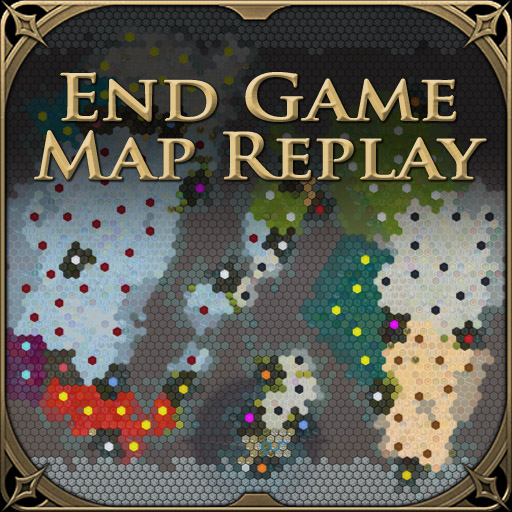
Relive the rise, or maybe the fall, of your civilization and see how the rest of the world evolved over the course of the game. Updated 2021-11-27 New: Bugfixes for Hotseat games End Game Replay A new tab, 'The World', is added to the End Game screen. When selected this displays a map of the of the world, initally showing it as it was at the begining of the game. History can then be replayed showing cities being founded, infrastructure being built, territory gained and lost, and religions spreading over the course of time. There are playback controls at the bottom of the screen to control the replay speed, skip forward and back through time, etc. In-game Map The map history is also available during a game, as well as at the end. It can be accessed from the Map History button on the Launch Bar (top left of the screen), and will show the known world as it exists at the time. All the same playback controls are available as for the End Game screen. The In Game map does not reveal any information that the player didn't already have access to. It will only show territory that you have actually explored, and will not show resources that you have not learned about. There are two modes for this screen, a window view and a fullscreen view. By default, it will open in fullscreen mode and you can switch between this and window mode using the expand\collapse button to the left of the close button. Options There are a number of configurable options for what is shown on the map: Land ownership or religion overlays; cities, infrastructure, resources and features on each tile; which events should generate a 'ping', and whether to play a sound for each ping. These can be accessed by clicking the leftmost button in the playback controls (the one with the gear icon). In the End Game screen you can also choose whether to show unrevealed resources, unrevealed territory, whether to scale the size of map to the amount of visible territory (if not showing unrevealed territory) , and whether
📊 Mod Details
- Game
- Sid Meier S Civilization Vi Mods
- Author
- 76561198013863650
- Version
- N/A
- Downloads
- 58,388
- Endorsements
- 0
- Category
- Mod, UI, Base Game, Rise and Fall, Gathering Storm, Map Utilities
- Created
- 11/16/2021
- Updated
- 11/27/2021
🔧 How to Install Sid Meier’s Civilization® VI Mods
Subscribe on Steam Workshop. Mods auto-download and install. Launch the game to activate.
📖 Full step-by-step install guide for Sid Meier’s Civilization® VI →
Visit the official mod page for specific installation instructions for this mod.
🎮 Need cheat codes or console commands? Check ur gaming wiki for Sid Meier’s Civilization® VI commands, item IDs, and more.
Keep browsing — more Sid Meier’s Civilization® VI mods await