Invisible QTEs
⚪ Last updated 2022Preview
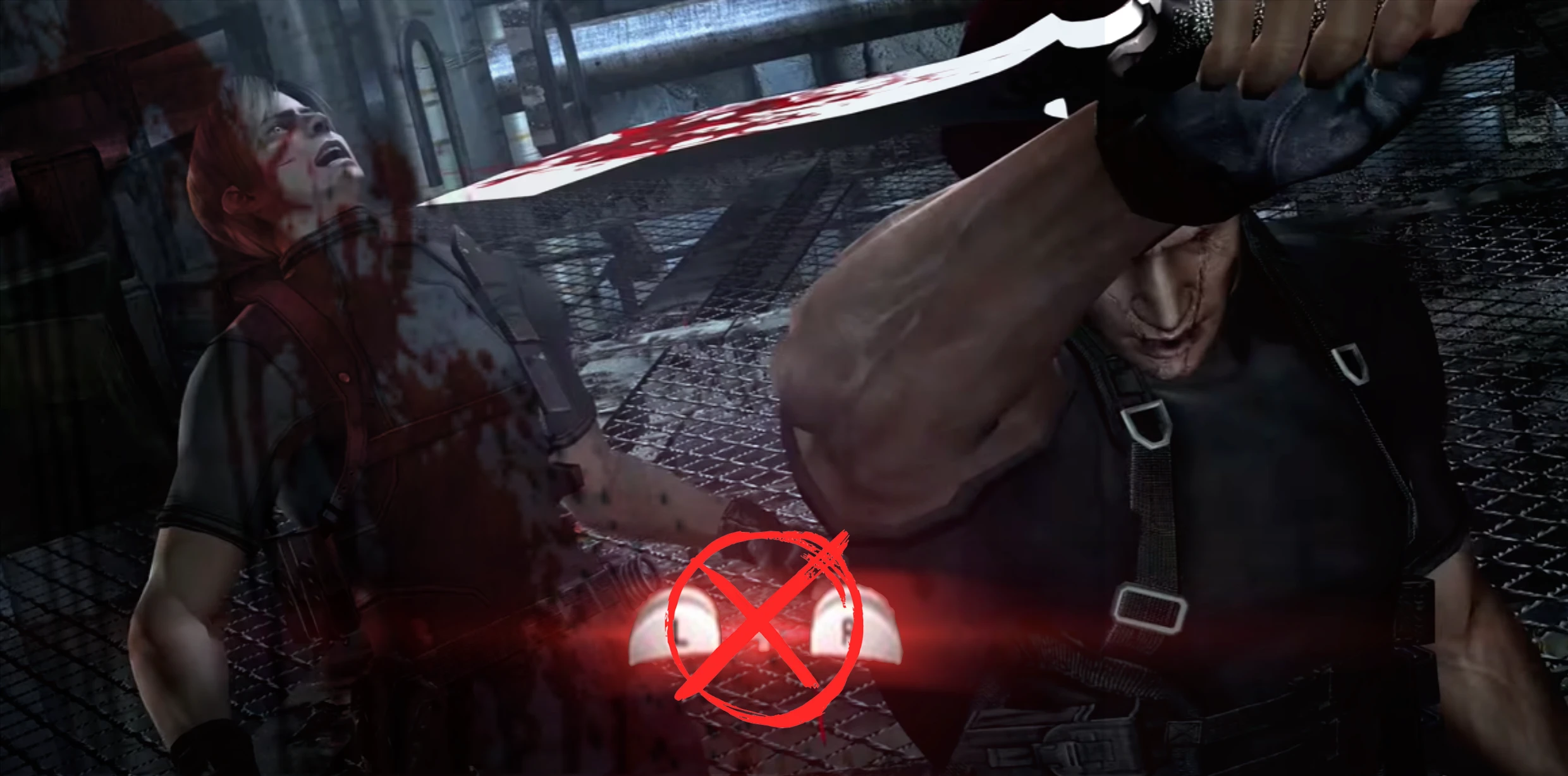
🔍 Analysis
- 👍 5.3% endorsement rate — high engagement, a strong quality signal
- 🏆 #12 of 20 User Interface mods in this game by downloads
📋 About This Mod
This mod aims to create a true 'No HUD' experience by removing the in-game hints for interactive objects and actions. On screen timers have also been removed to add a bit more tension to the Mutated Krauser fight, the U3 chase and the jet ski run at the end
QTE heavy segments like the cage maze and the Verdugo boss can be significantly more challenging now. But they are not at all impossible, with some practice (Even on Professional)
I've completed both the main game and Separate Ways. Aside from forgetting where Ada's hookshot prompts are triggered and fumbling my way through, I managed to get by without any serious issues
On a more positive note, I was able to keep the Mercenaries timers and scores intact, so that mode will still be playable with this mod
Last but not least, I have only tested XBOX and PC controls. I've heard UHD is just a copy pasted Wii port for Steam. I have no idea if this is true or not or whether those inputs will show up on a third party gamepad or any other supported devices
Installation: Go to your ImagepackHD folder and find 0f000001.pack.lfs and 07000000.pack.lfs. Move these two files to a safe location outside of the ImagepackHD folder and then place the two modded files inside ImagepackHD and after that, you're all set!
Invisible QTEs is a simple UI mod that removes quick time event HUD elements from the game. It is for players who find QTE prompts distracting or want a more immersive experience. With 33 endorsements and 619 downloads, it is a niche but functional mod.
✨ Key Features
📊 Pros & Cons
✅ Pros
- Gets rid of those annoying QTE prompts for a cleaner screen.
- Lightweight mod that won't bloat your load order.
- Simple install and forget—no configuration needed.
⚠️ Cons
- No options to toggle or customize which QTEs are hidden.
- May not be updated for newer game versions, so check compatibility.
- Limited appeal—only useful if QTEs bother you.
This is for players who want a more immersive experience without on-screen QTE prompts. It's also for those who find QTEs distracting or repetitive and want to remove them entirely.
💡 Beginner Tips
- Make sure your game version matches the mod's last update (2022) to avoid issues.
- If you're unsure about removing QTEs, try it on a test save first.
- Combine with other UI mods for a fully customized HUD.
📊 Mod Details
- Game
- Resident Evil 4 Mods
- Author
- Lumbago99
- Version
- 1.0
- Downloads
- 619
- Endorsements
- 33
- Category
- User Interface
- Created
- 3/23/2022
- Updated
- 3/23/2022
🔧 How to Install RE4 Mods
Use Fluffy Mod Manager. Drop mods into /Mods/ folder.
📖 Full step-by-step install guide for RE4 →
Visit the official mod page for specific installation instructions for this mod.
🎮 Need cheat codes or console commands? Check ur gaming wiki for RE4 commands, item IDs, and more.
Keep browsing — more RE4 mods await