Stutter fix
🟡 Updated this year⚠️ Install Order · 4 steps
Install in this order, then this mod last — most mods fail to load without their framework and dependencies in place.
Preview
🔍 Analysis
- 👍 1.3% endorsement rate — high engagement, a strong quality signal
- 🏆 #9 of 110 Miscellaneous mods in this game by downloads
📋 About This Mod
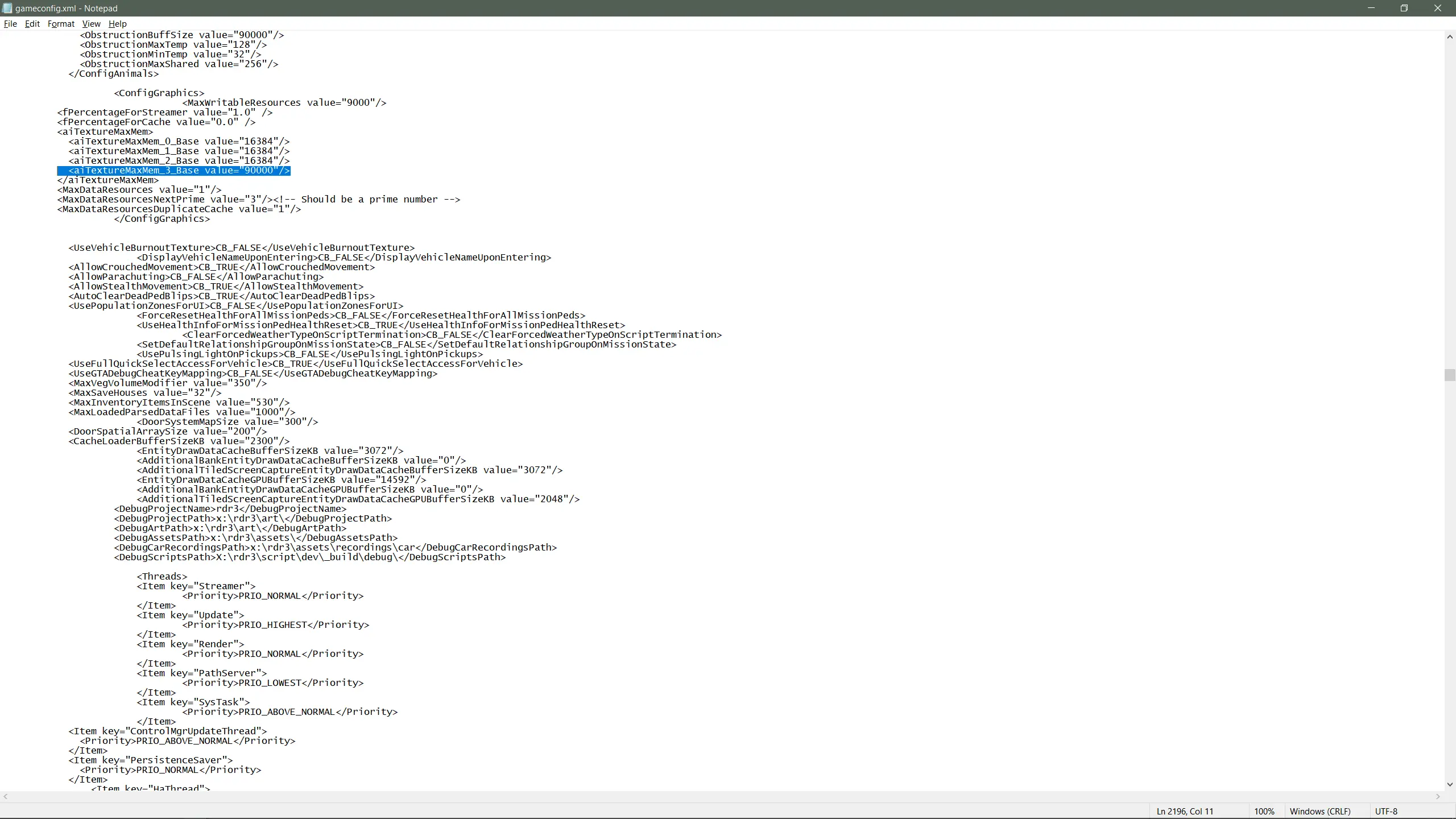
Increases memory pools related to texture streaming to combat stuttering.
tries to remedy the stuttering that has plagued the game since the naturalist update through the gameconfig.
Over the years Rockstar completely destroyed this game and never bothered to fix any of it.
I hope this gameconfig helps with one of the multiple game breaking issues Rockstar caused post launch.
download 3750 first, its the smallest poolsize and should reserve the least amount of vram, if you still encounter stutters try 4500 then 6000 etc
stay below the amount of vram for your card if you wish to avoid error FFFFFFF or other issues
Installation:
requires Lenny''s Mod Loader, ASI loader and Scripthook.
extract the .zip with a program of your choice and drop the folder named stutter fix in your LML folder
This mod increases memory pools for texture streaming in GTA V to combat stuttering, particularly since the Naturalist update. It offers multiple pool sizes (3750, 4500, 6000) to match your VRAM. Requires Lenny's Mod Loader, ASI loader, and ScriptHook. Popular with over 1,500 endorsements.
✨ Key Features
📊 Pros & Cons
✅ Pros
- Community-approved with 1,523 endorsements and over 115k downloads.
- Offers adjustable pool sizes so you can tune it to your VRAM.
- Directly addresses a known issue Rockstar never fixed.
⚠️ Cons
- Requires multiple dependencies (LML, ASI loader, ScriptHook) which adds setup complexity.
- Risk of error FFFFFFF if you exceed your VRAM limit.
- Compatibility risk with other mods that modify gameconfig or memory settings.
For GTA V players who experience stuttering after the Naturalist update and want a config-based fix. If you're comfortable with mod loaders and tweaking memory settings, this is for you. Skip if you don't have the required mod loader setup or prefer a simpler solution.
💡 Beginner Tips
- Start with the 3750 pool size to minimize VRAM usage, then increase if stutters persist.
- Make sure your VRAM is sufficient for the pool size you choose to avoid error FFFFFFF.
- Install the mod via Lenny's Mod Loader by dropping the folder into the LML directory; ensure your ASI loader and ScriptHook are up to date.
📊 Mod Details
- Game
- RDR2 Mods
- Author
- OmdeHoek
- Version
- 1
- Downloads
- 115,376
- Endorsements
- 1,523
- Category
- Miscellaneous
- Created
- 5/27/2022
- Updated
- 7/2/2026
🔧 How to Install RDR2 Mods
Install Script Hook RDR2 first. Most mods go in game directory.
📖 Full step-by-step install guide for RDR2 →
Visit the official mod page for specific installation instructions for this mod.
🎮 Need cheat codes or console commands? Check ur gaming wiki for RDR2 commands, item IDs, and more.
Keep browsing — more RDR2 mods await