Red Dead Redemption 2 - String Translator
⚪ Last updated 2020⚠️ Install Order · 2 steps
Install in this order, then this mod last — most mods fail to load without their framework and dependencies in place.
Preview
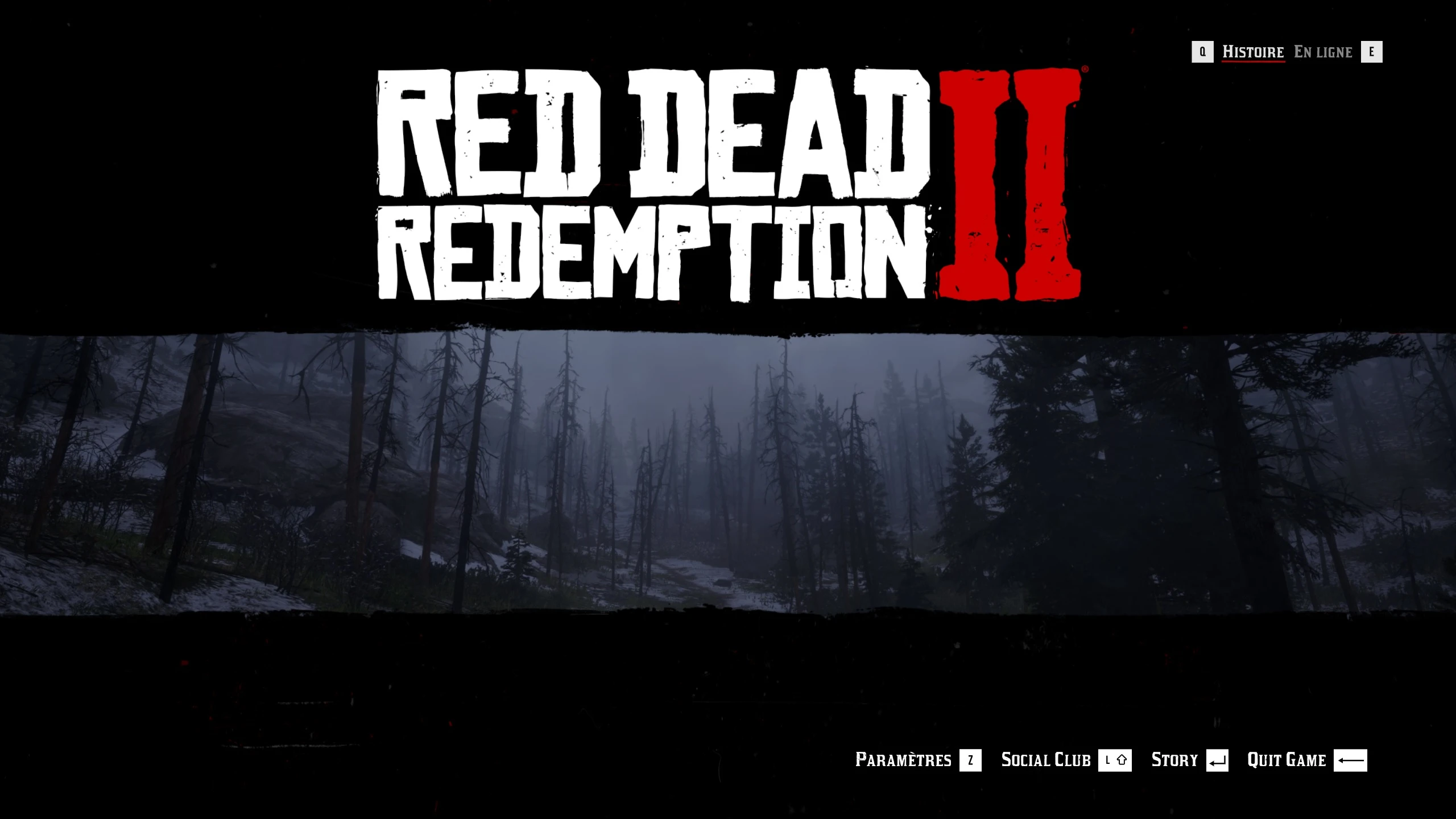
🔍 Analysis
- 👍 3.0% endorsement rate — high engagement, a strong quality signal
- 🏆 #43 of 110 Miscellaneous mods in this game by downloads
📋 About This Mod
Description:
This mod allows you to replace/translate any string in the single player game.
Installation:
- Install Alexander Blade's ASI loader ----> DownloadLink ----> http://www.dev-c.com/files/ScriptHookRDR2_1. 0. 1311. 12.zip
- Extract "rdr2-translator.asi" and "rdr2-translator.xml" to your Red Dead Redemption 2 game folder.
- Add your new strings to "rdr2-translator.xml"
How to add new strings:
- Open rdr2-translator.xml with text editor.
- Add new strings using "id" or "label" depending on which one you find in OpenIV by opening yldb files:
- To use with label: <String label="LANDING_ONLINE">En ligne</String>
- To use with id: <String id="0x2D3DC509">En ligne</String>
- You can find "id"s and "label"s of all Strings in the game using OpenIV by opening yldb files.
- This rdr2-translator.xml contains all strings in update.rpf.
This mod lets you replace or translate any string in Red Dead Redemption 2's single-player mode by editing an XML file. It requires Alexander Blade's ASI loader and OpenIV to find string IDs or labels. With 784 endorsements and 26,237 downloads, it's a popular tool for localization and text customization.
✨ Key Features
📊 Pros & Cons
✅ Pros
- Community-approved with 784 endorsements and over 26K downloads
- Lets you fully localize the game or tweak text to your liking
- Works with both IDs and labels, giving you flexibility
⚠️ Cons
- Requires ScriptHookRDR2, which may break with game updates
- Needs OpenIV to find string IDs, adding extra setup steps
- Last updated in 2020, so compatibility with newer game versions is uncertain
For RDR2 players who want to translate the game into another language or customize UI text. Also great for modders creating language packs. Skip if you're looking for gameplay or visual changes—this is purely text-based.
💡 Beginner Tips
- Use OpenIV to open .yldb files and search for the exact string you want to change—copy the ID or label carefully.
- Back up your original rdr2-translator.xml before editing, so you can revert if something goes wrong.
- Test your changes in-game after each edit to ensure the string is replaced correctly.
📊 Mod Details
- Game
- RDR2 Mods
- Author
- charlesherman1337
- Version
- 1.0
- Downloads
- 26,237
- Endorsements
- 784
- Category
- Miscellaneous
- Created
- 12/7/2020
- Updated
- 12/7/2020
🔧 How to Install RDR2 Mods
Install Script Hook RDR2 first. Most mods go in game directory.
📖 Full step-by-step install guide for RDR2 →
Visit the official mod page for specific installation instructions for this mod.
🎮 Need cheat codes or console commands? Check ur gaming wiki for RDR2 commands, item IDs, and more.
Keep browsing — more RDR2 mods await