Config for 2gb and low-end graphics cards and removing the depth of field
⚪ Last updated 2020⚠️ Install Order · 1 step
Install in this order, then this mod last — most mods fail to load without their framework and dependencies in place.
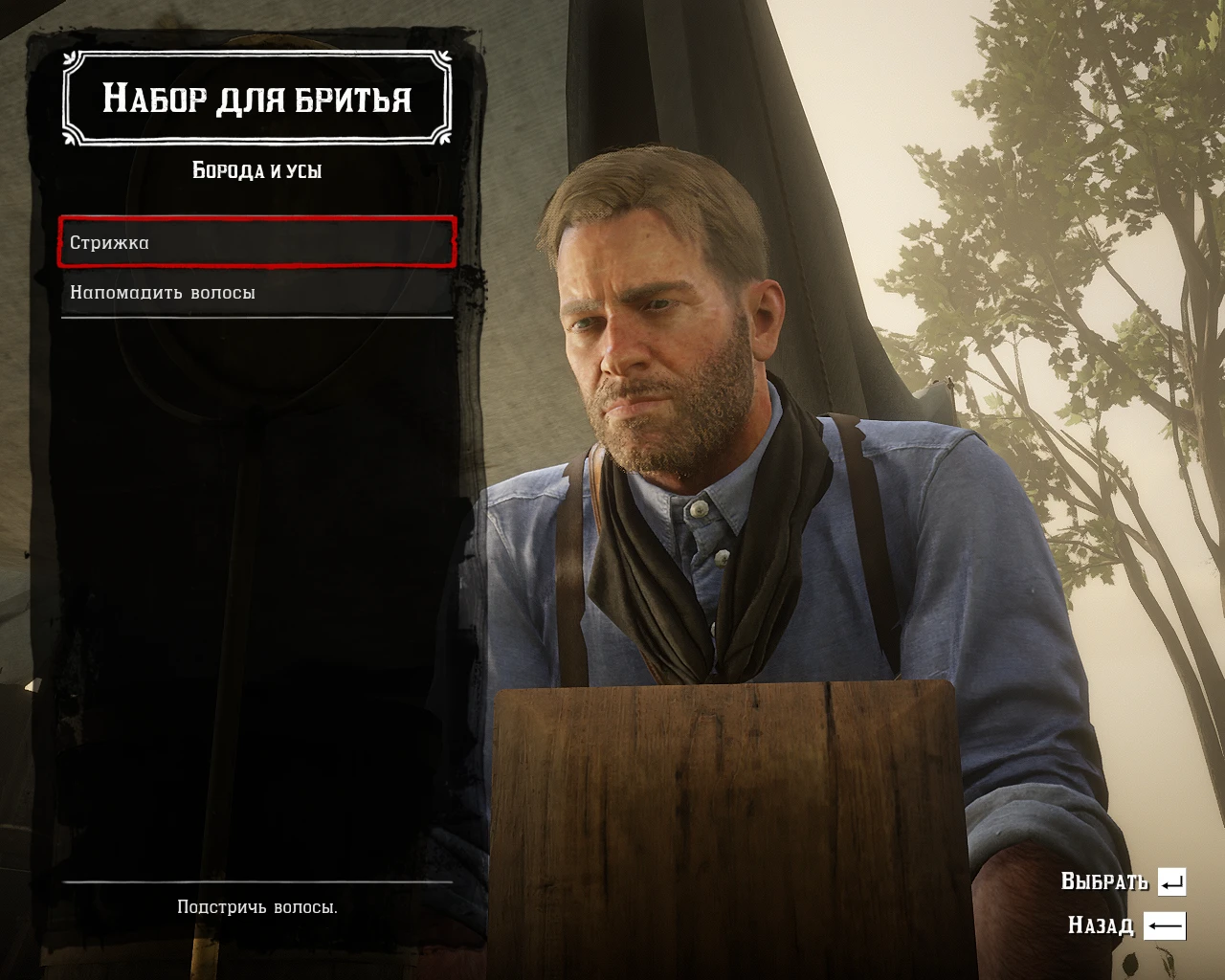
Preview
🔍 Analysis
- 👍 3.2% endorsement rate — high engagement, a strong quality signal
- 🏆 #70 of 113 Miscellaneous mods in this game by downloads
📋 About This Mod
After a long time of digging into the settings and hidden files of the game, I was finally able to pick up the settings for low-medium PCs
For my good old GTX 680 works great, with 45-55 fps, in more dynamic places about 35-40 fps. For more powerful cards, the result may be better.
I added a couple of settings to the file that give a slight performance boost, and of course removed the depth of field from TAA anti-aliasing, finally saving you from constant focus and blurring.
Those who don't need the config can just add <dof value= "false" />
after <ssaoFullScreenEnabled value= "false" / >
Installation:
1. Unpack the system. cfg file in Documents/Rockstar Games/Red Dead Redemption 2/Settings
2. Open the file with notepad and change the name of the video card to your own at the bottom, save and exit.
Let me know if that helps you!
A performance config for low-end GPUs (2GB VRAM) that disables depth of field to improve FPS and visual clarity. With 410 endorsements and 12,645 downloads, it's a proven tweak for players struggling with performance, last updated in November 2020.
✨ Key Features
📊 Pros & Cons
✅ Pros
- Community-tested with 410 endorsements and over 12k downloads
- Directly targets the annoying depth of field effect that can blur the screen
- Simple config tweak that can make a big difference on older hardware
⚠️ Cons
- Last updated in 2020, so it may not be compatible with the latest game patches
- Config files can conflict with other mods that alter graphics settings
- Performance gains vary depending on your specific hardware and game version
For players with 2GB or low-end graphics cards who want smoother FPS without sacrificing too much visual quality. Also for anyone who hates depth of field and wants it gone. Skip if you have a high-end rig or prefer keeping default graphics settings.
💡 Beginner Tips
- Back up your original config files before replacing them, so you can revert if needed.
- If you use other graphics mods, install this config after them to avoid overwriting changes.
- Test different settings in-game to find the best balance between FPS and visuals for your system.
📊 Mod Details
- Game
- RDR2 Mods
- Author
- Thixones
- Version
- 1.0
- Downloads
- 12,645
- Endorsements
- 410
- Category
- Miscellaneous
- Created
- 11/19/2020
- Updated
- 11/19/2020
🔧 How to Install RDR2 Mods
Install Script Hook RDR2 first. Most mods go in game directory.
📖 Full step-by-step install guide for RDR2 →
Visit the official mod page for specific installation instructions for this mod.
🎮 Need cheat codes or console commands? Check ur gaming wiki for RDR2 commands, item IDs, and more.
Keep browsing — more RDR2 mods await