Outdoor Loot Filter
🟡 Updated this year⚠️ Install Order · 1 step
Install in this order, then this mod last — most mods fail to load without their framework and dependencies in place.
Preview
🔍 Analysis
- ✅ Updated 264 days after the latest game patch — actively maintained
- 🏆 #22 of 25 UE4SS, Utilities, Gameplay, User Interface mods in this game by downloads
📋 About This Mod
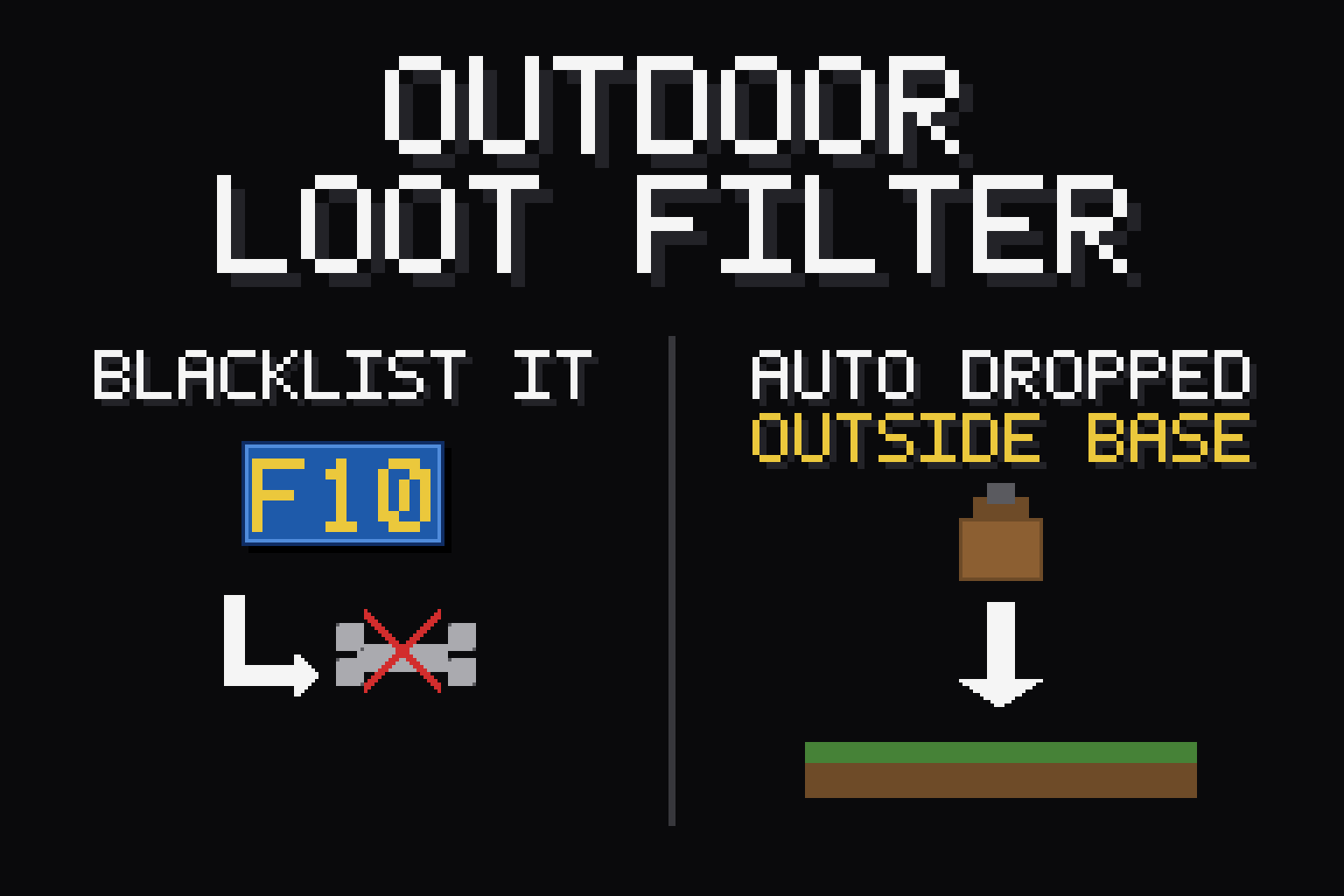
Outdoor Loot Filter Stop hoarding junk. Blacklist the items you never want, and the moment you pick one up out in the world, it's dropped right back on the ground — automatically. Your bag stays clean while you explore, farm, and fight, and your base storage is left completely alone. Client-side mod. You install it; the server does not need it. Works in single-player and when playing on a dedicated server. How it works Drop it, ban it — with your bag open, drop an item on the ground (or toss it in the trash) and it's blacklisted on the spot. From then on it never rides home with you again. Or use the hotkey — pick up an item, then press F10 to blacklist it. It drops immediately. Changed your mind? Press F10 again while that item is your most recent pickup to whitelist it — or manage the whole list in the in-game menu (below). Master switch — press Numpad − to toggle the whole filter on/off. Start over — press Shift+F10 to clear the entire blacklist at once. Both hotkeys are rebindable in the menu, and both accept a modifier — pick any key plus optional Ctrl / Alt / Shift. In-game menu Open ESC menu > Mod Options (via DarnMenu) to see everything currently blacklisted and remove entries with a click, re-bind the hotkey by pressing the key you want, and toggle drop-to-blacklist. Every confirmation pops as a little animated toast from DarnToasts (style, position, or mute them in the same menu). Features Outside only — the filter is completely disabled while you're inside a base camp, so it never touches your farms, chests, or crafting hauls. Non-destructive — blacklisted items are dropped, never deleted. Grab them back any time (and dropped items won't re-trigger the filter). Survives everything — your blacklist and settings live in the shared mods folder, so they persist across sessions and mod updates. The fine print Pickups are detected by polling your bag twice a second, so a blacklisted item sits in your inventory for up to ~half a second before it drops. Scoop up
📊 Mod Details
- Game
- Palworld Mods
- Author
- 76561198023410597
- Version
- N/A
- Downloads
- 263
- Endorsements
- 0
- Category
- UE4SS, Utilities, Gameplay, User Interface
- Created
- 7/22/2026
- Updated
- 8/14/2026
🔧 How to Install Palworld Mods
Subscribe on Steam Workshop. Mods auto-download and install. Launch the game to activate.
📖 Full step-by-step install guide for Palworld →
Visit the official mod page for specific installation instructions for this mod.
🎮 Need cheat codes or console commands? Check ur gaming wiki for Palworld commands, item IDs, and more.
Keep browsing — more Palworld mods await