Medicine Hotkeys
🟡 Updated this year⚠️ Install Order · 1 step
Install in this order, then this mod last — most mods fail to load without their framework and dependencies in place.
Preview
🔍 Analysis
- 👍 0.0% endorsement rate
- ✅ Updated 264 days after the latest game patch — actively maintained
- 🏆 #13 of 25 UE4SS, Utilities, Gameplay, User Interface mods in this game by downloads
📋 About This Mod
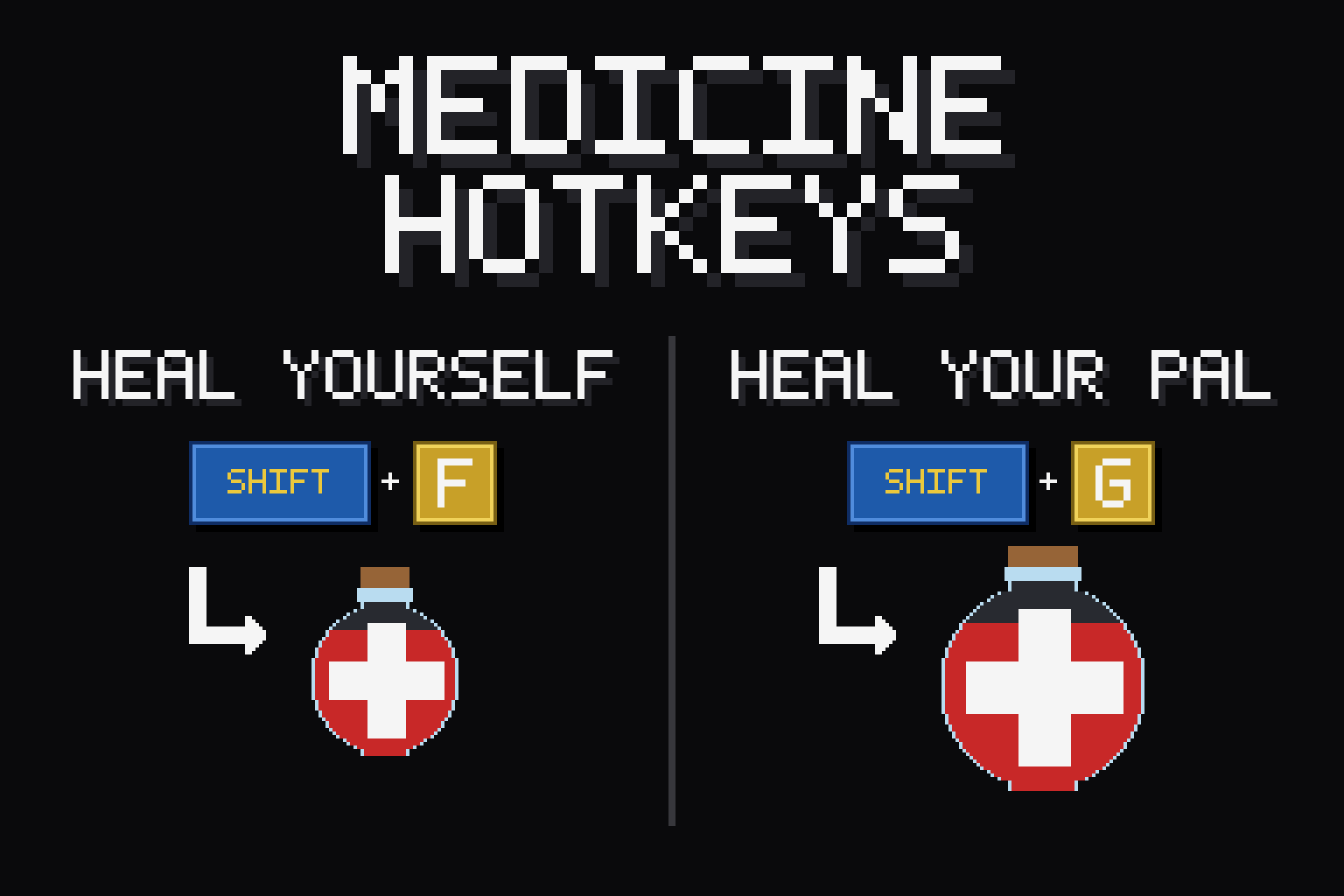
Medicine Hotkeys Heal yourself or your active Pal instantly — without ever opening your inventory. One keypress grabs the right Recovery Meds from your bag and uses them on the spot, so you can keep fighting, building, or running. Client-side mod. You install it; the server does not need it. Works in single-player and when playing on a dedicated server. Hotkeys Shift + G — Heal yourself with your strongest meds Shift + F — Heal yourself with your cheapest meds Ctrl + G — Heal your active Pal with your strongest meds Ctrl + F — Heal your active Pal with your cheapest meds "Strongest" spends your best meds for a big top-up; "cheapest" burns through low-tier meds first to save the good stuff for emergencies. Don't like the defaults? Re-bind every key in-game — see below. Features Smart tier selection — automatically finds the right med in your inventory (Low → Advanced). No fumbling through menus. No waste — does nothing if you're already at full HP, so you never burn a med for nothing. On-screen confirmation — every heal is confirmed by a little animated toast from DarnToasts. One shared config styles, positions, or mutes the toasts for every mod that uses it. Re-bind in-game — open ESC menu > Mod Options (via DarnMenu), click a hotkey, press the key you want. Modifiers too (Shift/Ctrl/Alt/none). No file editing. Survives respawns and updates — keeps working after death, fast travel, and relogging; your settings live in the shared mods folder, so mod updates never reset them. Compatibility Works in single-player and on dedicated servers (runs entirely client-side — no server install needed). Requires UE4SS, DarnToasts, and DarnMenu — all installed automatically as dependencies when you subscribe. How to use Subscribe, launch the game, and the hotkeys are live. Carry some Recovery Meds and press a key — that's it. No setup required. If something breaks Crashes are rare but real, and so is "it just stopped working". A good report usually gets it fixed fast -- past bugs
📊 Mod Details
- Game
- Palworld Mods
- Author
- 76561198023410597
- Version
- N/A
- Downloads
- 514
- Endorsements
- 0
- Category
- UE4SS, Utilities, Gameplay, User Interface
- Created
- 7/22/2026
- Updated
- 8/13/2026
🔧 How to Install Palworld Mods
Subscribe on Steam Workshop. Mods auto-download and install. Launch the game to activate.
📖 Full step-by-step install guide for Palworld →
Visit the official mod page for specific installation instructions for this mod.
🎮 Need cheat codes or console commands? Check ur gaming wiki for Palworld commands, item IDs, and more.
Keep browsing — more Palworld mods await