A Touch Of Oblivion -ReShade Preset
⚪ Last updated 2019⚠️ Install Order · 2 steps
Install in this order, then this mod last — most mods fail to load without their framework and dependencies in place.
Preview
🔍 Analysis
- 👍 3.6% endorsement rate — high engagement, a strong quality signal
- 🏆 #18 of 26 Visuals and Graphics mods in this game by downloads
📋 About This Mod
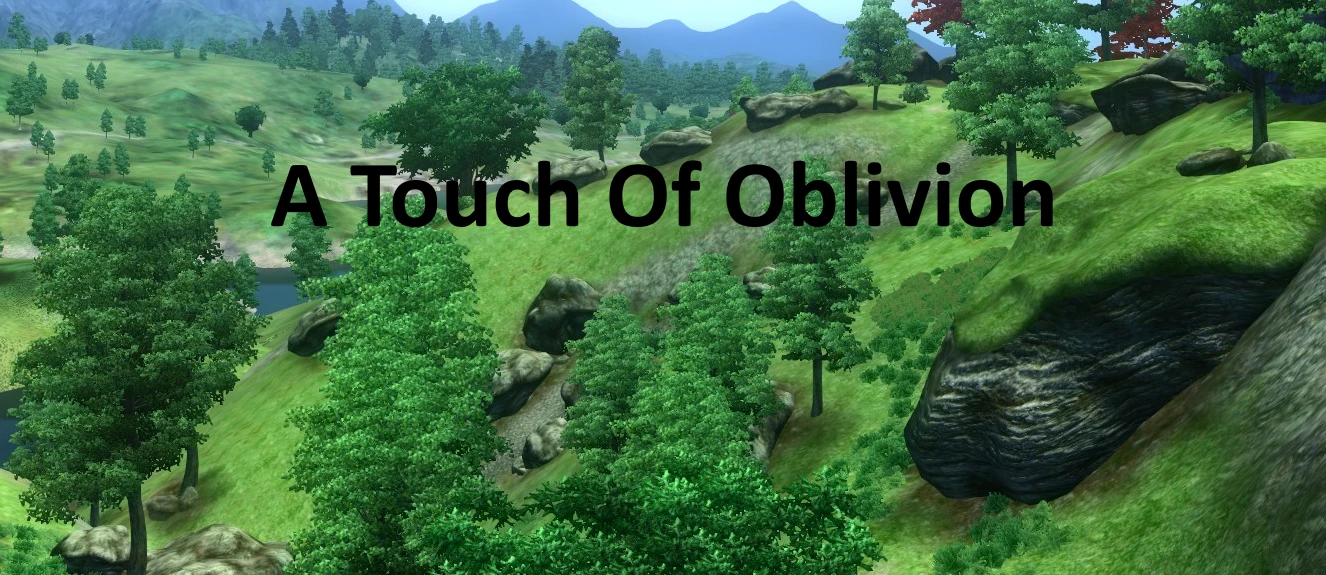
This is a simple ReShade preset I made to help give a little more color and depth to oblivion.
Installation
1. Download Reshade https://reshade.me/
2. Run the Reshade Program
3. Click "Select game to install or uninstall from"
4. Navigate to your oblivion folder and click on oblivion.exe
5. Check mark Direct3D 9
6. When Prompted "Do you wish to download a collection of standard effects" Click yes
7. It will show a list of effects just click OK
8. Reshade is now installed so you can close out of that.
9. Now download Touch Of Oblivion and open the zip file
10. Drag The Touch Of Oblivion.ini file to your oblivion directory. (Where oblivion.exe and oblivionlauncher.exe are)
11. Launch oblivion
12. Once at the main menu click the Home key on your keybaord.
13. Near the top you should see a drop down box that show the path to your oblivion folder and default.ini. Click that and it should open the drop down box select the one with Touch Of Oblivion.ini
14. You should be done.
If you have any issues getting this to work you can find plenty of tutorials online for how to install reshade and presets. Just make sure you select Direct3D 9 or it won't work for oblivion
Hope You guys enjoy.
📊 Mod Details
- Game
- Oblivion Mods
- Author
- nniicckk24 andDormdude
- Version
- 1.0
- Downloads
- 1,961
- Endorsements
- 70
- Category
- Visuals and Graphics
- Created
- 2/17/2019
- Updated
- 2/17/2019
🔧 How to Install Oblivion Mods
Download from Nexus.
📖 Full step-by-step install guide for Oblivion →
Visit the official mod page for specific installation instructions for this mod.
🎮 Need cheat codes or console commands? Check ur gaming wiki for Oblivion commands, item IDs, and more.
Keep browsing — more Oblivion mods await