Oblivion Splash Screen Overhaul (1440p splash screens)
⚪ Last updated 2016⚠️ Install Order · 2 steps
Install in this order, then this mod last — most mods fail to load without their framework and dependencies in place.
Preview
🔍 Analysis
- 👍 5.2% endorsement rate — high engagement, a strong quality signal
- 🏆 #5 of 26 Visuals and Graphics mods in this game by downloads
📋 About This Mod
This mod aims to replace the splash screens in Oblivion which in my opinion is kind of nostalgic, although the 720p resolution in them is an eyesore So instead of removing them, I spent some time remaking them to the best of my skills and available time
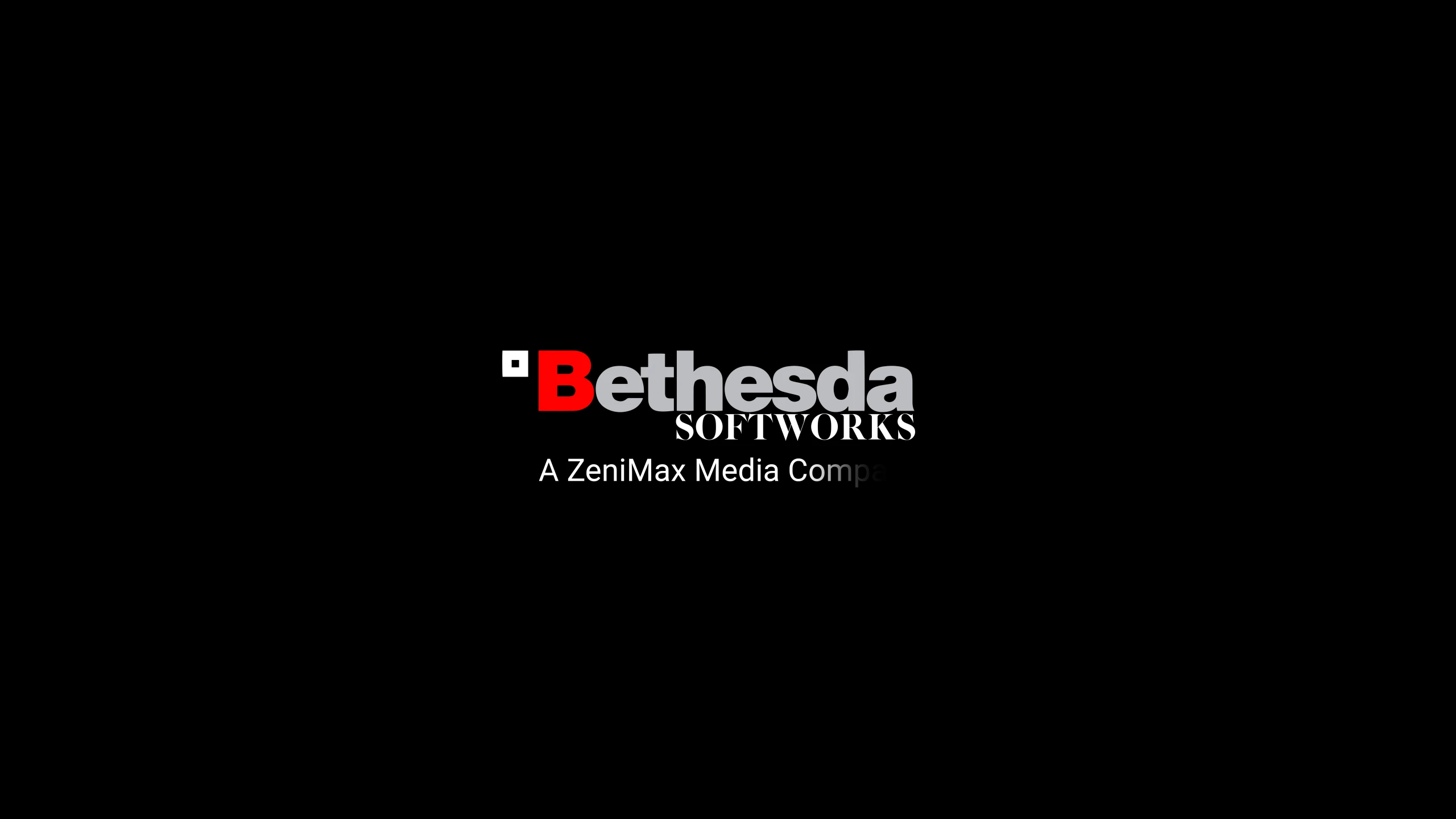
This mod features FOUR new 2K resolution 2560x1440 pixels splash screens true to the originals, produced in 60fps. The splash screens i remade is the "Bethesda Softworks", "2K GAMES", "Bethesda Game Studios" and the "Legal information" splash screens
INSTALLATION:
THIS MOD IS NMM COMPATIBLE, PLEASE USE THE NMM LINK FOR EASY INSTALLATION MANUAL INSTALLATION The manual installation is very simple, just follow the simple steps below
- []Download the latest version of the mod []Unzip the .zip file with 7zip, winrar or a similar zip-program []extract the folder "Video" to your desktop or just drag the folder to your Oblivion Data folder []Locate the Oblivion "Data" folder inside your Oblivion game install folder. (Mine is located in D:\SteamLibrary\steamapps\common\Oblivion\Data) []Drag or Copy the "Video" folder you extracted from the .zip archive to your data folder []You have now installed the mod, start up your game to confirm.
THIS MOD IS NMM COMPATIBLE, PLEASE USE NEXUS MOD MANAGER, MOD ORGANIZER OR OBMM FOR EASY UNINSTALLING
MANUAL UNINSTALL If you for some reason should ever want to uninstall the mod, follow these steps
- []Download the Video Folder Backup []Extract the folder called "Video" to your desktop or just drag the folder to your Oblivion Data folder []Locate the Oblivion "Data" folder inside your Oblivion game install folder. []Drag or Copy the "Video" folder you extracted from the .zip archive to your data folder
- You have now uninstalled the mod, start up your game to confirm.
Replaces Oblivion's default splash screens with detailed 2K reworked versions. A straightforward visual upgrade for players who want a more polished start screen. With 115 endorsements and 2,208 downloads, it's a modest but appreciated cosmetic mod, last updated in 2016.
✨ Key Features
📊 Pros & Cons
✅ Pros
- Community-approved with 115 endorsements and over 2,200 downloads.
- Gives the start screen a fresh, high-res look without touching gameplay.
- Lightweight and easy to install—just drop files in place.
⚠️ Cons
- Last updated in 2016—may not be compatible with newer Oblivion patches or mod setups.
- Only affects splash screens; if you want more visual overhauls, this is a tiny piece.
For Oblivion players who want a quick, cosmetic refresh of the loading screens without diving into complex mods. Perfect for those who appreciate high-res textures and don't mind a bit of manual installation. Skip if you're looking for gameplay changes or if you're on an older, low-res monitor.
💡 Beginner Tips
- Back up your original splash screens before replacing them—just in case you want to revert.
- If you're using a mod manager like OBMM or Wrye Bash, you can install this as a package for easier management.
- Check the file structure—make sure the new splash screens go into the correct Data folder (usually Oblivion\Data\Textures\Menus\).
📊 Mod Details
- Game
- Oblivion Mods
- Author
- Cicignon
- Version
- 1.0
- Downloads
- 2,208
- Endorsements
- 115
- Category
- Visuals and Graphics
- Created
- 7/1/2016
- Updated
- 7/3/2016
🔧 How to Install Oblivion Mods
Download from Nexus.
📖 Full step-by-step install guide for Oblivion →
Visit the official mod page for specific installation instructions for this mod.
🎮 Need cheat codes or console commands? Check ur gaming wiki for Oblivion commands, item IDs, and more.
Keep browsing — more Oblivion mods await