External Emittance Fix - NVSE
🟡 Updated this year⚠️ Install Order · 6 steps
Install in this order, then this mod last — most mods fail to load without their framework and dependencies in place.
Preview
🔍 Analysis
- 👍 0.5% endorsement rate
- 🏆 #12 of 110 Bug Fixes mods in this game by downloads
📋 About This Mod
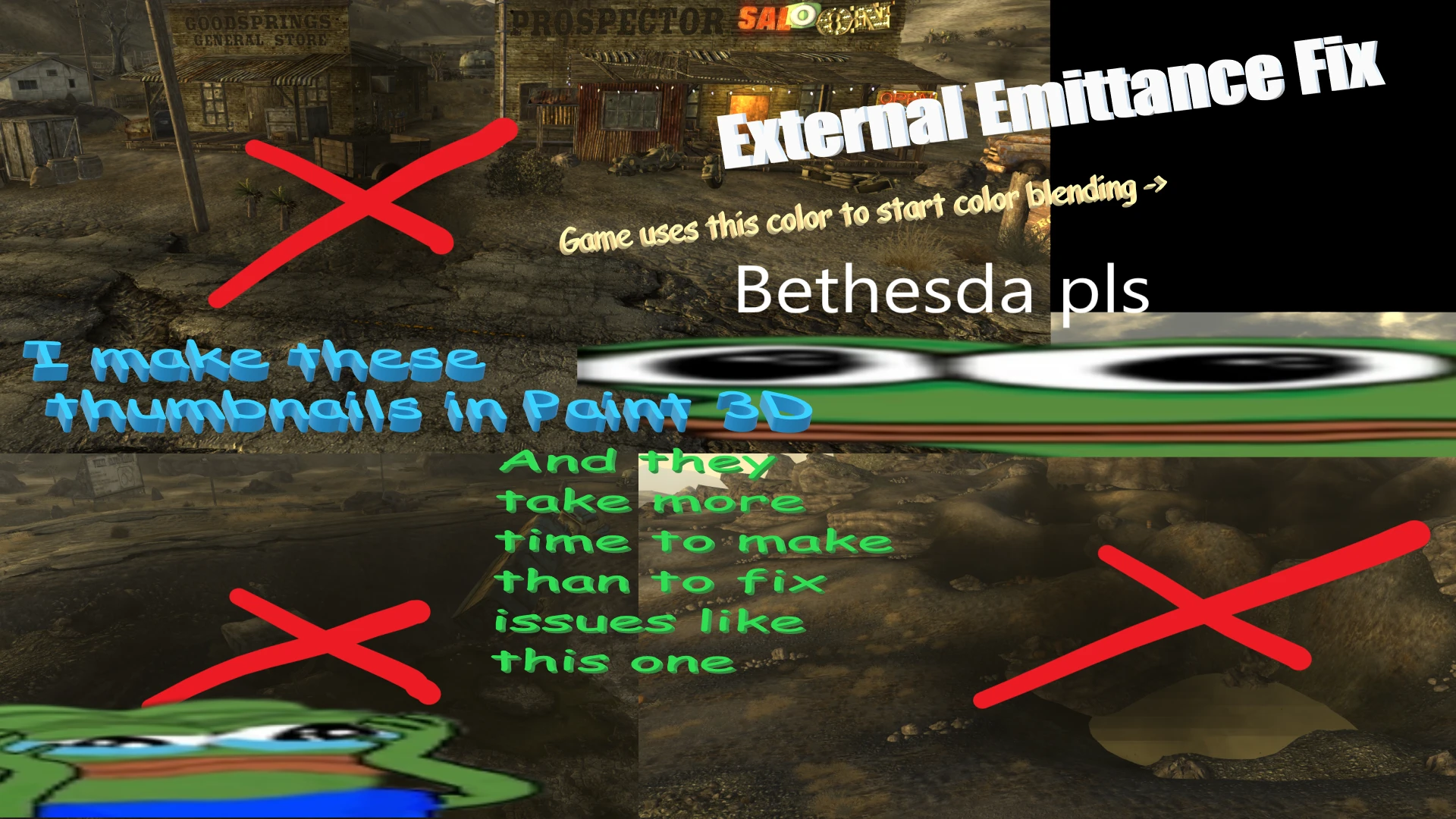
Game forcibly resets external emittance weather colors whenever you enter/ look at different region. This happens even if "new" colors are the same as before - game doesn't store previous weather, which means that new weather starts its color blend from black.
Mod fixes that.
ovqMw6POkAw
bUgyrzALFOE
Feature Creep
Mod also adds 1 (one) feature as of version 1. 3.
By setting "Unk8" flag on BSShaderNoLightingProperty, "Environment Map Scale" value now assigns current sky color to the mesh, allowing it to get "lighting" that would not look out of place. This is somewhat easier than using vanilla external emittance system, as it doesn't need form edits, and syncs to the current weather!
Colors IDs are same as for GetWeatherRGBColor command. Negative values additionally allow using NiMaterialProperty's emissive multiplier.
To make meshes (like dust storms) not glow, use the ambient color (3).
Source Code:
Check out my other stuff:
Fallout New Vegas Performance Guide
MoonlightNVSE
Simple Exterior Fog Remover
High Resolution Bloom
Pip-Boy Shading Fix
High Resolution Water Fog
Aqua Performa - Strip Performance Fix
Pip-Boy Light Flicker Fix
Alpha Rendering Tweaks
External Emittance Fix - NVSE is a small bug fix mod for Fallout: New Vegas that corrects incorrect external emittance handling, which causes particles to appear black. With 7,819 endorsements and 1.5 million downloads, it's a highly popular and essential fix for players experiencing this visual issue.
✨ Key Features
📊 Pros & Cons
✅ Pros
- Huge community trust with 7,819 endorsements and 1.5 million downloads.
- Solves a specific visual bug that can ruin immersion.
- Lightweight and easy to install—just drop it in your NVSE plugins folder.
⚠️ Cons
- Requires NVSE, so you need to install that first if you haven't already.
- Only fixes one specific issue—if you're looking for broader visual overhauls, this isn't it.
- No detailed documentation or troubleshooting provided by the author.
For Fallout: New Vegas players who've noticed black particles on external emitters (like fire or glow effects) and want a quick fix. Skip if you don't have that issue or if you're looking for a comprehensive visual enhancement mod.
💡 Beginner Tips
- Make sure you have NVSE installed and running before adding this mod—launch the game through NVSE's loader.
- Place the DLL file in your Data\NVSE\Plugins folder; no need for a mod manager, but you can use one if you prefer.
- If particles still appear black after installing, double-check that NVSE is properly installed and that the mod is in the correct folder.
📊 Mod Details
- Game
- New Vegas Mods
- Author
- Wall_SoGB
- Version
- 1.31
- Downloads
- 1,489,655
- Endorsements
- 7,819
- Category
- Bug Fixes
- Created
- 3/16/2023
- Updated
- 3/3/2026
🔧 How to Install New Vegas Mods
Download from Nexus.
📖 Full step-by-step install guide for New Vegas →
Visit the official mod page for specific installation instructions for this mod.
🎮 Need cheat codes or console commands? Check ur gaming wiki for New Vegas commands, item IDs, and more.
Keep browsing — more New Vegas mods await