Vanilla Dagoth Ur Voice for Darknut's Greater Dwemer Ruins
🟠 Updated over a year ago⚠️ Install Order · 2 steps
Install in this order, then this mod last — most mods fail to load without their framework and dependencies in place.
Preview
🔍 Analysis
- 🏆 #24 of 89 Audio mods in this game by downloads
📋 About This Mod
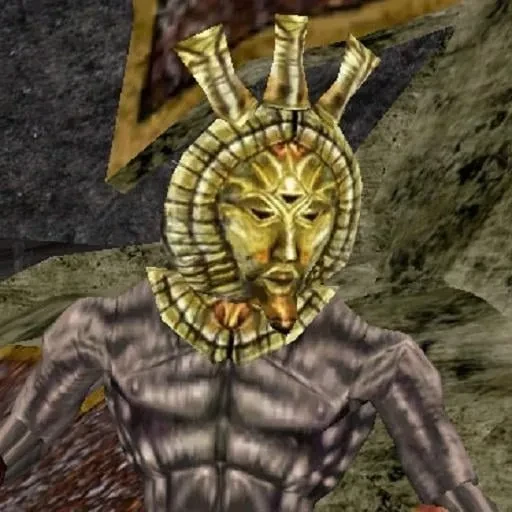
Reverts the changes DNGDR make's to Dagoth's voicelines back to his vanilla ones.
If you're familiar with Darknut's Greater Dwemer Ruins, it adds new voicelines to replace Dagoth Ur's original voice with a different one. Personally, I wasn't a fan, so I made this for myself and decided to share it. This mod reverts the modded voice from DNGDR back to his original one. All I did was take the original voice files from the Morrowind folder and renamed them accordingly for DNGDR to recognize and use them. Otherwise, simply deleting the modded voice just leaves him mute.
Installation
- First install Darknut's mod if you haven't already. Here you go, assuming you already know how to install it.
- Go into the folder of his mod, locate "DN-GDRv1. 2/Sound/Vo/D-Ur", and delete all the content in there. This ensures that you won't also hear the added dialogue lines of the modded voice.
- Install my mod separately. Ensure that it is loaded after DNGDR.
📊 Mod Details
- Game
- Morrowind Mods
- Author
- Sweezly
- Version
- 1.1
- Downloads
- 114
- Endorsements
- 3
- Category
- Audio
- Created
- 3/24/2024
- Updated
- 5/20/2025
🔧 How to Install Morrowind Mods
Download from Nexus.
📖 Full step-by-step install guide for Morrowind →
Visit the official mod page for specific installation instructions for this mod.
🎮 Need cheat codes or console commands? Check ur gaming wiki for Morrowind commands, item IDs, and more.
Keep browsing — more Morrowind mods await