Reduce or Remove Bloom
⚪ Last updated 2020⚠️ Install Order · 1 step
Install in this order, then this mod last — most mods fail to load without their framework and dependencies in place.
🖼️ Gallery (10 images)




🔍 Analysis
- 👍 2.9% endorsement rate — high engagement, a strong quality signal
- 🏆 #10 of 69 Visuals and Graphics mods in this game by downloads
📋 About This Mod


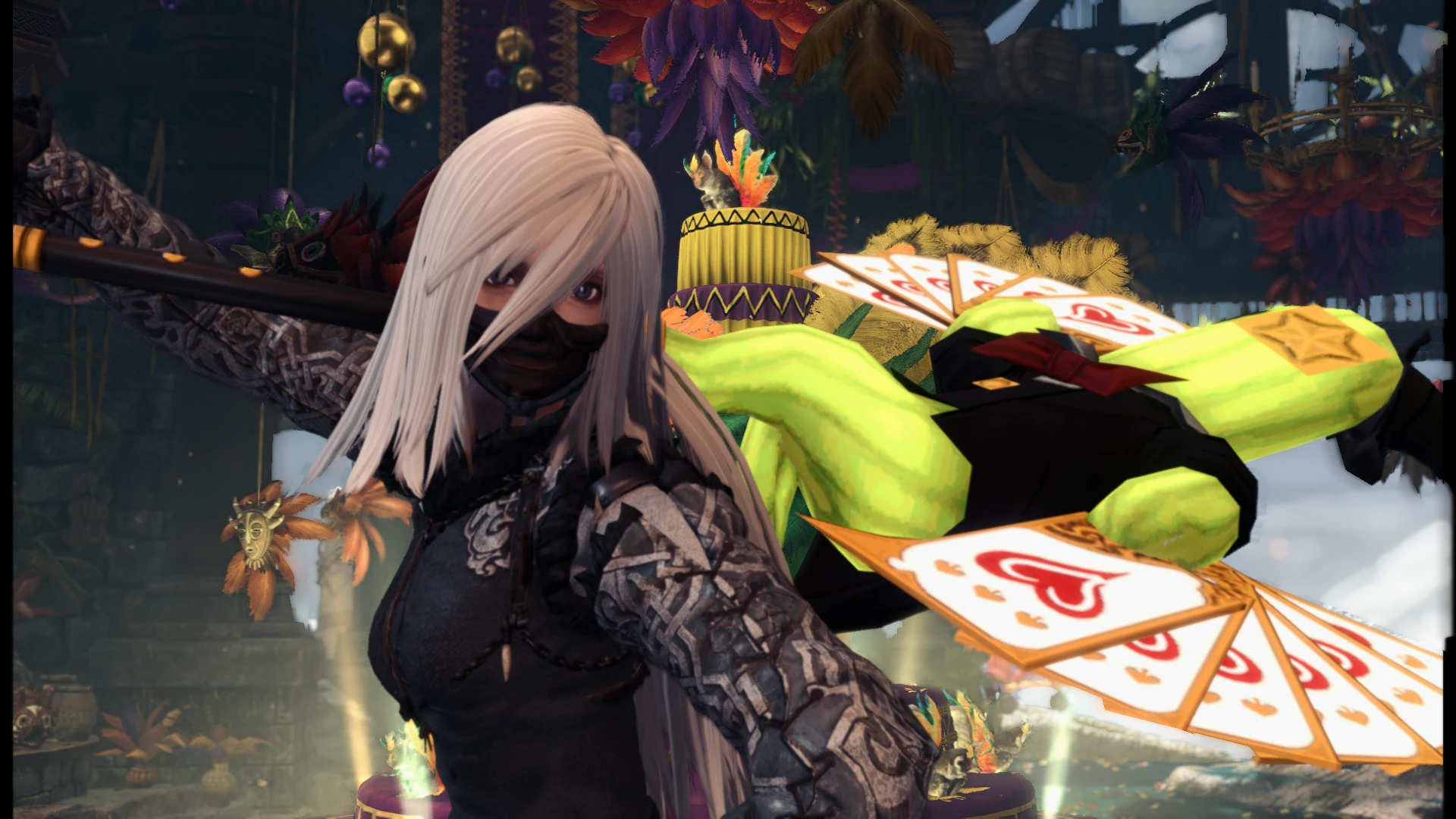

Bloom is the effect responsible for the glow in areas of high brightness. This mod increases the threshold of brightness required for bloom to occur.
See screenshots for a comparison.
Installation:
Download the version you want.
Drag the nativePC folder into your Monster Hunter World directory.
Credits:
Dave uRrr - SDL Research
Reduce or Remove Bloom is a simple visual mod for Skyrim that lets players tone down or completely disable the game's bloom effect. With 3,403 endorsements and 117,513 downloads, it's a popular choice for those who find the default bloom too intense. Last updated in December 2020, it remains a go-to for cleaner visuals.
✨ Key Features
📊 Pros & Cons
✅ Pros
- Community favorite with 3,403 endorsements and over 117k downloads—clearly a go-to for bloom haters.
- Does exactly what it says: kill or dial back that blinding bloom without touching anything else.
- Lightweight and straightforward—no bloat, just a cleaner look.
⚠️ Cons
- Last updated in December 2020—might not be fully compatible with the latest Skyrim patches or other visual overhauls.
- No detailed instructions or compatibility notes provided by the author, so you're on your own if issues pop up.
- Bloom removal can make some scenes look flat or washed out if you're used to the default effect—test it before committing.
For Skyrim players who find the default bloom too strong and want a quick fix for cleaner, more natural visuals. Also great for screenshot enthusiasts who want to control lighting without heavy ENB presets. Skip if you're fine with the vanilla look or want more comprehensive graphical tweaks.
💡 Beginner Tips
- If you're using a mod manager like Vortex or MO2, just download and install—it's a simple file drop, no load order worries.
- Try the 'reduce' option first if you're unsure—removing bloom entirely can change the mood of certain areas like caves or dawn scenes.
- Pair with a lighting mod like ELFX or Cathedral Weathers for best results, but check for conflicts if you use multiple visual mods.
📊 Mod Details
- Game
- Monster Hunter World Mods
- Author
- NSA Cloud
- Version
- V1
- Downloads
- 117,513
- Endorsements
- 3,391
- Category
- Visuals and Graphics
- Created
- 12/18/2020
- Updated
- 12/18/2020
🧩 Commonly Used Together
Users add these mods to the same collections — a real compatibility signal, not an AI guess.
🔧 How to Install MHW Mods
Install Stracker\
📖 Full step-by-step install guide for MHW →
Visit the official mod page for specific installation instructions for this mod.
🎮 Need cheat codes or console commands? Check ur gaming wiki for MHW commands, item IDs, and more.
Keep browsing — more MHW mods await