Blur Effects Be Gone
⚪ Last updated 2018⚠️ Install Order · 1 step
Install in this order, then this mod last — most mods fail to load without their framework and dependencies in place.
Preview
🔍 Analysis
- 👍 4.1% endorsement rate — high engagement, a strong quality signal
- 🏆 #27 of 69 Visuals and Graphics mods in this game by downloads
📋 About This Mod
So this is a simple mod. You need to download Kaldaien's Special K fix to utilize this. For the best performance in game, open the Special K menu (CTRL+LSHIFT+BACKSPACE) and change CPU cores to Physical Cores from Logical Cores.
Here is the link to Kaldaien's mod
Special K - Monster Hunter World Fix
Just place the included file, d3d11_shaders.ini, in the game folder along with Kaldaien's files.
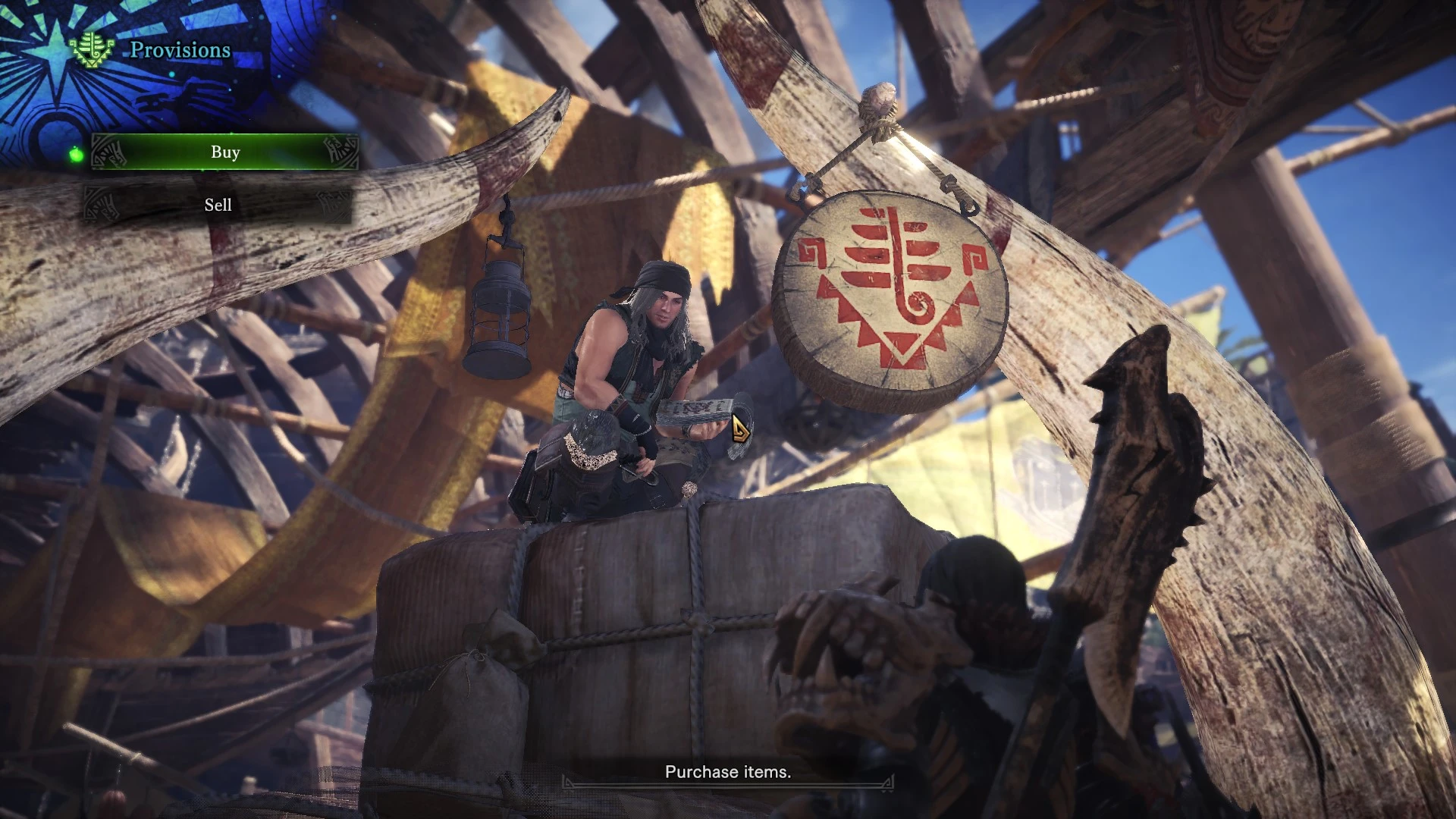
Blur Effects Be Gone is a simple config mod for Monster Hunter World that removes blur effects by adding a d3d11_shaders.ini file, requiring Kaldaien's Special K fix. It has 1,436 endorsements and 35,324 downloads, last updated in 2018.
✨ Key Features
📊 Pros & Cons
✅ Pros
- Community-approved with 1,436 endorsements and 35,324 downloads.
- Simple installation: just drop one file into your game folder.
- Improves visual clarity by removing blur, which can help with aiming and spotting details.
⚠️ Cons
- Requires an external dependency (Special K) that isn't included.
- Last updated in 2018 — may not work with the latest game updates.
- No detailed instructions beyond basic file placement; you'll need to find Special K yourself.
For Monster Hunter World players who want a sharper image without motion blur or other blur effects. If you're comfortable installing third-party tools like Special K, this is a quick tweak. Skip if you prefer vanilla visuals or don't want to mess with external dependencies.
💡 Beginner Tips
- Make sure you download and install Kaldaien's Special K fix first, as this mod won't work without it.
- After installing, open the Special K menu with CTRL+LSHIFT+BACKSPACE and set CPU cores to Physical Cores for better performance.
- Place the d3d11_shaders.ini file directly in your Monster Hunter World game folder, not in a subfolder.
📊 Mod Details
- Game
- Monster Hunter World Mods
- Author
- dirtydanisreal
- Version
- 1.0
- Downloads
- 35,324
- Endorsements
- 1,436
- Category
- Visuals and Graphics
- Created
- 8/14/2018
- Updated
- 8/14/2018
🔧 How to Install MHW Mods
Install Stracker\
📖 Full step-by-step install guide for MHW →
Visit the official mod page for specific installation instructions for this mod.
🎮 Need cheat codes or console commands? Check ur gaming wiki for MHW commands, item IDs, and more.
Keep browsing — more MHW mods await