No Saving-Loading Text Mod
⚪ Last updated 2022Preview
🔍 Analysis
- 👍 3.0% endorsement rate — high engagement, a strong quality signal
- 🏆 #20 of 284 User Interface mods in this game by downloads
📋 About This Mod
Description
Installation
This mod REQUIRES to be installed with the latest ME3Tweaks Mod Manager version by Mgamerz. Make sure you let it update to the latest build after installation.
The mod is in DLC/M3M form, so its installation is as simple as drag and drop the . 7z file into the Mod Manager and let it work its magic.
Un-Installation
Use the Mod Manager to remove the mod, including restoring your Basegame Startup file. Savegames aren't dependent of it, so it can be safely removed and/or added at any point during your game.
Known Issues
10/02/2021 - Original Public Release
Contact
-
[]Noirafayn: thank you for giving me the idea and motivation to do this.
[
]Mgamerz: thank you for investigating and providing a more optimized version of the mod, size wise.Other mods by me[]Dr. Heart Experiments: this mod modifies the appearance of Dr. Heart Experiments from Thorian Creepers to an original and unused Zombie model and textures from within the game files. Gameplay wise, they remain unchanged, having the same abilities and damage thresholds.
[]More Hair for Femshep (ME1LE): brings to the Legendary Edition Sims 4 Hairs created by Anto and originally ported by Kittentails to the original Mass Effect
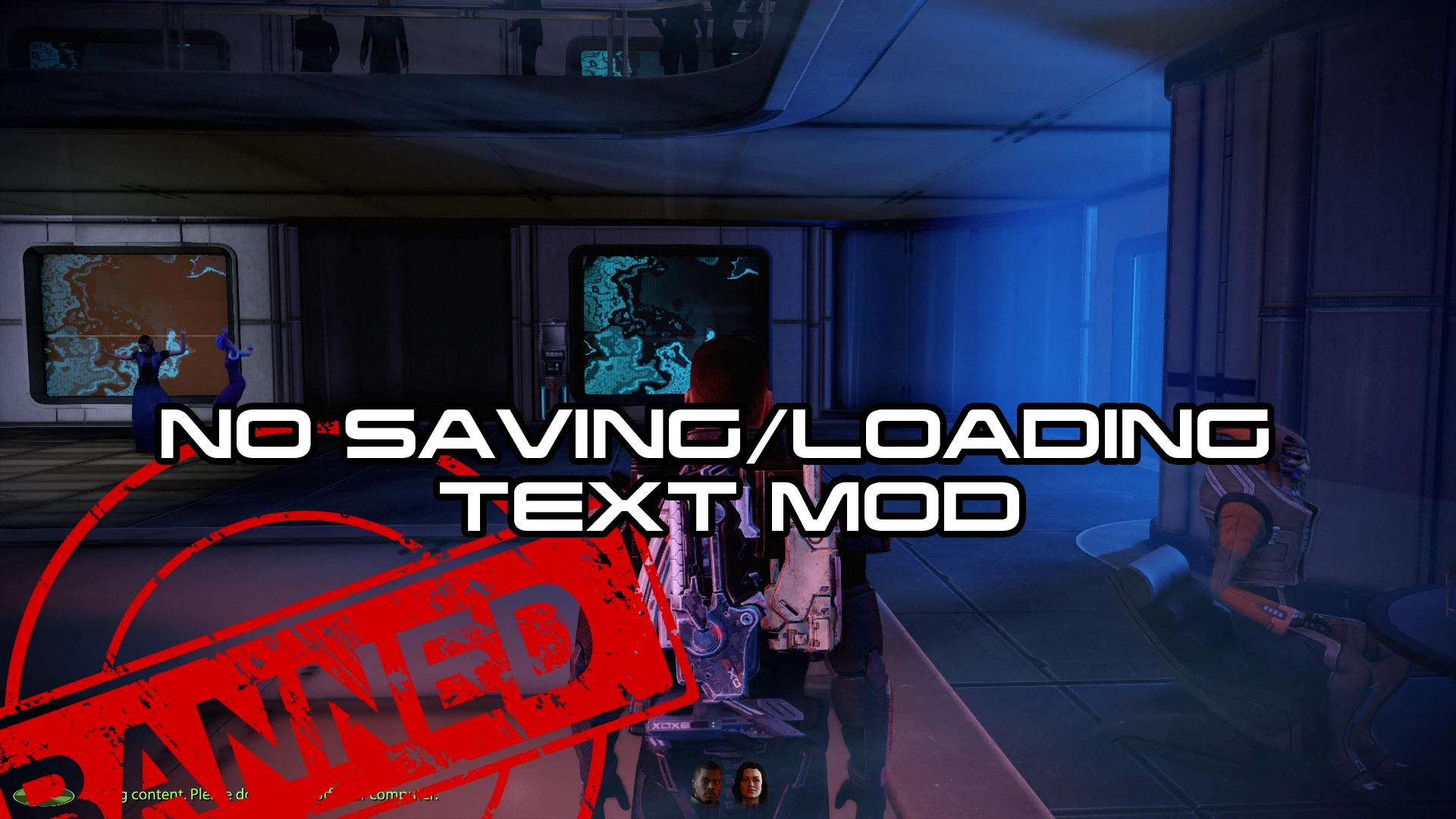
This UI mod removes the lengthy saving and loading messages from the game interface, with an optional setting to also remove the spinning disk icon for a cleaner look. It's a simple quality-of-life improvement for players who find these notifications distracting.
✨ Key Features
📊 Pros & Cons
✅ Pros
- Clean UI without the clutter of long saving/loading text
- Optional disk icon removal gives extra control over your interface
- Solid community backing with 730 endorsements and 24k downloads
⚠️ Cons
- Last updated in 2022 — might not work with the latest game version
- Only affects UI text and icon, no other UI changes
For players who stream or record gameplay and want a distraction-free UI, or anyone who finds the saving/loading messages annoying. Skip if you're looking for a full UI overhaul — this is a focused tweak.
💡 Beginner Tips
- Make sure to check if the mod is compatible with your current game version, as it hasn't been updated since 2022.
- If you use a mod manager, install it through that to easily enable/disable the optional disk icon removal.
- Test the mod in a save you don't care about first, just in case it conflicts with other UI mods.
📊 Mod Details
- Game
- Mass Effect Mods
- Author
- Khaar Machinima
- Version
- 1.1
- Downloads
- 24,671
- Endorsements
- 730
- Category
- User Interface
- Created
- 10/2/2021
- Updated
- 3/31/2022
🔧 How to Install Mass Effect Mods
Download from Nexus.
📖 Full step-by-step install guide for Mass Effect →
Visit the official mod page for specific installation instructions for this mod.
🎮 Need cheat codes or console commands? Check ur gaming wiki for Mass Effect commands, item IDs, and more.
Keep browsing — more Mass Effect mods await