Mass Effect 1 - HDR Cutscene Fix (NO LONGER NECESSARY)
⚪ Last updated 2021Preview
🔍 Analysis
- 👍 7.9% endorsement rate — high engagement, a strong quality signal
- 🏆 #87 of 138 Miscellaneous mods in this game by downloads
📋 About This Mod
EDIT:
THE ISSUE WITH HDR CUTSCENES HAVE BEEN FIXED, THIS MOD IS NO LONGER NECESSARY!
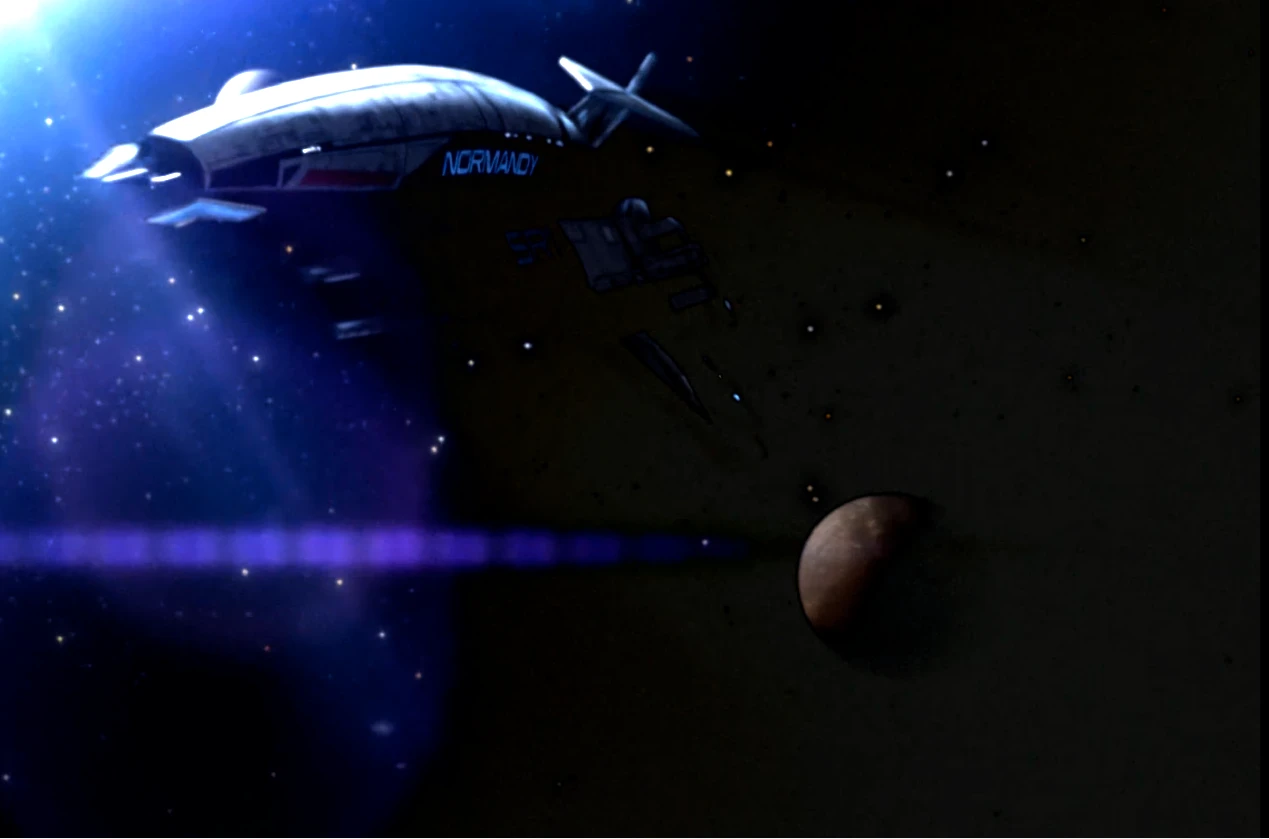
HDR Fix for Mass Effect 1's Cutscenes
In the latest patch (released on May 17th) Bioware did something to the cutscenes and loading screens that screwed up the black levels in the pre-rendered cutscenes. This mod fixes the issues created from their changes.
I am not the one who discovered how to fix this, all credits for discovering this go to IIWDTI, all I did was follow the steps that he gave in order to do this. I will only be uploading fixes for ME1 and ME3, as he already uploaded a fix for ME2 which you can find here. If you like this mod and choose to endorse it, please endorse his original mod as well, this would not exist without it.
Installation:
Drop the files in rar into the "Movies" folder, within Mass Effect Legendary Edition's directory at:
"\Steam\steamapps\common\Mass Effect Legendary Edition\Game\ME1\BioGame\Movies"
Backup the files if you'd like, but it isn't necessary. Make sure that you replace all the files when prompted.
IIWDTI's Alternate Fix (If you'd prefer to do it yourself):
There is another way to fix the problem, by doing the encoding yourself, the downside to it is it takes 4-6 hours to complete depending on the hardware, and there is a lot of file editing involved.
1. Download RAD Video Tools from: http://www.radgametools.com/bnkdown.htm, and install it.
2. Run the program and select all the files from: <steamfolder>\steamapps\common\Mass Effect Legendary Edition\Game\ME2\BioGame\Movies
3. Click the "bink it" button, and click yes.
4. Select a different output directory. ex: C:\NewMovieFiles
5. Click Batch button
6. Click Start. After 4-6 hours the process will be done.
7. In the output directory you selected all the new cutscene files will have "New_" in front, remove that from all the files.
8. Copy and replace the files to: <steamfolder>\steamapps\common\Mass Effect Legendary Edition\Game\ME2\BioGame\Movies
9: Enjoy the game :D
HDR Cutscene Fixes:
Mass Effect 2 HDR cutscene fix (for May 17th update)(IIWDTI)
Mass Effect 3 - HDR Cutscene Fix (May 17th Update)(Th3ViSTa)
This mod addresses HDR-related cutscene issues in Mass Effect 1, with a May 17th update. It has 66 endorsements and 837 downloads, last updated in May 2021. The author notes it is no longer necessary, likely due to game patches or other fixes.
✨ Key Features
📊 Pros & Cons
✅ Pros
- Small but active community (66 endorsements)
- Targeted fix for a specific visual issue
- Author acknowledges it's outdated, so you know not to rely on it
⚠️ Cons
- Author says it's no longer necessary, so it may be redundant
- Last updated in 2021, so it might not be compatible with the latest game version
For Mass Effect 1 players who still encounter HDR cutscene glitches and want a quick fix. Skip if you're on a patched version or don't use HDR.
💡 Beginner Tips
- Check if your game is already patched before installing, as the mod may be unnecessary.
- If you use a mod manager, you can still install it manually by dropping files into the game directory.
- Test a cutscene after installing to see if the issue is resolved.
📊 Mod Details
- Game
- Mass Effect Mods
- Author
- Murk132
- Version
- 1.0
- Downloads
- 837
- Endorsements
- 66
- Category
- Miscellaneous
- Created
- 5/21/2021
- Updated
- 5/21/2021
🔧 How to Install Mass Effect Mods
Download from Nexus.
📖 Full step-by-step install guide for Mass Effect →
Visit the official mod page for specific installation instructions for this mod.
🎮 Need cheat codes or console commands? Check ur gaming wiki for Mass Effect commands, item IDs, and more.
Keep browsing — more Mass Effect mods await