A Lot Of Videos (ALOV)
🟡 Updated this yearPreview
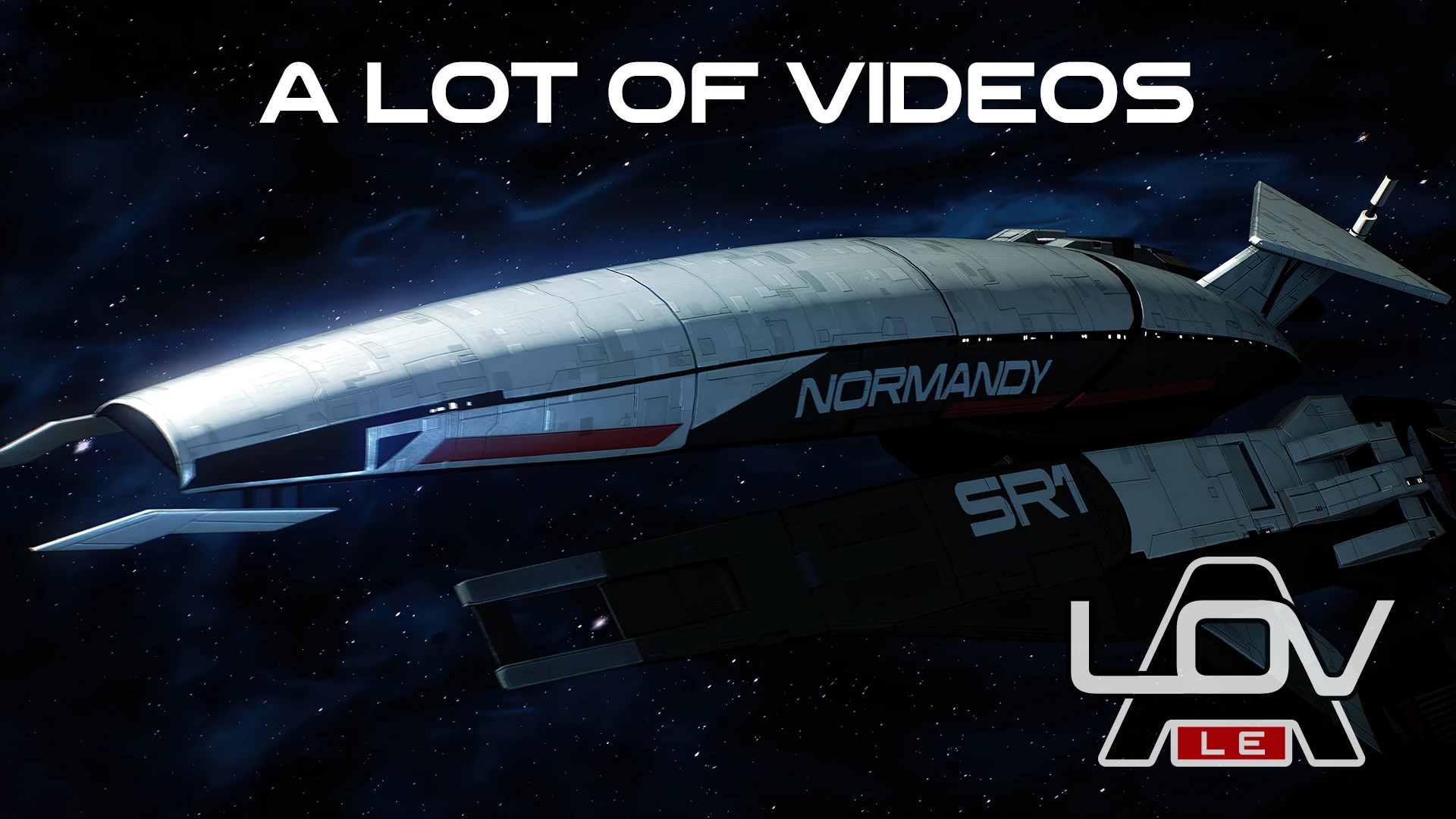
🔍 Analysis
- 👍 2.4% endorsement rate — high engagement, a strong quality signal
- 🏆 #2 of 173 Visuals mods in this game by downloads
📋 About This Mod
A Lot Of Videos (ALOV)
An exhaustive and comprehensive 4K 60fps video overhaul project powered by AI and augmented with faithful in-game remakes, error corrections and other misc improvements.
Bonus Optional Addon: Relay Jump Remaster (LE2)
For Ultrawide Users: ALOV Ultrawide - 21:9
What does this mod do?
ALOV is a project inspired by A Lot of Textures (ALOT) by CreeperLava, that remasters all of the prerendered cutscenes in the Mass Effect Trilogy, that cannot be fixed or upgraded with texture/content mods, to stunning 4K resolution (and in most cases 60fps)
Mass Effect games have 2 types of visuals displayed in them:
-
[]Real-time rendered visuals, which consist of things like 3D models, textures, menus etc.[/]
[]Cutscenes and loading screens that are just video files due to the technical limitations of rendering them in real-time.[/]
That's where ALOV comes in. Our project uses a far more aggressive and carefully considered upscaling approach. Every single shot of every single video has been analyzed and upscaled with individual settings that produce the best possible result. This meant that on a shot-by-shot basis, the videos were downscaled to their 'true' resolution. upscaled with the best suited AI model, sharpened with manually calibrated AI settings, interpolated to 60fps (in most cases) and then encoded at a much higher bitrate than vanilla. In a few cases, we were able to recreate a video completely from scratch by recreating the scene in-game and recording natively at 4K 60fps. Additionally, several visual bugs such as mesh clipping, rogue UI elements, glitches etc have been corrected.
We are also perhaps the very first mod project to ship videos encoded in the Bink 2 format.
The ALOV project has been featured many outlets such as Eurogamer, IGN, [url=https://www.dsogaming.co
ALOV is a comprehensive 4K 60fps video overhaul project for a game, powered by AI and enhanced with faithful in-game remakes, error corrections, and misc improvements. With over 8,300 endorsements and 351k downloads, it's a popular choice for players seeking high-quality visual upgrades.
✨ Key Features
📊 Pros & Cons
✅ Pros
- Huge community trust (8,371 endorsements)
- Massive download count (351,590) shows real demand
- AI-powered upscaling plus hand-crafted remakes for accuracy
⚠️ Cons
- No compatibility notes for other mods or game versions
- Last updated July 2026 — check if it works with your current build
For visual purists who want the sharpest, smoothest video experience possible. If you're tired of blurry cutscenes and want 4K 60fps with AI polish, this is your mod. Skip if you prefer vanilla visuals or don't care about video quality.
💡 Beginner Tips
- Check the mod's forum posts for any hidden install steps or dependencies.
- Make sure your game is updated to the latest version to avoid conflicts.
- If you use other visual mods, test ALOV alone first to see if it works.
📊 Mod Details
- Game
- Mass Effect Mods
- Author
- Audemus and ALOV Team
- Version
- 3.0
- Downloads
- 351,590
- Endorsements
- 8,371
- Category
- Visuals
- Created
- 9/14/2021
- Updated
- 7/17/2026
🔗 Required By 1 Mod
These mods list this mod as a dependency.
🔧 How to Install Mass Effect Mods
Download from Nexus.
📖 Full step-by-step install guide for Mass Effect →
Visit the official mod page for specific installation instructions for this mod.
🎮 Need cheat codes or console commands? Check ur gaming wiki for Mass Effect commands, item IDs, and more.
Keep browsing — more Mass Effect mods await