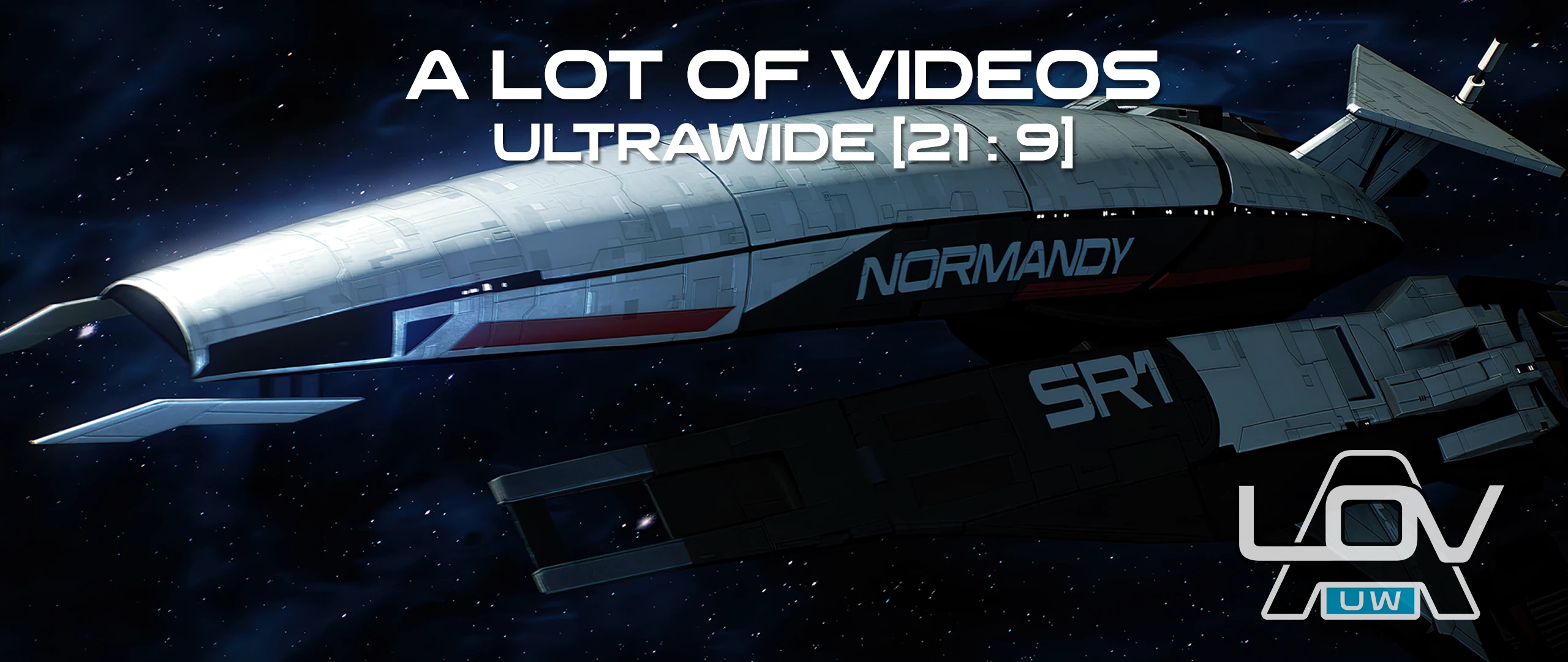
A Lot of Videos (ALOV) - Ultrawide Edition

⭐ — (490) 📥 36,020 downloads 📌 v3.0

By MrBeansworthy · Visuals

⬇ Download on Nexus Mods

About This Mod

This mod is a total conversion of ALOV to a 21:9 aspect ratio - rescaling and reframing over 550 videos for a fully immersive, full-screen experience on ultra-wide monitors. The ALOV (a lot of videos) mod is an exhaustive and comprehensive

A Lot Of Videos: Ultrawide

for Mass Effect Legendary Edition

What does this mod do?

ALOV: Ultrawide is a total conversion of https://www.nexusmods.com/masseffectlegendaryedition/mods/3" rel="nofollow noopener" target="_blank">ALOV 4K video footage to a 21:9 aspect ratio - rescaling and reframing everything for a fully immersive, full-screen experience.

Roughly 550 videos were reviewed, reframed, exported and compressed - over 500 hours work across 4 months. See the Optional Files section to download ultrawide patches for other LE mods (for a list of other mods which have their own cutscenes please see the Installation: Issues section)

Why make a 21:9 version of the https://www.nexusmods.com/masseffectlegendaryedition/mods/3" rel="nofollow noopener" target="_blank">ALOV 4K upscale project?

Mass Effect LE is optimised for 16:9 widescreen monitors, meaning pre-rendered and video cutscenes will show black bars on either side on 21:9 displays. https://www.nexusmods.com/masseffectlegendaryedition/mods... rel="nofollow noopener" target="_blank">Mods can remove these from in-game footage effectively but pre-rendered video footage still shrinks and remains pillar-boxed within the display resolution height -this mod addresses this.

I became involved with the ALOV remastering project team soon after getting a copy of LE. I had recently switched to 21:9 from 4K 16:9, and it had also been several years since I had played the series. I decided to wait until the project was finished to get the most out of the experience, but quickly found the cutscene resize and aspect ratio switching a frustrating distraction. I did a test run scaling and reframing a short flyby scene in the Normandy, and it was the missing link to enjoying the newly remastered game as a seamless, immersive experience.

I am excited and proud to share this experience with you.

How this was done:

Preparation: Importing and Calibrations... 

Resizing and Repositioning

For example:

When the video below is scaled, nearly all of the central sphere and much of the surrounding ring are out of frame, and the energy build-up is happening at the bottom of the screen.

First the video was moved up the stage during the end of the previous scene transition to bring the sphere in frame. Once the device begins firing, another automation is set up to slowly move the video back down, adjusting the beam position and bringing a little more of the device in frame from the top of the screen.

It's a subtle adjustment, but it keeps the focus areas consistent as the camera moves and shakes.

In-game Remakes

Post Production

A fair amount of Post-Production editing was done by Audemus in the 4K ALOV release, correcting errors, oddities, and inconsistencies from the original footage.

The project files were imported from After Effects into its Premiere Pro sequence counterpart. The same source video is referenced in both, so it was easy to copy existing edits to the new footage and then delete the original clip.

Delivery

https://discord.gg/su8XjdUQPw" rel="nofollow noopener" target="_blank">

Compatibility:

ALOV: UW is fully compatible with all mods. If you are a mod author who intends to ship videos in your mod, please get in touch -

I am happy to help create ultra-wide versions.

As with ALOV 4K, you must run your game at a minimum of 60fps to ensure smooth performance with this mod. If the game does not maintain a constant 60+ fps severe desynchronisation may occur.

Installation:

Note: ALOV is an exception to normal mod installation rules. It is NOT a texture mod. Nor is it a traditional content mod as it does not contain any game package files. This means you can install ALOV whenever you want. Before textures, after textures, whenever. No need to restore your game to vanilla to install!

Note that it will still overwrite your game movie files, so make a backup in the mod manager.

With the exception of one or two loading screens, everything is in 21:9 format.

NOTE: the Lair of the Shadow Broker car chase cutscene is intensive.

As with the regular ALOV 4k version, cutscenes may desynchronise if frame rates drop below a constant 60fps.  See the link below for more information.

OTHER MODS may have their own videos which will not be in ultrawide format.

Mods which override some 21:9 videos:

  • []LE3 Opening Remaster[/] []Audemus’ Happy Ending Mod[/] []Project Variety[/] []Citadel Epilogue Mod [/] []LE1 Diversification Project[/] []Take Earth Back[/] []Improved wards skybox[/]

patched and included in the “community mods cutscenes…” mod found in the main and  optional files sections. The others are being worked on but I don’t have a delivery estimate.

For difficulties not relating to aspect ratio, please check https://www.nexusmods.com/masseffectlegendaryedition/mods... rel="nofollow noopener" target="_blank">existing issues on the ALOV mod page. For everything else, get in touch -let me know what you think on the Comments page or tech support on the Bugs page.

Special Thanks!

Audemus for their invaluable assistance,  mod artwork and a generous amount of time and patience.

Paleforce for the OT UUW project files, a great help jumpstarting the project providing initial positioning and a comparative reference.

------------------------

Team and Credits:

Mod Developer: MrBeansworthy

ALOV team - Audemus (Lead), Kholdstare (MVP), Mellin, 1x4x9, AstralStorm, marsher, Nihren, NotQuiteRadiant, ormr_kin, Solinus, ClearanceClarence, MrBeansworthy, UltraSun

Ingame Recreations: HenBagle, Sil

https://github.com/ALotOfVideos/ALOV-scripts" rel="nofollow noopener" target="_blank">ALOV

...

Mod Details

Game
Mass Effect Legendary Edition
Author
MrBeansworthy
Version
3.0
Downloads
36,020
Endorsements
490
Category
Visuals
Last Updated
5/24/2026

How to Install Mass Effect Mods

Use ME3Tweaks Mod Manager. Texture mods via MEM.

Visit the Nexus Mods page for specific installation instructions for this mod.

⭐ Rate & Review

Your rating:

FAQ

Is A Lot of Videos (ALOV) - Ultrawide Edition safe to download?

Linked from Nexus Mods which scans all files for viruses. Always download from the official source.

Does this mod work with the latest game update?

Last updated 5/24/2026. Check the official download page for version compatibility.

Where can I learn more about Mass Effect modding?

Check our complete Mass Effect modding tools guide for step-by-step setup instructions.