No Stamina Visual Effects
⚪ Last updated 2018Preview
🔍 Analysis
- 👍 2.2% endorsement rate — high engagement, a strong quality signal
- 🏆 #17 of 72 Visuals and Graphics mods in this game by downloads
📋 About This Mod
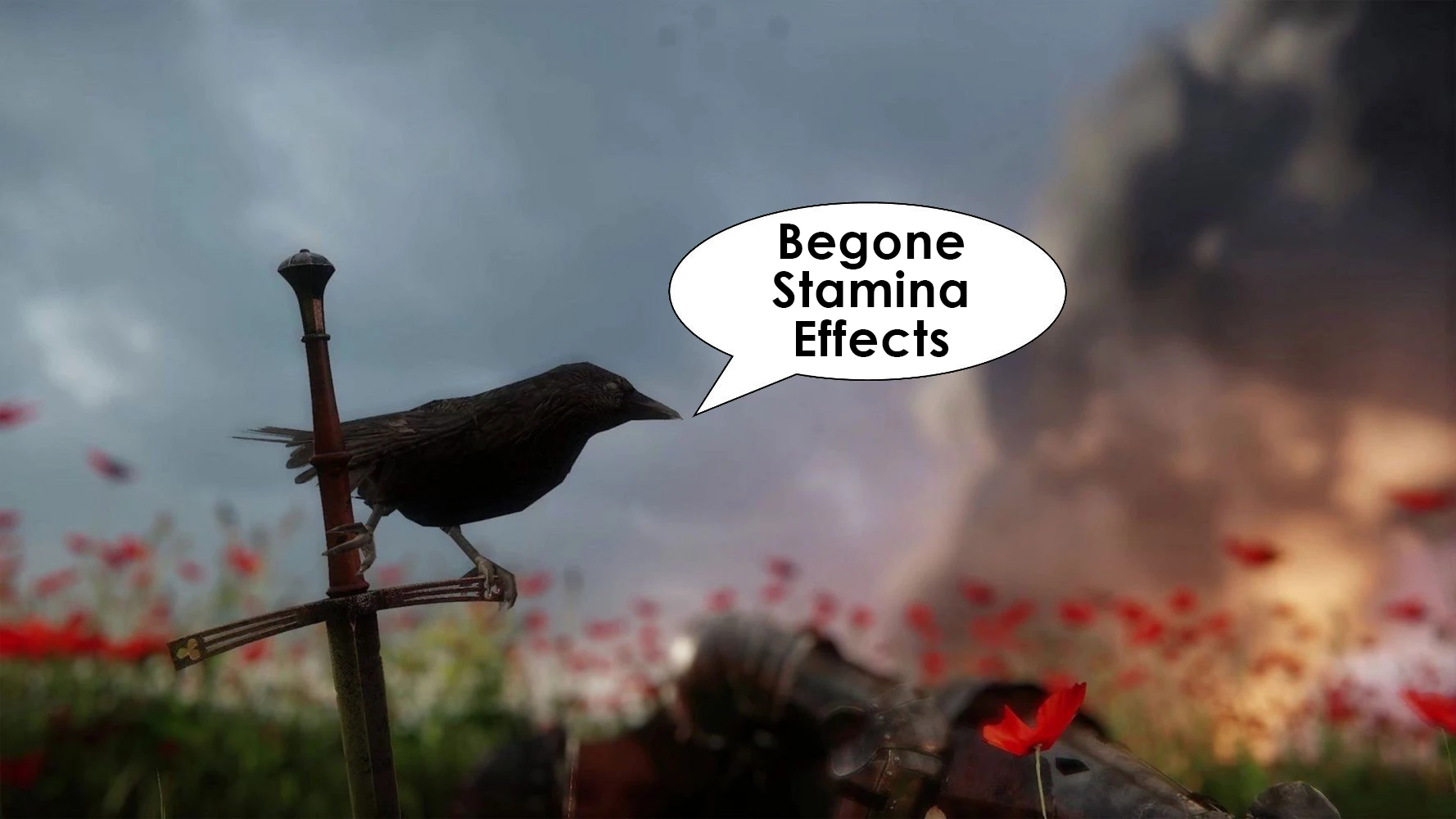
A simple mod that removes the annoying blue fade that occurs when low on stamina. This does not remove the stamina mechanic.
There are 3 versions available, Visual Only, Sound Only, Visual & Sound. Only install 1 version, do not install multiple.
To install, extract & drop the .pak file into \Steam\steamapps\common\KingdomComeDeliverance\Data
To uninstall simply delete the same .pak file.
If you have any questions please leave a comment.
No Stamina Visual Effects removes the blue screen fade that appears when your stamina is low in Kingdom Come: Deliverance, without altering the stamina mechanic itself. It offers three versions—visual only, sound only, or both—so you can tailor the experience. Simple to install by dropping a .pak file into the game's Data folder.
✨ Key Features
📊 Pros & Cons
✅ Pros
- Clean fix for an annoying visual effect—no more blue tint blocking your view during fights
- Three versions let you pick exactly what you want to remove, whether it's the visual, the sound, or both
- Simple drop-in installation—just extract and place the .pak file, no mod manager needed
⚠️ Cons
- Only removes the visual and/or sound effects—the stamina drain itself stays, so you still need to manage it
- Last updated in 2018—might not be compatible with the latest game patches, though it's a simple file
- No instructions for mod managers or load order—manual installation only, which could confuse some users
For Kingdom Come: Deliverance players who find the low-stamina blue fade distracting or immersion-breaking, especially during combat. Also for those who want to remove the sound cue without affecting gameplay. Skip if you're looking for gameplay changes—this is purely cosmetic.
💡 Beginner Tips
- Make sure to install only one version of the mod—installing multiple will cause conflicts.
- Place the .pak file directly into the Data folder, not in a subfolder, or the game won't load it.
- If you're using other mods, check that none of them modify the same files—this mod is standalone, but conflicts can happen.
📊 Mod Details
- Game
- Kingdom Come Mods
- Author
- TheCorex
- Version
- 1.0
- Downloads
- 43,296
- Endorsements
- 945
- Category
- Visuals and Graphics
- Created
- 2/15/2018
- Updated
- 2/19/2018
🧩 Commonly Used Together
Users add these mods to the same collections — a real compatibility signal, not an AI guess.
🔧 How to Install Kingdom Come Mods
Create /Mods/ folder in Data directory. Use Vortex for complex mods.
📖 Full step-by-step install guide for Kingdom Come →
Visit the official mod page for specific installation instructions for this mod.
🎮 Need cheat codes or console commands? Check ur gaming wiki for Kingdom Come commands, item IDs, and more.
Keep browsing — more Kingdom Come mods await