ACF - Armor Color Fix
⚪ Last updated 2021Preview
🔍 Analysis
- 👍 1.7% endorsement rate — high engagement, a strong quality signal
- 🏆 #8 of 38 Armour mods in this game by downloads
📋 About This Mod
- Introduction -
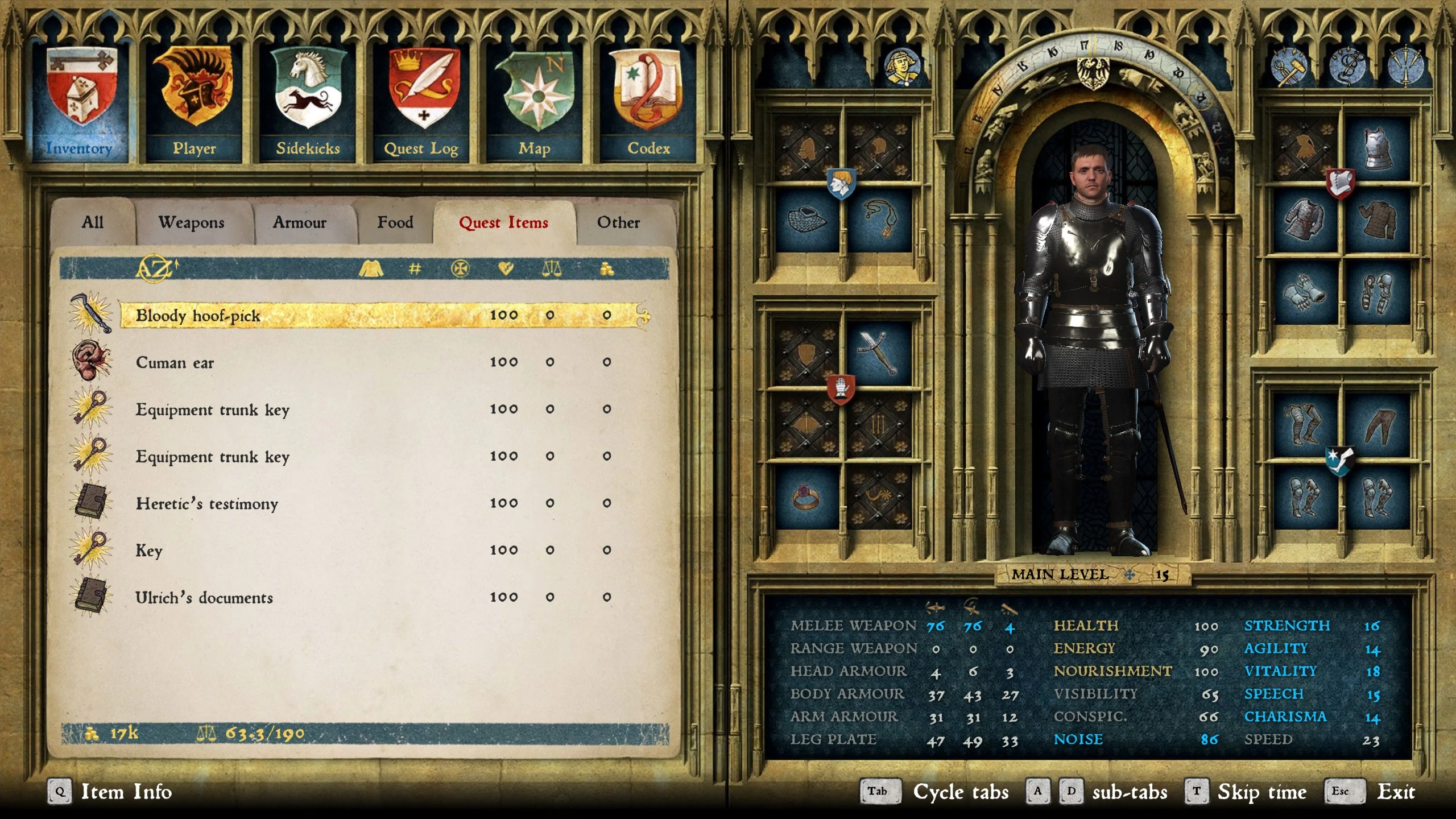
This is a simple must have mod that fixes the color of many armors in the game. Back around patch 1. 3 many of the armors in the game gained a yellow or greenish hue that made them look much different than they were originally. Due to this bug or oversight, many armors look ugly and do not match other worn pieces as they should. Even parts of "sets" such as "Milanese" did not match each other. I waited for some time but it appears that this will not be officially fixed so I had to do it myself! The colors being so off drove me OCD crazy and really broke my immersion in the game. So much so that I avoided playing like I wanted to and had to avoid wearing a lot of different armors. But not anymore!
You can check out the screenshot section to see a before and after shot of a few of the fixed armors. Once you see you cannot unsee!
Thank you for checking out my mod and I hope it helps!
- Installation -
Simply drop the folder "Armor_Color_Fix" into the "Mods" folder in your game's root directory. If the "Mods" folder does not exist you can make it yourself.
- Considerations -
I want to give a huge thank you to "Khowder" for helping me learn the modding tools so I could make this mod possible!
ACF - Armor Color Fix is a simple mod that corrects the yellow/greenish tint many armors gained after patch 1.3, restoring their original colors. It's a must-have for players bothered by mismatched armor sets. With 547 endorsements and 31,528 downloads, it's a community favorite for visual consistency.
✨ Key Features
📊 Pros & Cons
✅ Pros
- Community-approved with 547 endorsements and over 31k downloads
- Fixes a long-standing visual bug that breaks immersion
- Easy install—just drop the folder into your Mods directory
⚠️ Cons
- Last updated in March 2021—may not be compatible with the latest game version
- Only addresses color issues; no other armor improvements
- Author doesn't provide uninstall instructions, so you'll need to manually remove the folder
For players who notice and hate the ugly yellow/green tint on armors and want them to look as originally intended. If you're a completionist who cares about visual consistency, this is a must-have. Skip if you're fine with the current colors or want gameplay changes—this is purely cosmetic.
💡 Beginner Tips
- Make sure to place the 'Armor_Color_Fix' folder directly into the 'Mods' folder in your game's root directory—if it doesn't exist, create it.
- Check the screenshots on the mod page to see before/after comparisons so you know what to expect.
- If you're using a mod manager, you can also install manually by extracting the folder to the correct location.
📊 Mod Details
- Game
- Kingdom Come Mods
- Author
- VictoryRush
- Version
- 1.0.4
- Downloads
- 31,528
- Endorsements
- 547
- Category
- Armour
- Created
- 1/4/2020
- Updated
- 3/14/2021
🧩 Commonly Used Together
Users add these mods to the same collections — a real compatibility signal, not an AI guess.
🔧 How to Install Kingdom Come Mods
Create /Mods/ folder in Data directory. Use Vortex for complex mods.
📖 Full step-by-step install guide for Kingdom Come →
Visit the official mod page for specific installation instructions for this mod.
🎮 Need cheat codes or console commands? Check ur gaming wiki for Kingdom Come commands, item IDs, and more.
Keep browsing — more Kingdom Come mods await