Resource Adjuster
⚪ Last updated 2022⚠️ Install Order · 4 steps
Install in this order, then this mod last — most mods fail to load without their framework and dependencies in place.
Preview
🔍 Analysis
- 👍 3.3% endorsement rate — high engagement, a strong quality signal
- 🏆 #3 of 8 Tweaks mods in this game by downloads
📋 About This Mod
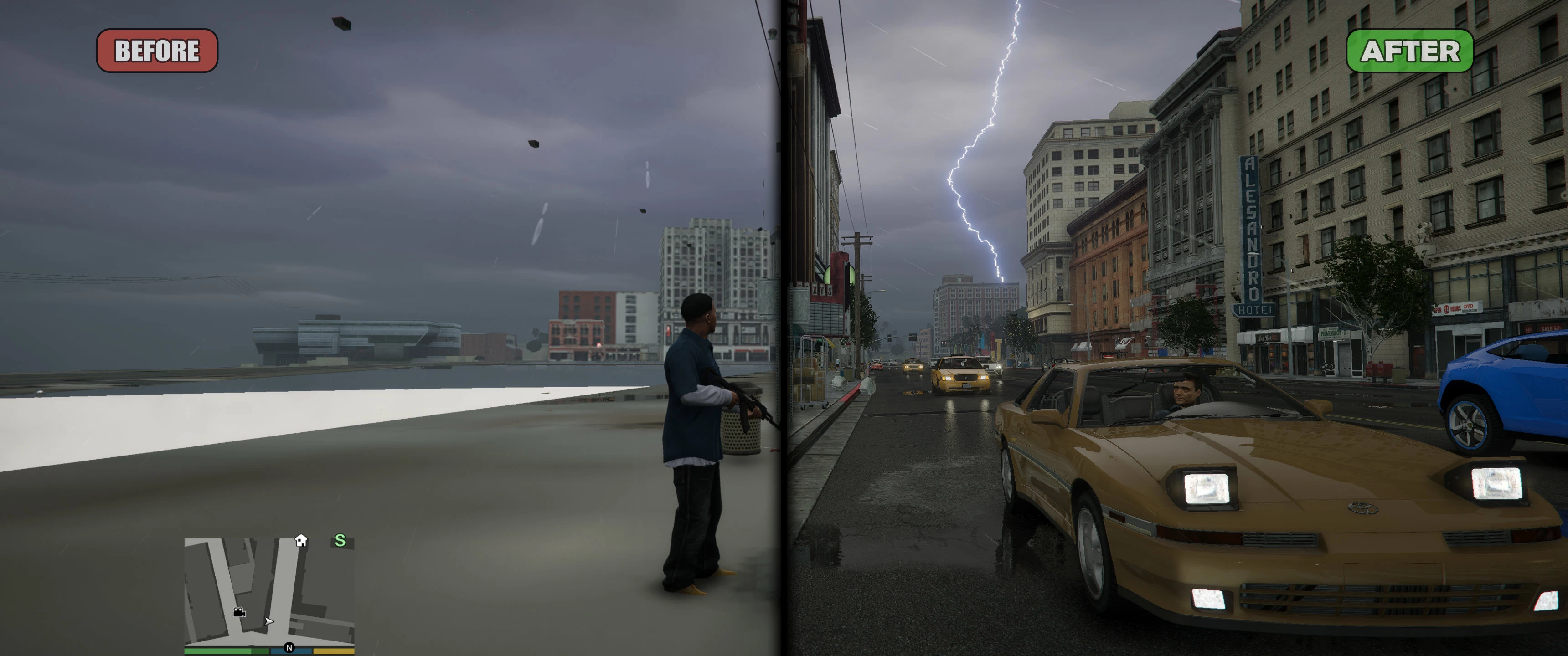
A collection of patches (some of which are used by FiveM) to improve stability, reduce texture loss and actually use your system's available resources as much as possible.
Please note that this script is designed for high end systems with 8GB or more of GPU memory and more than 8GB of system memory available to be used solely by the game, although this is configurable via the included INI file.
Requirements
- An ASI loader like the one included with ScriptHookV "dinput8.dll".
Installation
Place "GTAV. ResourceAdjuster.asi" & "ResourceAdjuster.ini" into your Grand Theft Auto V folder.
This script modifies texture/asset VRAM budget limits as well as the amount of memory allocated to the streaming of the map and props. Stock GTA V has quite restrictive values for these such as just over 1. 5GiB set aside for maxed out textures. The default setting in the INI basically doubles this limit to around 3. 5GiB. System memory is automatically detected and adjusted for.
This does not replace any other type of adjuster so keep on using great patches like Packfile limit adjuster, heap adjuster, SirenSetting Limit Adjuster or weapon limit adjuster when you need them.
Resource Adjuster is a collection of patches for GTA V that improves stability, reduces texture loss, and optimizes resource usage on high-end systems. It modifies VRAM and streaming memory limits, doubling the default texture budget. Requires an ASI loader and is configurable via INI.
✨ Key Features
📊 Pros & Cons
✅ Pros
- Community-tested with 46 endorsements and 1,402 downloads, showing a niche but active user base.
- Directly addresses common GTA V issues like texture loss and streaming stutter by raising memory limits.
- Configurable via INI, so you can tune it to your specific hardware without editing code.
⚠️ Cons
- Only 46 endorsements — a small sample size, so real-world reliability is less proven than popular mods.
- Last updated December 2022 — may not be compatible with future GTA V updates or current versions.
- Requires an ASI loader, which adds an extra dependency and potential security or compatibility concerns.
For GTA V players on high-end PCs who are tired of texture pop-in and want to push their hardware to the limit. If you have 8GB+ VRAM and plenty of RAM, this mod can help stabilize performance. Skip it if you're on a mid-range system or prefer simpler tweaks without extra dependencies.
💡 Beginner Tips
- Place the .asi and .ini files directly into your GTA V root folder, not in a subfolder, or the mod won't load.
- If you use a mod manager, you can still install manually — just make sure the files end up in the game directory.
- Check your GPU memory with tools like MSI Afterburner before tweaking the INI to avoid over-allocating VRAM.
📊 Mod Details
- Game
- GTA V Mods
- Author
- zombieguy
- Version
- 1.0.0
- Downloads
- 1,402
- Endorsements
- 46
- Category
- Tweaks
- Created
- 12/23/2022
- Updated
- 12/23/2022
🔗 Required By 2 Mods
These mods list this mod as a dependency.
🔧 How to Install GTA V Mods
Script Hook V + OpenIV. Never mod GTA Online.
📖 Full step-by-step install guide for GTA V →
Visit the official mod page for specific installation instructions for this mod.
🎮 Need cheat codes or console commands? Check ur gaming wiki for GTA V commands, item IDs, and more.
Keep browsing — more GTA V mods await