Player Location Display
⚪ Last updated 2016⚠️ Install Order · 3 steps
Install in this order, then this mod last — most mods fail to load without their framework and dependencies in place.
🖼️ Gallery (6 images)


🔍 Analysis
- 👍 0.7% endorsement rate
- 🏆 #153 of 196 scripts mods in this game by downloads
📋 About This Mod
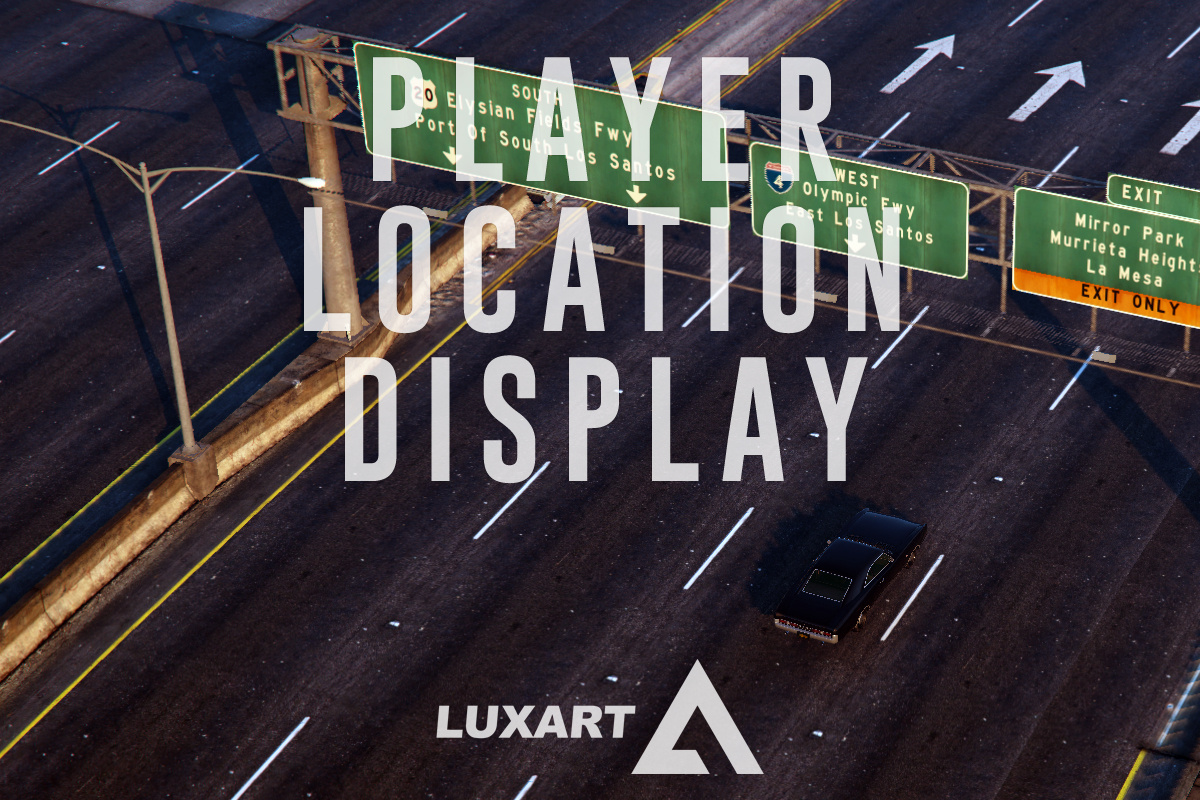
PLD–Player Location Display is a script modification that displays the player's current location (including street name or intersection, area name, and region) at the bottom-left corner of the user's screen. DESCRIPTION − PLD displays the player’s current in-game location on the screen. − Location includes street name or intersection, district name, and region. − PLD also displays the current in-game time. − PLD allows the user to toggle the size of the radar and provides some informative multiplayer features. NOTES − Consult the FEATURE INFO file to learn more about PLD and its features. − It is recommended that you disable subtitles (PAUSE > SETTINGS > DISPLAY > SUBTITLES) when using PLD to prevent overlap. <>CHANGELOG − Fixed issue where disabling the radar zoom feature would not always work as intended. − Added option to allow or disallow controller use for PLD. − Changed controller button for PLD radar zoom toggle to (A). − Added game time display above location text. − Added option to disable game time display. − Minor fixes. INSTALLATION − A GTAV ScriptHook must be installed for any .asi modification to work. The original may be found HERE. − Using script modifications in GTA Online can result in a temporary or permanent ban from the service. − 1. Place the .asi and .ini files provided in the download inside your main GTAV game directory. − 2. Modify the .ini file as you see fit. − 3. Start your game. CREDITS − PLD is coded by Lt. Caine. − Thank you to Alexander Blade without whose work scripting for GTAV would not be possible.
PLD–Player Location Display is a script mod that shows the player's current location, including street name or intersection, area name, and region, in the bottom-left corner of the screen. It's a simple utility for players who want to know where they are without opening the map. With 855 endorsements and 117,935 downloads, it's a popular choice, though it hasn't been updated since 2016.
✨ Key Features
📊 Pros & Cons
✅ Pros
- Over 117k downloads and 855 endorsements show it's a trusted mod.
- No more pausing to open the map—just glance at the corner.
- Lightweight script mod that doesn't clutter the UI.
⚠️ Cons
- Last updated in 2016, so it may not work with newer game patches.
- Only shows location—no extra features like coordinates or time.
- Compatibility with other UI mods could be a risk.
This is for players who get lost easily and want a quick reference to their current street and area without opening the map. It's also great for roleplayers who want to know exactly where they are for immersion.
💡 Beginner Tips
- Make sure to place the script file in the correct folder (usually 'scripts' in your game directory).
- If you use other UI mods, test them together to ensure no overlap or conflicts.
- Since it's an older mod, check the comments for any patches if you're on a newer game version.
📊 Mod Details
- Game
- GTA V Mods
- Author
- LtCaine
- Version
- 1.0.2699.0
- Downloads
- 117,935
- Endorsements
- 855
- Category
- scripts
- Created
- 7/8/2016
- Updated
- 11/12/2016
🔧 How to Install GTA V Mods
Script Hook V + OpenIV. Never mod GTA Online.
📖 Full step-by-step install guide for GTA V →
Visit the official mod page for specific installation instructions for this mod.
🎮 Need cheat codes or console commands? Check ur gaming wiki for GTA V commands, item IDs, and more.
Keep browsing — more GTA V mods await