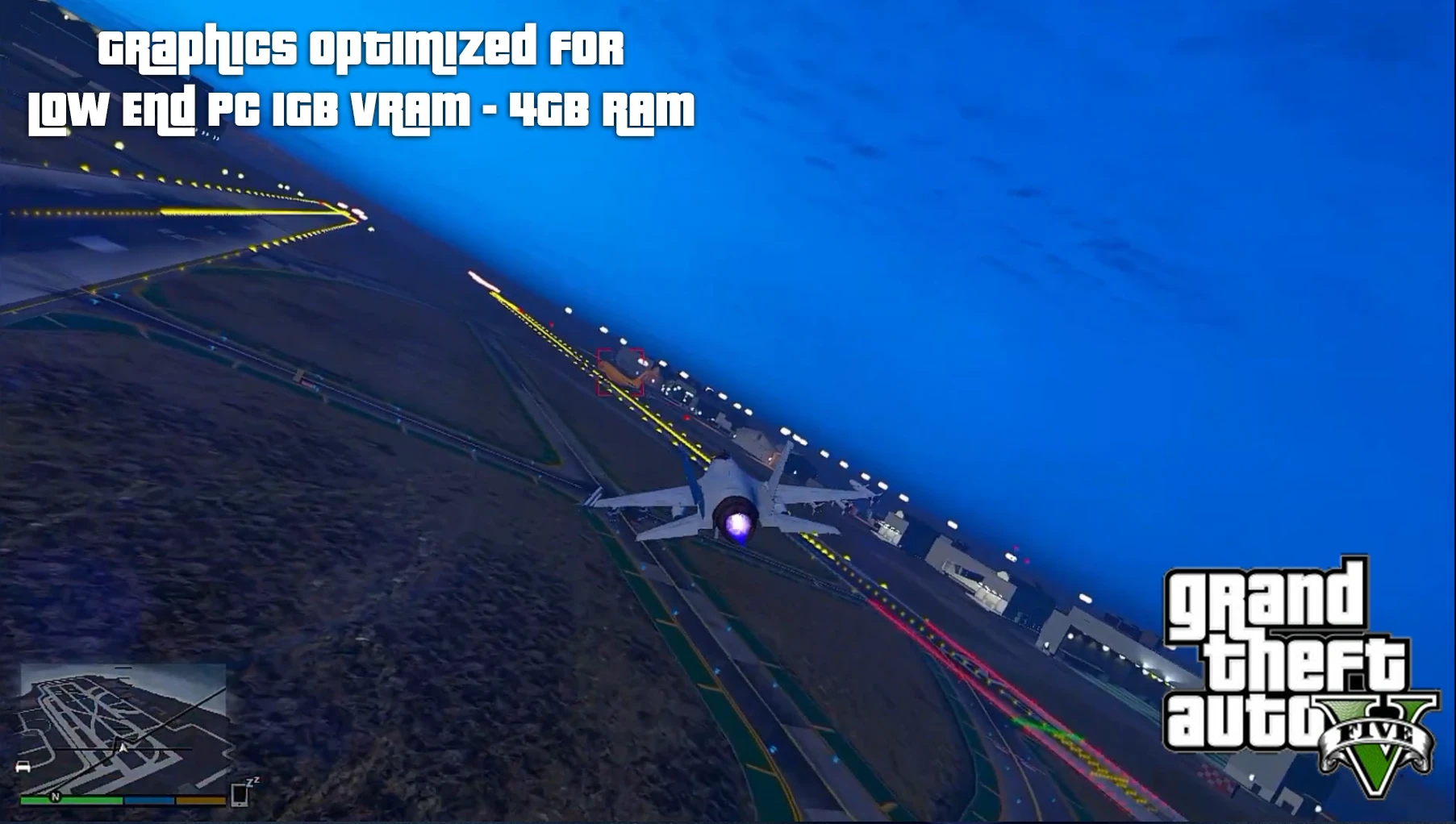
Graphics Optimized For Low End PC 1GB VRAM - 4GB RAM
⚪ Last updated 2023⚠️ Install Order · 3 steps
Install in this order, then this mod last — most mods fail to load without their framework and dependencies in place.
Preview
🔍 Analysis
- 👍 1.5% endorsement rate — high engagement, a strong quality signal
- 🏆 #23 of 82 Visuals and Graphics mods in this game by downloads
📋 About This Mod
MY PC SPEC: (This is my old PC spec, now i have better PC, i just found
this config from my google drive, and i want to share you who people
played this game on low end PC) this settings created from 21. 12. 2019
i5-2330 3. 6Ghz
GTX650Ti 1GB
4GB RAM DDR3
i got 55-36FPS with this settings from spec above
- Timecycle
- gamesettings.xml
- visualsetting.dat
HOW TO INSTALL:
Inside archive choose only 1 setting Low (No Shadows) or Low (With Shadow)
Make sure Backup Your Setting.xml in Document/Rockstar Games/GTA V/Here And Rename From settings.xml ==> settings.xml.bak
1) Copy My Setting.xml To This Folder Document/Rockstar Games/GTA V/Here
2) Open My setting.xml with notepad Scroll down and find My GPU name "NVIDIA GeForce GTX 650 Ti" Rename This to Your GPU.
3) How to find Your GPU Name Open Your settings.xml.bak with notepad scroll down Then Copy Your GPU name to my settings.xml Then Save
4) Inside OpenIV (Optional) BACKUP YOUR ORIGINAL timecycle & visualsetting.dat first!!!
And Then Replace with my config.. to
mods/update/update.rpf/common/data/here
Using OpenIV Tools.
Bonus:
After install this config You can change Resolusion in the game, Reflection, water quality, grass quality,
Another setting DON'T CHANGE!!!
Character From Screenshot:
- https://id.gta5-mods.com/player/overwatch-d-va-add-on-ped
A performance config for GTA V on low-end PCs, created by a user with an i5-2330, GTX 650 Ti, and 4GB RAM, achieving 36-55 FPS. Includes timecycle, gamesettings.xml, and visualsetting.dat. Requires manual installation and OpenIV for optional file replacement. 57 endorsements, 3,915 downloads, last updated January 2023.
✨ Key Features
📊 Pros & Cons
✅ Pros
- Community-tested on similar hardware (57 endorsements, 3,915 downloads).
- Two shadow options give flexibility for performance vs. visuals.
- Author provides detailed install steps, including GPU name editing.
⚠️ Cons
- Last updated January 2023 — may not be compatible with the latest GTA V updates.
- Requires manual editing of settings.xml and OpenIV for full effect, which can be intimidating.
- No uninstall instructions beyond backing up originals, which might be overlooked.
For GTA V players on low-end PCs (1GB VRAM, 4GB RAM) who want smoother performance without sacrificing too much visual quality. If you're comfortable editing config files and using OpenIV, this is a solid option. Skip if you have a modern rig or prefer one-click mod installs.
💡 Beginner Tips
- Back up your original settings.xml and rename it to settings.xml.bak before copying the mod's file.
- When editing settings.xml, search for 'NVIDIA GeForce GTX 650 Ti' and replace it with your GPU name from your backup.
- If you skip the OpenIV step, the mod still works but you won't get the full timecycle/visual changes.
📊 Mod Details
- Game
- GTA V Mods
- Author
- Indra Sundanese
- Version
- 1.0
- Downloads
- 3,915
- Endorsements
- 57
- Category
- Visuals and Graphics
- Created
- 1/17/2023
- Updated
- 1/17/2023
🔧 How to Install GTA V Mods
Script Hook V + OpenIV. Never mod GTA Online.
📖 Full step-by-step install guide for GTA V →
Visit the official mod page for specific installation instructions for this mod.
🎮 Need cheat codes or console commands? Check ur gaming wiki for GTA V commands, item IDs, and more.
Keep browsing — more GTA V mods await