Fallout 76 Next-Gen - ReShade and INI
⚪ Last updated 2024Preview
🔍 Analysis
- 👍 1.5% endorsement rate — high engagement, a strong quality signal
- 🏆 #7 of 10 ENB and ReShade mods in this game by downloads
📋 About This Mod
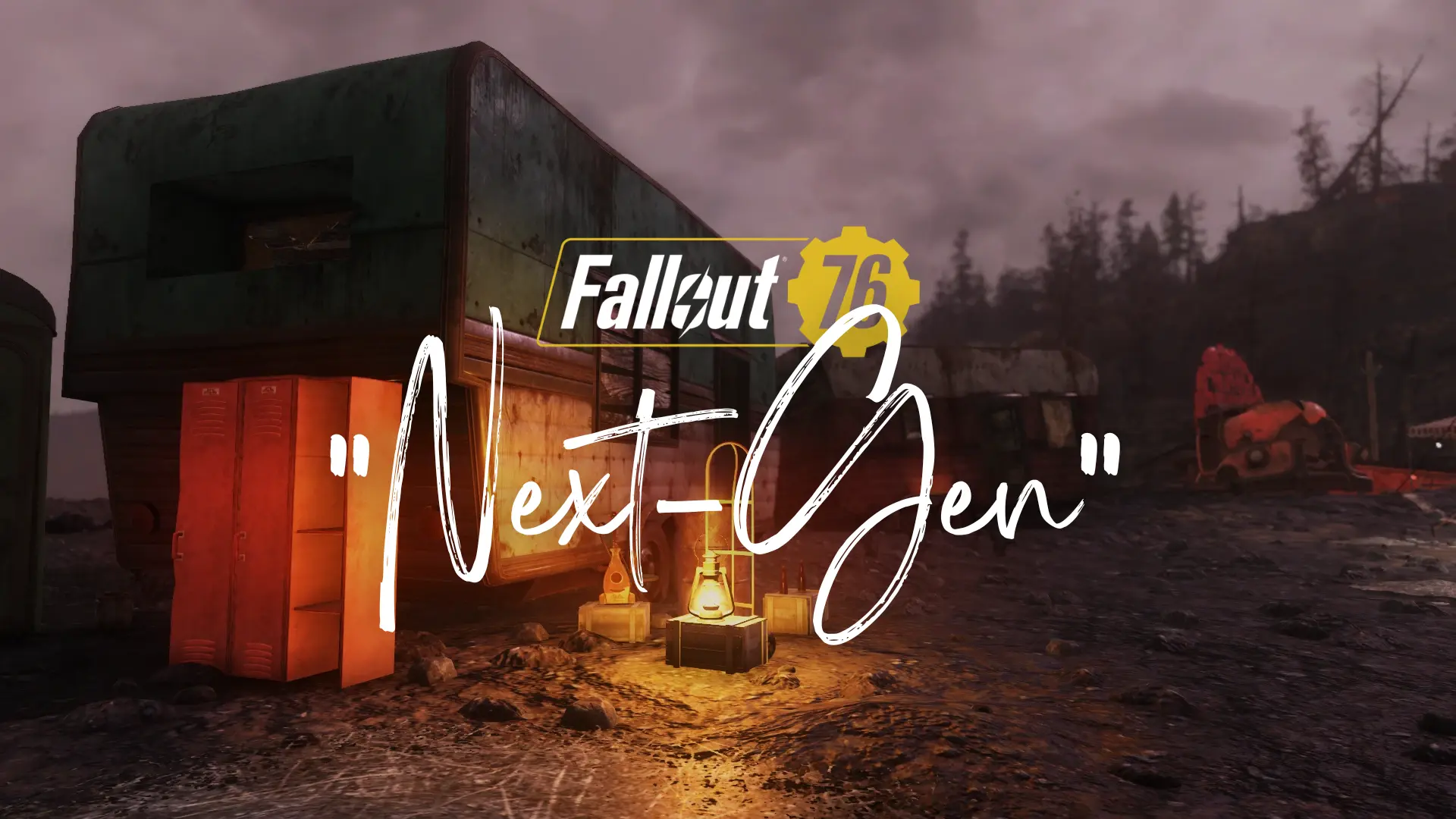
A subtle but effective faithful ReShade preset that significantly modernizes the look and feel of the game. Realistic shadowing, more vibrant colors, darker nights, finely-tuned adaptive bloom. Now with custom INI for better performance and
A subtle but effective
faithful ReShade
preset that significantly modernizes the look and feel of the game. Realistic shadowing, more vibrant colors, darker nights, finely-tuned adaptive bloom. Meticulously balanced for good results across the game. No more flat lighting and washed-out colors!Check out the descriptions in the image gallery for notes and comparisons.
Optional modified Fallout76Custom INI for significant performance and visual improvements, based on byrdworker's Natural INI - Fidelity and Performance. Changed portions affecting contrast and lighting to better fit this mod. Check out their mod page for details on changes.
Performance impact from the ReShade itself shouldn't be huge - noticing no differences on my older rig at locked 60. Any differences should be mitigated by the INI adjustments (maybe even better than before). MXAO may take a few FPS off, but is worth it for the improved shadows.
INSTALL INSTRUCTIONS:
1. Download this preset, and extract the file in your main game directory (for Steam: "steamapps/common/Fallout76". For WGS/GamePass: "Fallout 76/Content").
2. Install the Addon Version of ReShade. For WGS/GamePass version, install to the "gamelaunchhelper" .exe instead of (maybe in addition to?) the default install path.
2a. Choose "DirectX 10/11/12"
2b. Under "Select effects to install", use the "Browse..." function to select the downloaded "Fallout76NextGen.ini". OR, make sure that all "SweetFX", "shaders by brussell", and "qUINT by Marty McFLY" modules are selected (if you want to use other ReShades as well).
FIX FOR MXAO GHOSTING/SHADOW PENETRATION ON UI SCREENS:
1. Download shijian452's Fallout 76 AK-Reshade tool and place it in your main game directory.
1a. Run the tool. Do NOT click "Install".
1b. Click the button which corresponds to the resolution you run the game at. Close the tool.
2. In File Explorer, open the "reshade-shaders\Shaders" folder in your game directory.
3. Copy "UIDetect.fxh" from the "Shaders" folder to the "brussell" folder, replacing the file therein.
If it's not working, please try again and make sure you've followed the steps above accurately.
📊 Mod Details
- Game
- Fallout76 Mods
- Author
- statichromatic
- Version
- 2.0
- Downloads
- 4,103
- Endorsements
- 61
- Category
- ENB and ReShade
- Created
- 6/17/2024
- Updated
- 7/7/2024
🔧 How to Install Fallout76 Mods
Download from Nexus Mods.
📖 Full step-by-step install guide for Fallout76 →
Visit the official mod page for specific installation instructions for this mod.
🎮 Need cheat codes or console commands? Check ur gaming wiki for Fallout76 commands, item IDs, and more.
Keep browsing — more Fallout76 mods await