Fallout 76 ini tweaks
⚪ Last updated 2018🖼️ Gallery (1 images)
🔍 Analysis
- 👍 4.1% endorsement rate — high engagement, a strong quality signal
- 🏆 #8 of 15 Tools and Utilities mods in this game by downloads
📋 About This Mod
76 is out of beta now and Bilago has released a nice tool to change these settings. I'm suggesting you should probably use that instead of this, as this could be irrelevant now.
Grab it here
---------------------------------------------------------------------------------------------------------------------------------------------------------------------------------
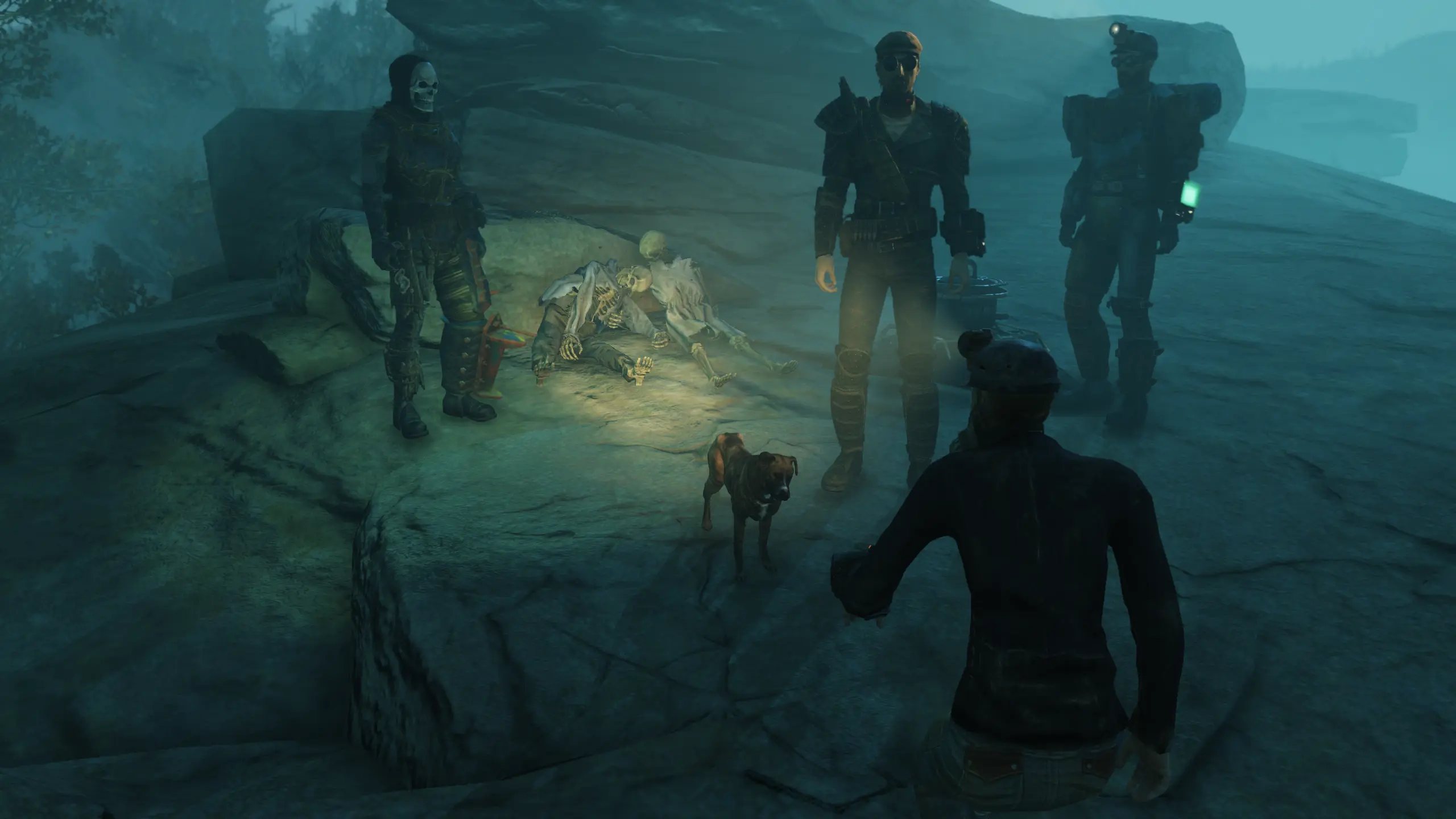
Turns of Bokeh
Turns off DOF
Turns off Motion blur
Selects TAA anti-aliasing (used?)
Sets iPresentInterval to 0 (vsync, set this to 1 if you have problems, but the game was much less jerky for me)
screen size is set to 2560x1440 (change this if you want a different resolution)
to install:
drop into C:\Users\%USER%\Documents\My Games\Fallout 76 and enjoy the better look and a more smooth experience
change resolution if you want to
right click, properties, set it to read only
A simple ini tweak file for Fallout 76 that disables Bokeh, DOF, and motion blur, sets TAA, disables vsync, and changes resolution to 2560x1440. Author recommends using Bilago's tool instead as this may be outdated. 212 endorsements, 5,226 downloads, last updated November 2018.
✨ Key Features
📊 Pros & Cons
✅ Pros
- Community-tested with 212 endorsements and over 5,000 downloads
- Simple drop-in installation—just place the ini file in your Fallout 76 config folder
- Author notes the game felt less jerky with vsync off, which is a real performance win
⚠️ Cons
- Author himself says this is likely outdated and recommends using Bilago's tool instead
- Last updated in 2018—may not work with current game patches
- No instructions for changing resolution beyond a brief note; no troubleshooting guide
For Fallout 76 players who want to quickly disable motion blur and depth of field for a cleaner look and smoother performance without fiddling with menus. If you're on a modern patch, you're better off using Bilago's tool as the author suggests—skip this if you want up-to-date compatibility.
💡 Beginner Tips
- Make sure to set the ini file to read-only after placing it, or the game may overwrite your changes.
- If you experience screen tearing or crashes, change iPresentInterval back to 1 in the ini.
- Adjust the resolution values to match your monitor's native resolution before launching the game.
📊 Mod Details
- Game
- Fallout 76 Mods
- Author
- Cancerous
- Version
- 1
- Downloads
- 5,226
- Endorsements
- 212
- Category
- Tools and Utilities
- Created
- 11/2/2018
- Updated
- 11/2/2018
🔧 How to Install Fallout 76 Mods
Use Vortex. Place .ba2 files in Data folder. Use cautiously online.
📖 Full step-by-step install guide for Fallout 76 →
Visit the official mod page for specific installation instructions for this mod.
🎮 Need cheat codes or console commands? Check ur gaming wiki for Fallout 76 commands, item IDs, and more.
Keep browsing — more Fallout 76 mods await