Trash and Rubble Pile Replacer
⚪ Last updated 2021⚠️ Install Order · 2 steps
Install in this order, then this mod last — most mods fail to load without their framework and dependencies in place.
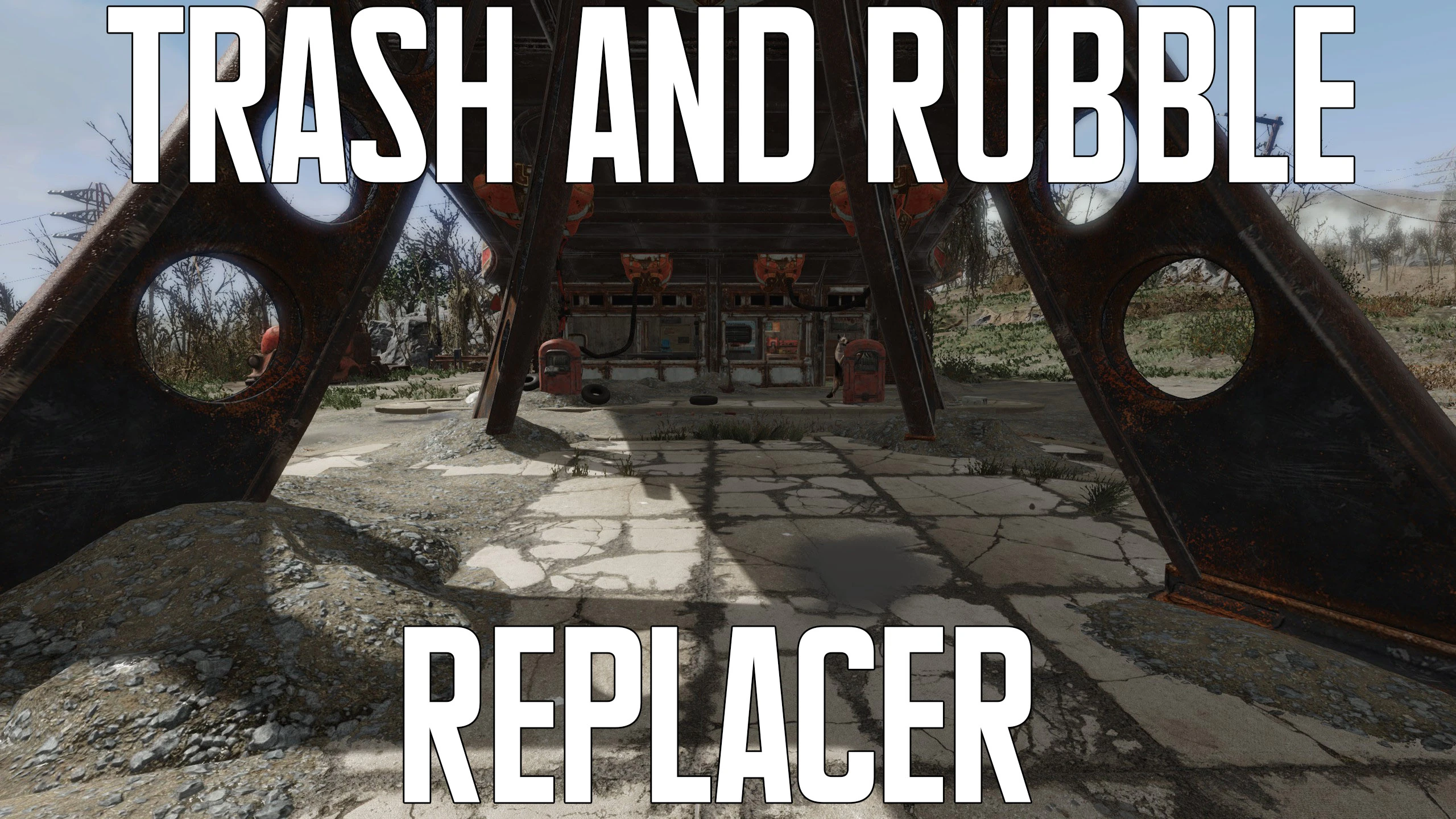
Preview
🔍 Analysis
- 👍 5.4% endorsement rate — high engagement, a strong quality signal
- 🏆 #30 of 254 Models and Textures mods in this game by downloads
📋 About This Mod
I made this mod because the trash piles are pretty ugly and flat, but removing them completely breaks pre-combines. I suggest installing the options just gravel and removing the decals.
Please note
: This mod doesn't include any new textures. So if you already have a gravel or trash retexture, this wont replace it. The only time it will replace anything is if you choose to remove the trash and then it will just default to your gravel texture.Check the screenshots for an example with the amazing Gravel Redone mod.
Check this video for the differences.
StaeXKbboKM
To install use a mod installing program or place the options youd like in your data folder.
You can use texture mods with this because it alters the BGSM files and not the texture files themselves. I recommend Gravel Redone .
If you're using Vivid Fallout All in One, id suggest the alternate DirtGravel in the optional files.
As stated before this mod doesn't break pre-combines.
Other mods I've made:
Idiot Savant sound and animation Replacer
Extended Scrapper Highlight Distance
Ghoul Dive Attack Remover
Diamond City Gate Open
Better Caps Stashes
More Lootable Scrap Items
Explosive Barrels
A small texture replacer for trash and rubble piles in Fallout 4, offering options to remove trash entirely or just the decals. No new textures are added, and pre-combines remain intact, ensuring compatibility with the game's optimization system. With 705 endorsements and 12,940 downloads, it's a community-approved cosmetic tweak.
✨ Key Features
📊 Pros & Cons
✅ Pros
- Community-approved with 705 endorsements and 12,940 downloads
- Offers multiple options to customize trash appearance, including full removal
- Pre-combines intact means no performance hit or compatibility issues with precombined objects
⚠️ Cons
- Only affects trash and rubble piles, so impact is limited to specific environmental details
- No new textures means visual change is subtle, not a dramatic overhaul
- Last updated in 2021, so may not be compatible with the latest game patches or mods
For Fallout 4 players who want to clean up the wasteland by removing or altering trash piles without performance cost. Great for screenshot enthusiasts or those who prefer a tidier environment. Skip if you're looking for high-resolution texture overhauls or major visual changes.
💡 Beginner Tips
- Since pre-combines are intact, you can safely use this with other mods that modify the same areas without breaking precombined objects.
- Use a mod manager like Vortex or Mod Organizer 2 to easily switch between the different options (remove trash, remove decals, etc.) and revert if needed.
- If you're using other texture mods, load this one after them to ensure its changes take priority.
📊 Mod Details
- Game
- Fallout 4 Mods
- Author
- Yeti
- Version
- 1.0
- Downloads
- 12,940
- Endorsements
- 705
- Category
- Models and Textures
- Created
- 6/14/2021
- Updated
- 6/14/2021
🧩 Commonly Used Together
Users add these mods to the same collections — a real compatibility signal, not an AI guess.
🔧 How to Install Fallout 4 Mods
Download from Nexus.
📖 Full step-by-step install guide for Fallout 4 →
Visit the official mod page for specific installation instructions for this mod.
🎮 Need cheat codes or console commands? Check ur gaming wiki for Fallout 4 commands, item IDs, and more.
Keep browsing — more Fallout 4 mods await