Pip Boy 2000 Russian translation
⚪ Last updated 2020⚠️ Install Order · 2 steps
Install in this order, then this mod last — most mods fail to load without their framework and dependencies in place.
Preview
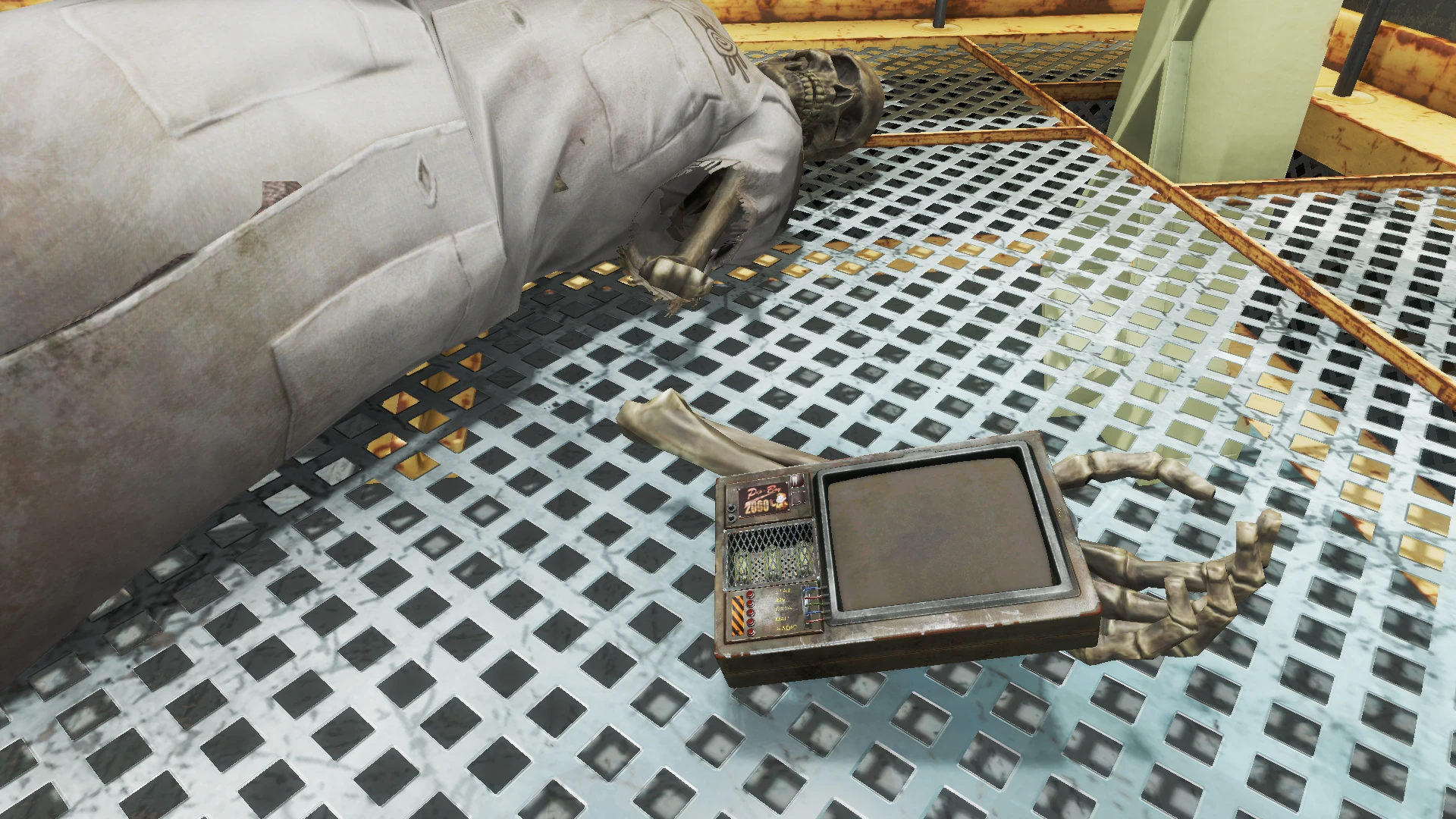
🔍 Analysis
- 👍 2.6% endorsement rate — high engagement, a strong quality signal
- 🏆 #19 of 21 Pip-Boy mods in this game by downloads
📋 About This Mod
К основному переводу так-же отдельно прилагается набор фиксов к модам Pip-Boy Flashlight, LooksMenu Customization Compendium и THBrows.
This mod replaces the standard wrist Pip-Boy with a Pip Boy 2000 model, localized for Russian-speaking players. It has 245 endorsements and nearly 9,300 downloads, last updated in February 2020. A niche cosmetic change for Fallout 4 players who want a different Pip-Boy look and prefer Russian text.
✨ Key Features
📊 Pros & Cons
✅ Pros
- Community-tested with 245 endorsements and over 9,000 downloads.
- Gives your wrist a classic Pip-Boy 2000 look instead of the standard model.
- Russian localization is a plus for native speakers.
⚠️ Cons
- Last updated in 2020, so it may not be compatible with the latest game patches.
- Cosmetic only – if you want new features, this isn't it.
- Potential conflicts with other Pip-Boy reskins or UI overhaul mods.
For Fallout 4 players who want a visual change to their Pip-Boy and prefer a Russian interface. It's a simple cosmetic swap, so if you're looking for gameplay tweaks or new Pip-Boy functions, skip this. Also great for collectors of classic Pip-Boy models.
💡 Beginner Tips
- Make sure to place the mod files in your Fallout 4 Data folder or use a mod manager like Vortex.
- If you use other Pip-Boy reskins, load this mod after them to ensure it takes effect.
- Check the mod's comments for any reported issues with the latest game version.
📊 Mod Details
- Game
- Fallout 4 Mods
- Author
- AlexScorpion
- Version
- 0.3
- Downloads
- 9,294
- Endorsements
- 245
- Category
- Pip-Boy
- Created
- 2/22/2020
- Updated
- 2/22/2020
🔧 How to Install Fallout 4 Mods
Download from Nexus.
📖 Full step-by-step install guide for Fallout 4 →
Visit the official mod page for specific installation instructions for this mod.
🎮 Need cheat codes or console commands? Check ur gaming wiki for Fallout 4 commands, item IDs, and more.
Keep browsing — more Fallout 4 mods await