MCM Categorizer - Sorter Folder Categories
⚪ Last updated 2022⚠️ Install Order · 2 steps
Install in this order, then this mod last — most mods fail to load without their framework and dependencies in place.
Preview
🔍 Analysis
- 👍 0.8% endorsement rate
- 🏆 #68 of 110 User Interface mods in this game by downloads
📋 About This Mod
MCM Categorizer
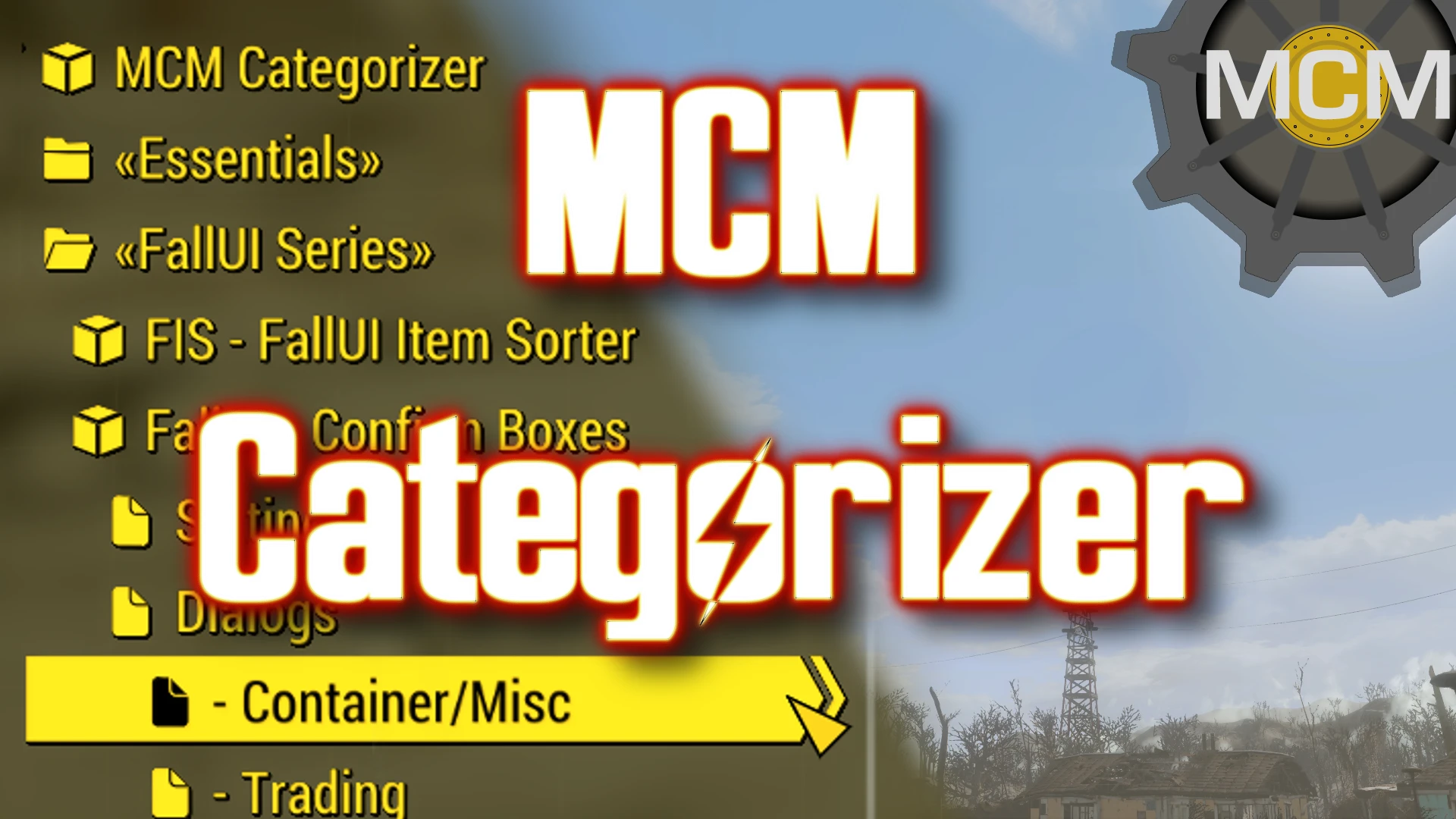
Categorize and sort your MCM Menu! Allows you to add your own categories into MCM. You can put any mod where you like to have it, in any order! Also comes with fancy icons and a compressed list view! Also various more Quality-of-Life features for navigating MCM.
-
[]Add as many categories you like
[
]Choose your own name for your categories[]You can store any mod in any category - Simply drag and drop it where you want it
[]Sort your mods with drag and drop
[]Add fancy icons to categories, mod main pages and mod sub pages
[]Compress your MCM menu list - Reduce list items height, so more menu items fit on the screen
[]Allows to override the standard behavior to only allow one open submenu
[]More - Take a look in the MCM settings!
Installation
- Simply install with any mod manager
Public Service Announcement
Upgrade your MCM
MCM Settings Manager - Save, load and transfer ALL MCM settings at once!
MCM Booster - Greatly reduce the loading time
MCM Settings Menu mods - More MCM menus for many mods
Upgrade your Fallout 4 interface
The FallUI Series - Improve and extend most interfaces in the game with many Quality-of-Live features!
Credits and Thanks
HiDDeN (Idea and intensive testing)
The Collective Modding discord
The MCM team: registrator2000, Neanka and shadowslasher410 (for their awesome MCM menu)
Bethesda (Fallout 4)
The Nexus community
MCM Categorizer lets you organize your Mod Configuration Menu with custom categories and drag-and-drop sorting. It adds icons and a compressed list view for a cleaner interface. Popular with 2,494 endorsements, this UI utility is for mod users who want full control over their MCM layout.
✨ Key Features
📊 Pros & Cons
✅ Pros
- Community favorite with 2,494 endorsements and over 321k downloads
- Drag-and-drop makes organizing your MCM a breeze
- Custom categories mean you can group mods exactly how you want
⚠️ Cons
- Last updated in 2022 — may not support the latest game version or new MCM features
- Requires MCM to be installed, which isn't explicitly stated but is implied
For modders who have tons of MCM entries and want a tidy, personalized menu. If you're tired of scrolling through a cluttered list, this is for you. Skip if you rarely use MCM or prefer default layouts.
💡 Beginner Tips
- Make sure you have the Mod Configuration Menu mod installed first, as this mod enhances it.
- After installing, open your MCM in-game and look for a new 'Categories' option to start organizing.
- Use the drag-and-drop feature to move mods into your custom categories — no need to edit files.
📊 Mod Details
- Game
- Fallout 4 Mods
- Author
- m8r98a4f2
- Version
- 1.0.1
- Downloads
- 321,020
- Endorsements
- 2,494
- Category
- User Interface
- Created
- 11/22/2022
- Updated
- 11/23/2022
🔧 How to Install Fallout 4 Mods
Download from Nexus.
📖 Full step-by-step install guide for Fallout 4 →
Visit the official mod page for specific installation instructions for this mod.
🎮 Need cheat codes or console commands? Check ur gaming wiki for Fallout 4 commands, item IDs, and more.
Keep browsing — more Fallout 4 mods await