High Performance Settings for Older or Slower Rigs
⚪ Last updated 2017⚠️ Install Order · 2 steps
Install in this order, then this mod last — most mods fail to load without their framework and dependencies in place.
Preview
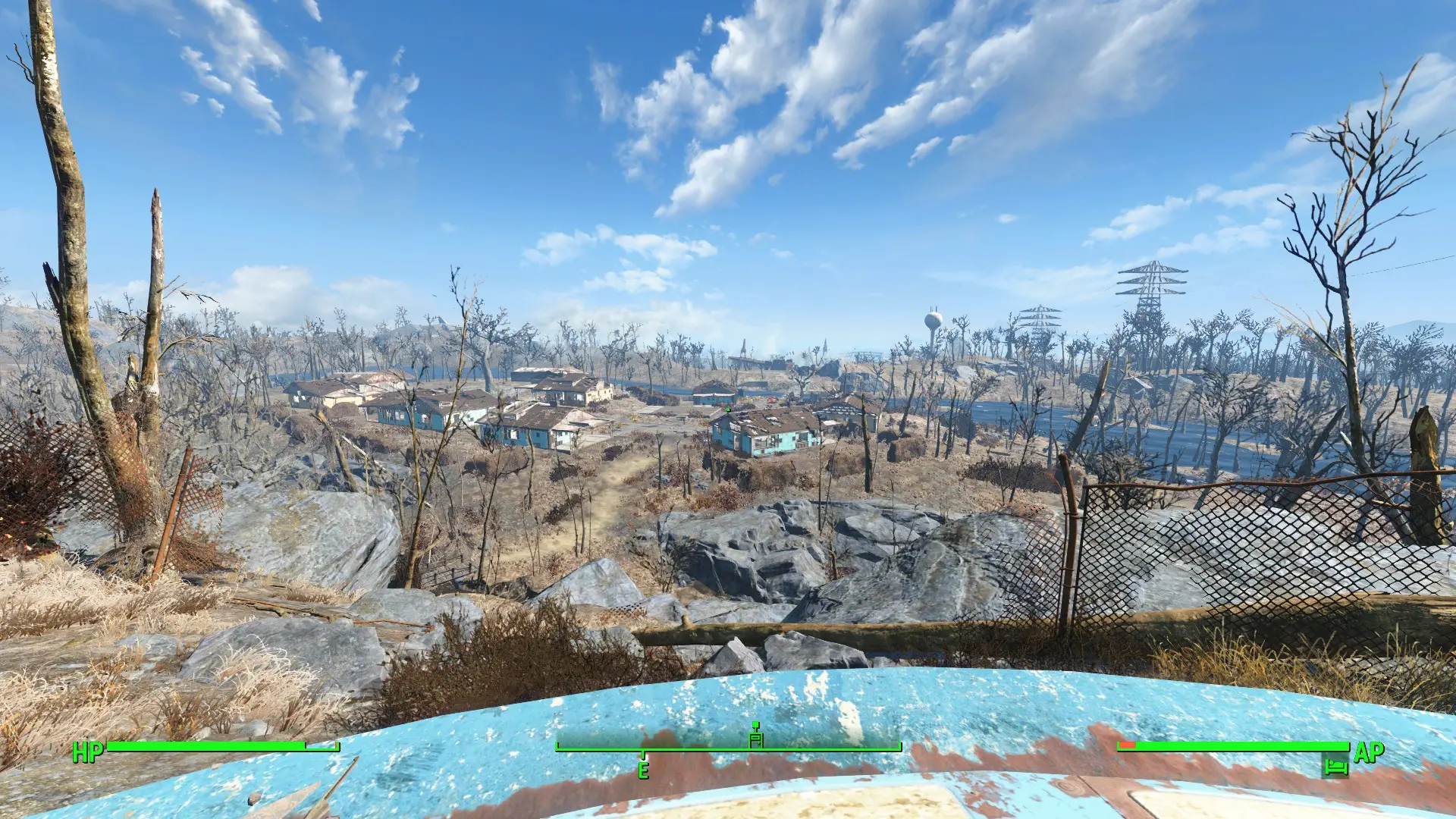
🔍 Analysis
- 👍 6.1% endorsement rate — high engagement, a strong quality signal
- 🏆 #9 of 14 Performance mods in this game by downloads
📋 About This Mod
A culmination of suggestions found on various forums and months of my own tweaking, these .ini settings for Fallout 4 should get the game running well on even an older gaming rig. Includes 4 fully hand-tailored presets to suit different target systems. Anyone who tries these settings should experience the following:
- []Significantly higher average framerate and feeling of "smoothness" []Less significant frame drops in complicated areas (downtown, Corvega, etc) []Visibly shorter loading times []Increased game engine stability (based on personal experience - your mileage may vary)
Overview of the Presets []Low Preset: This is aimed at getting the game to run on a toaster. This means REALLY old systems, and more modern systems with integrated graphics (such as Intel chips, AMD A-series systems, etc). View distance is VERY low, and only minimal mip-mapping is done on the textures (meaning they will be rendered at a very low resolution - 16 passes are skipped). This preset also uses FXAA instead of the standard TAA setting in all others. []Medium Preset: Aimed at old gaming rigs, this preset is built for systems with 4-8GB of RAM and 3GB or less of GPU VRAM. You can see a comfortable ways off into the distance, and more texture mip-mapping is done (12 passes are skipped). This preset is aimed at delivering good performance without actually sacrificing too much visual quality. I RECOMMEND MOST PEOPLE TRY THIS PRESET FIRST. []High Preset: This preset is for systems which have room to improve over the medium preset, but still struggle with the game in its out-of-the-box form. View distance is somewhat higher than the medium preset, and shadows are rendered at a higher resolution (though still in single-split mode). Texture detail is the same as Medium (12 passes are skipped) since this really helps GPUs with a small amount of VRAM (3GB or less) run the game without crashing. []Ultra Preset: For systems that still have room to push over the high preset, the Ultra preset is essentially the same as the High preset, but enables God Rays (volumetric lighting), Ambient Occlusion, and Bokeh Depth of Field. This preset is appropriate for systems that are "almost there", but are not quite meeting performance expectations with the default config. It should look visually nearly the sam
Hand-tooled preferences files that optimize game performance for older or slower rigs while preserving visual quality. With 637 endorsements and over 10,000 downloads, this performance mod is a community favorite for players seeking smoother gameplay without major graphical sacrifices.
✨ Key Features
📊 Pros & Cons
✅ Pros
- Community-approved (637 endorsements) and widely downloaded (10,514 downloads)
- Hand-tooled settings mean careful optimization, not just a blanket low preset
- Targets older rigs, so it's perfect if your PC is showing its age
⚠️ Cons
- Last updated in 2017, so it may not be compatible with newer game versions or hardware
- No specific settings listed, so you'll have to trust the author's choices
- Potential conflicts with other performance mods or custom settings
For players with older or slower rigs who want better performance without nuking all visual quality. If you're on a modern high-end PC, you don't need this. Skip if you prefer tweaking every setting yourself—this is a set-and-forget solution.
💡 Beginner Tips
- Back up your current preferences files before replacing them so you can revert if needed.
- After installing, launch the game and check your FPS in a busy area to see the improvement.
- If you use other performance mods, test them together to ensure no conflicts.
📊 Mod Details
- Game
- Fallout 4 Mods
- Author
- lordbean
- Version
- 1.4
- Downloads
- 10,514
- Endorsements
- 637
- Category
- Performance
- Created
- 3/31/2017
- Updated
- 4/25/2017
🔧 How to Install Fallout 4 Mods
Download from Nexus.
📖 Full step-by-step install guide for Fallout 4 →
Visit the official mod page for specific installation instructions for this mod.
🎮 Need cheat codes or console commands? Check ur gaming wiki for Fallout 4 commands, item IDs, and more.
Keep browsing — more Fallout 4 mods await