Fixed Gobo Effects
⚪ Last updated 2022⚠️ Install Order · 2 steps
Install in this order, then this mod last — most mods fail to load without their framework and dependencies in place.
Preview
🔍 Analysis
- 👍 0.8% endorsement rate
- 🏆 #13 of 103 Bug Fixes mods in this game by downloads
📋 About This Mod
Description
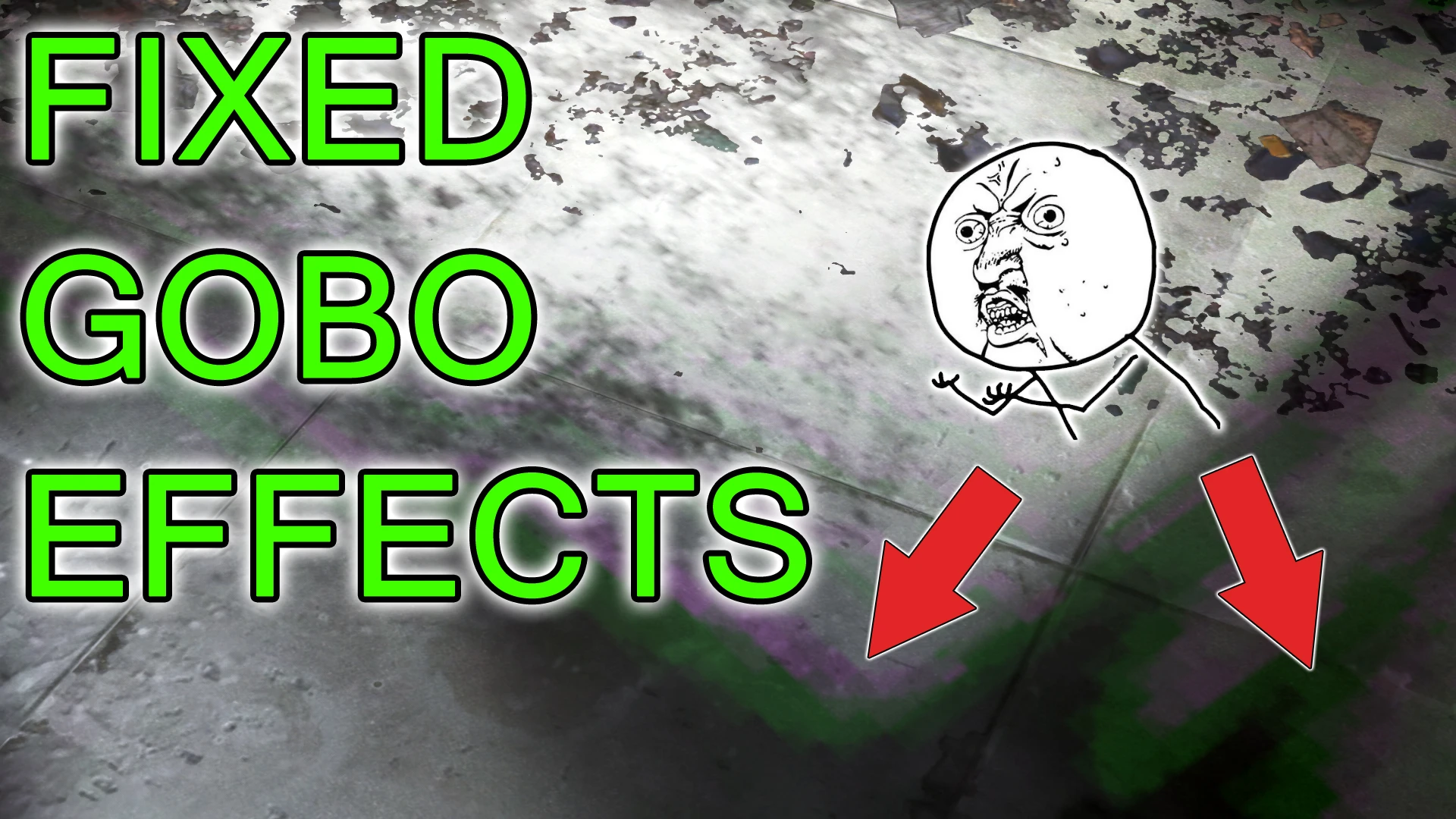
This mod fixes some artefacts in textures that are used for special light effects, so called Gobos.
Usually these effects can create a stunning atmosphere and give modders a whole new possibility when setting up light sources. I've spent dozens of hours in the Creation Kit after I realised how easy they are to use and how much they can change the mood of a scene. In my opinion it's an incredible feature.
Here are some examples how gobos look ingame:
But here's the catch. Some gobos use texture masks which are very pixelated and have clearly noticeable artefacts. This is where this mod comes into play. I edited the affected textures in Photoshop and smoothed the edges. In some cases I set the color to black and white to eliminate the green and purple pixels.
Here's the outcome:
I've spotted this the first time while playing Automatron and clearing out the General Atomics factory. At first I thought it's just a bug with this cell or the DLC but after that I noticed those artefacts at some more places in the game. I thought I should fix that if noone else do it. That was back in March 2016. After I learned one or two things about the engine of Fallout 4 and how to hunt down a bug I decided to do the job.
Performance
This mod has no impact at all, you won't notice a difference performance wise. The resolution wasn't changed, all textures have mipmaps and are saved with BC7 compression so you'll get the best possible image quality without blowing up your VRAM.
For version 1. 2 I had to upscale 3 textures that are used in Acadia from 512x512 to 1024x1024. Otherwise the ugly pixelation couldn't be fixed. It's those light effects in DiMAs room that looks like sun shadows. Because they're spread all across the room I had to do something with the texture resolution. Version 2. 1 includes a few additionally upscaled textures
Installation and load order
You can install this mod with any mod manager.
If you're new to this, here's a guide.
The files of this mod are packed into a BA2 archive and are loaded with an empty dummy esp. The esp is flagged as esl and won't consume a load order slot.
I suggest to place this mod at the top of your load order, right after the Unofficial Fallout 4 Patch (if you use it).
This is especially important if you use mods that changes the Pip-Boy light and /or power armor head lamps because some of them come with their own gobo textures.
Compatibility with other mods and DLCs
Fixed Gobo Effects is a bug fix mod that eliminates artefacts, pixelation, and color banding in textures used for special light effects. It claims zero performance loss and minimal VRAM strain, making it a safe, essential fix for any player.
✨ Key Features
📊 Pros & Cons
✅ Pros
- Huge community trust with 8,076 endorsements and 1.1M downloads
- Zero performance hit means you get cleaner visuals without sacrificing FPS
- Simple bug fix that improves visual quality without changing gameplay
⚠️ Cons
- Last updated in 2022 — might not be compatible with the latest game version
- Only fixes gobo effects, so if you're looking for broader visual overhauls, this won't cover them
For any player who notices pixelation or color banding in light effects and wants a quick, performance-friendly fix. Skip if you're after major graphical overhauls — this is a targeted bug fix, not a visual upgrade pack.
💡 Beginner Tips
- If you're using a mod manager, just download and activate; otherwise, drop the files into your game's Data folder.
- Check if the mod requires the latest game patch — since it's from 2022, verify compatibility with your current version.
- Since it's a texture fix, you can safely load it alongside other visual mods without conflicts.
📊 Mod Details
- Game
- Fallout 4 Mods
- Author
- Ablaze666
- Version
- 2.1.2
- Downloads
- 1,060,056
- Endorsements
- 8,076
- Category
- Bug Fixes
- Created
- 10/21/2017
- Updated
- 10/30/2022
🧩 Commonly Used Together
Users add these mods to the same collections — a real compatibility signal, not an AI guess.
🔧 How to Install Fallout 4 Mods
Download from Nexus.
📖 Full step-by-step install guide for Fallout 4 →
Visit the official mod page for specific installation instructions for this mod.
🎮 Need cheat codes or console commands? Check ur gaming wiki for Fallout 4 commands, item IDs, and more.
Keep browsing — more Fallout 4 mods await