Far Object LOD Improvement Project
🟡 Updated this year⚠️ Install Order · 2 steps
Install in this order, then this mod last — most mods fail to load without their framework and dependencies in place.
Preview
🔍 Analysis
- 👍 0.5% endorsement rate
- 🏆 #34 of 271 Models and Textures mods in this game by downloads
📋 About This Mod
Description
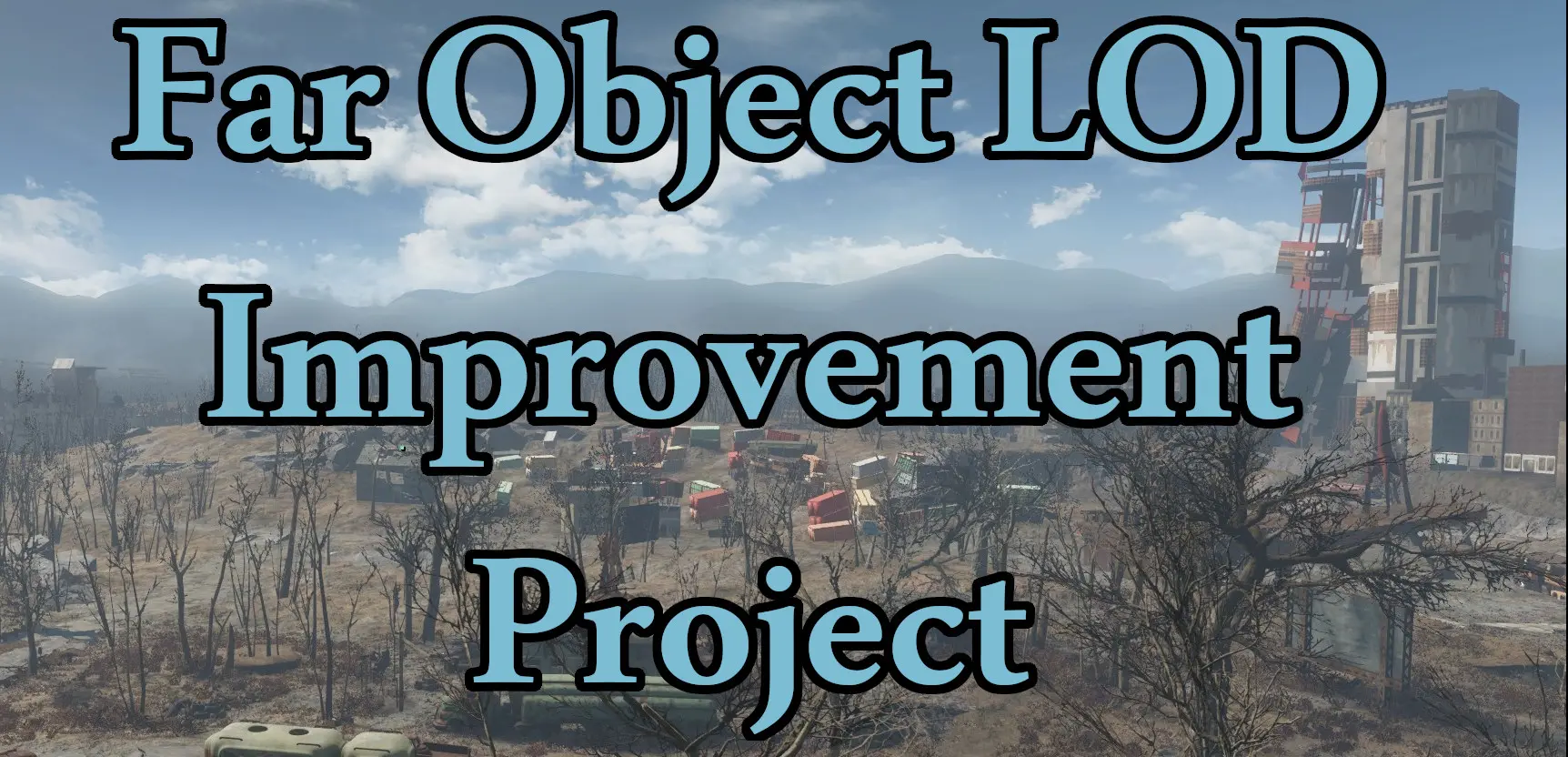
Far Object LOD Improvement Project (FOLIP) adds missing LOD models for objects that don't currently have them, and replaces many of the vanilla LOD models in the game with higher quality versions. The vanilla game has 4,446 LOD models. FOLIP has more than 5,000 LOD models. Using this mod significantly improves visuals and eliminates pop-in of objects at very little performance cost. Some models included:
-
[]Barges and boats[/]
[]Billboards and signs[/]
[]Boulders[/]
[]Buses[/]
[]Cars[/]
[]Construction Equipment[/]
[]Diner and Drive-in[/]
[]Windmills[/]
[]Roads[/]
[]Shacks and Junk Walls[/]
[]Shipping Crates[/]
[]Sidewalks[/]
[]Train Engines[/]
[]Train Tracks[/]
[]Trucks[/]
[]Vertibirds[/]
[]... and much, much, more![/]
Before:
Installation
Install and activate like any other mod. By itself, the main file does nothing. You must regenerate Object LOD using FO4LODGen to see the added objects.
If you are uncomfortable or experience issues generating yourself, there is now an optional Pregenerated Object LOD file that can be used. Generating your own LOD will be more performance friendly, mod compatible, and look better, but this gets you very close without having to do all the extra legwork.
Follow my instructions in the article here.
>> Video Tutorial Playlist <<
uyRkT_oBp5Q
Recommended LOD INI Settings
These are my recommended Fallout4Prefs.ini TerrainManager settings. This will increases performance, and eliminates other LOD issues. These settings will be loaded automatically if using Addictol.
fBlockLevel0Distance=32768
fBlockLevel1Distance=65536
fBlockLevel2Distance=131072
fBlockMaximumDistance=262144
fSplitDistanceMult=1. 000
FAQ
Q: Does this break precombines?
Far Object LOD Improvement Project adds missing LODs for objects that lack them, reducing pop-in and improving visuals with minimal performance impact. A popular utility mod for Skyrim players seeking smoother distant views, with strong community support (4,387 endorsements).
✨ Key Features
📊 Pros & Cons
✅ Pros
- Community-approved with 4,387 endorsements and over 800k downloads
- Fixes pop-in without tanking your FPS
- Simple install and forget—no complex setup
⚠️ Cons
- May require compatibility patches for other LOD mods
- Last updated July 2026—check for conflicts with newer mods
For Skyrim players who hate seeing objects pop into existence at a distance and want a cleaner view without heavy performance hits. Skip if you're happy with vanilla LODs or prefer all-in-one overhauls.
💡 Beginner Tips
- Place this mod after other LOD mods in your load order to ensure it overrides properly.
- Use a mod manager like Vortex or MO2 to avoid manual file conflicts.
- If you use DynDOLOD, check for compatibility patches to avoid double LODs.
📊 Mod Details
- Game
- Fallout 4 Mods
- Author
- DoubleYou
- Version
- 8.1
- Downloads
- 832,418
- Endorsements
- 4,405
- Category
- Models and Textures
- Created
- 7/4/2022
- Updated
- 8/16/2026
🧩 Commonly Used Together
Users add these mods to the same collections — a real compatibility signal, not an AI guess.
🔧 How to Install Fallout 4 Mods
Download from Nexus.
📖 Full step-by-step install guide for Fallout 4 →
Visit the official mod page for specific installation instructions for this mod.
🎮 Need cheat codes or console commands? Check ur gaming wiki for Fallout 4 commands, item IDs, and more.
Keep browsing — more Fallout 4 mods await