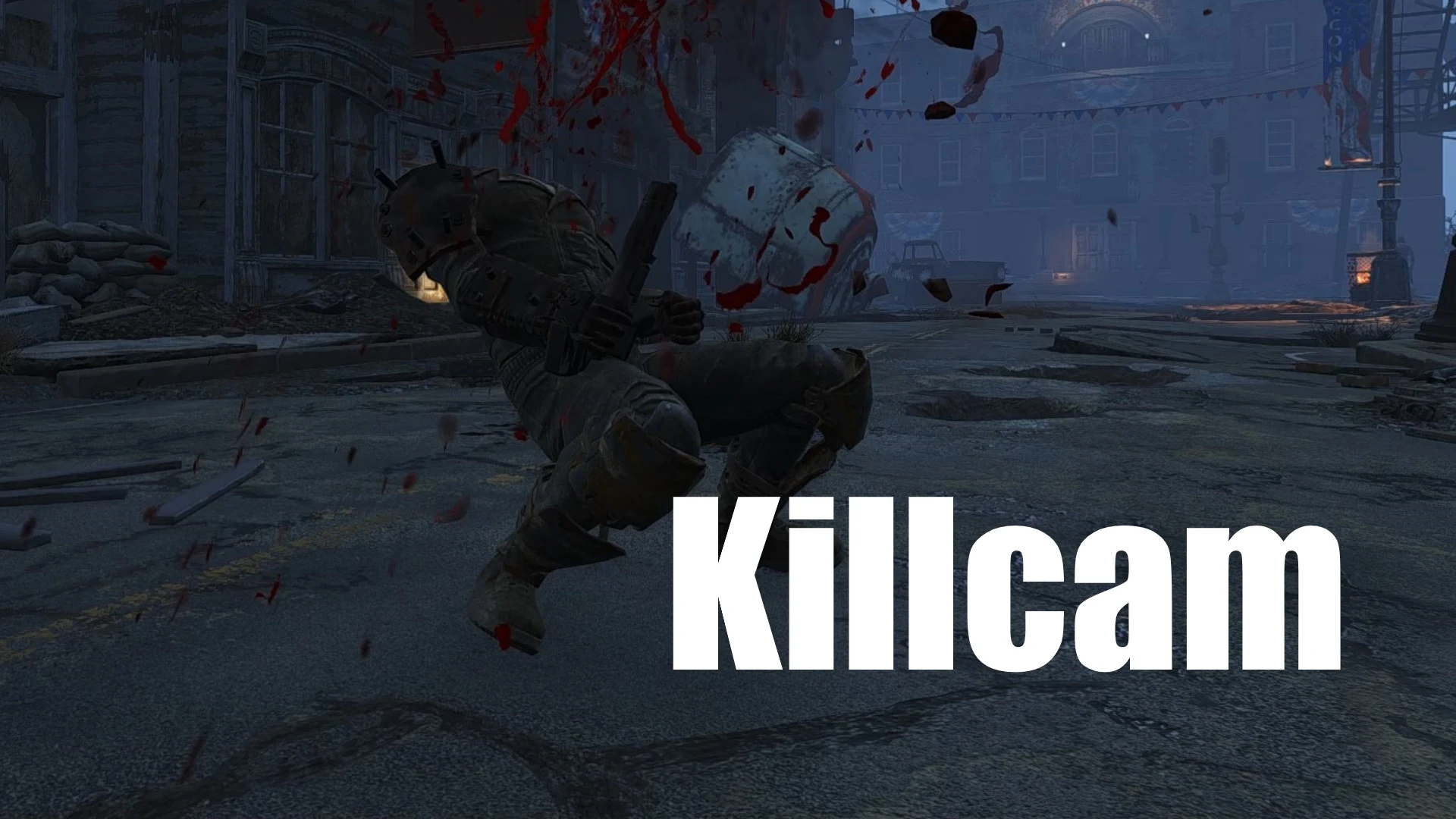
Fake Killcam
⚪ Last updated 2023⚠️ Install Order · 2 steps
Install in this order, then this mod last — most mods fail to load without their framework and dependencies in place.
Preview
🔍 Analysis
- 👍 2.9% endorsement rate — high engagement, a strong quality signal
- 🏆 #132 of 147 Gameplay mods in this game by downloads
📋 About This Mod
These are machine translations. If my English doesn't make sense or is rude, I'm sorry to trouble you.
-
[]"Cinematic" killcam now occurs at various angles. I hope this reduces the chance of ugly kill cams.
TAmv8U-Q_FU
- [
[]Compatibility with some enemies from DLC and mods in a way that doesn't require patches.
[]Adjustable "Slow time" speed.
[]Added adjustable distance filter. (There is no "player view" kill cams that look 50 yards ahead.)
[]Fixed some flags. Thank you elzee.
[ v1. 6.x - Experimental BETA]
This is a killcam test upload that transitions from the player's position to the target's position. Many scenarios so far have had killcams failing due to objects blocking them, so don't use this in your playthrough. However, if with any luck, this could be the source of a bullet-following killcam. Please take a look at the video. joy
This version removes the collision between the object and the camera, thus increasing the success rate of killcam.(3rd person camera behavior is changed)
ucxuMNsSfQs
I made a new mod. Ranged Killcam (Killcam mod Outside of VATS)
Requirements:
Fallout 4 Script Extender (F4SE)
Mod Configuration Menu
Description:
The mod has "Cinematic" and "Player View" killcams.
Customizable using MCM.
Immediately exit killcam with keyboard E / TAB key or controller activate / pause button.
Notes:
There is a crash bug when using a stim pack during a slow-motion sequence.
For safety reasons, in slow-motion sequence limits the favorites menu. but please note when using hotkey mods.
The 'Cinematic' may not occur to some creatures and NPCs (or those added by mods)
Not compatible with other kill camera mods.
If you want the killcam to occur even during Jet or bullet time mods, turn ON the
"Compatibility, fixes, etc." > "Slow time" setting.(The speed of time depends on that 'Slow time')
If the camera state is not restored after 'Cinematic', set
"Compatibility, fixes, etc." > "Camera status after the 'Cinematic'" setting.
(You can also use the "Show camera status detection"setting to check if the mod is correctly recognizing the camera status.)
The console command for rebooting is:
Fake Killcam is a compact gameplay mod that adds two killcam styles—Cinematic and Player View—to enhance combat feedback. With 426 endorsements and over 14k downloads, it's a niche but popular choice for players wanting more dramatic kill moments. Last updated in June 2023, it remains a simple, focused addition.
✨ Key Features
📊 Pros & Cons
✅ Pros
- Solid community backing with 426 endorsements
- Over 14,000 downloads show real demand
- Simple, focused feature set—does exactly what it says
⚠️ Cons
- Only two killcam styles might feel limited for some
- Last updated in 2023, so may not be actively maintained
- Potential compatibility issues with other gameplay mods that alter killcams
For players who want more cinematic kill moments without overhauling combat. If you're tired of the default killcam and want a quick visual upgrade, this is for you. Skip if you're looking for deep gameplay changes—this is purely cosmetic.
💡 Beginner Tips
- Check if your game version is compatible with the mod's last update (June 2023) to avoid crashes.
- If you use other killcam mods, load this one last to ensure its styles take priority.
- Test both killcam styles in a low-stakes fight to see which feels better for your playstyle.
📊 Mod Details
- Game
- Fallout 4 Mods
- Author
- Flan02
- Version
- 1.6
- Downloads
- 14,654
- Endorsements
- 426
- Category
- Gameplay
- Created
- 7/19/2021
- Updated
- 6/24/2023
🧩 Commonly Used Together
Users add these mods to the same collections — a real compatibility signal, not an AI guess.
🔧 How to Install Fallout 4 Mods
Download from Nexus.
📖 Full step-by-step install guide for Fallout 4 →
Visit the official mod page for specific installation instructions for this mod.
🎮 Need cheat codes or console commands? Check ur gaming wiki for Fallout 4 commands, item IDs, and more.
Keep browsing — more Fallout 4 mods await