EBF UFO4P compatibility fix
⚪ Last updated 2020⚠️ Install Order · 4 steps
Install in this order, then this mod last — most mods fail to load without their framework and dependencies in place.
Preview
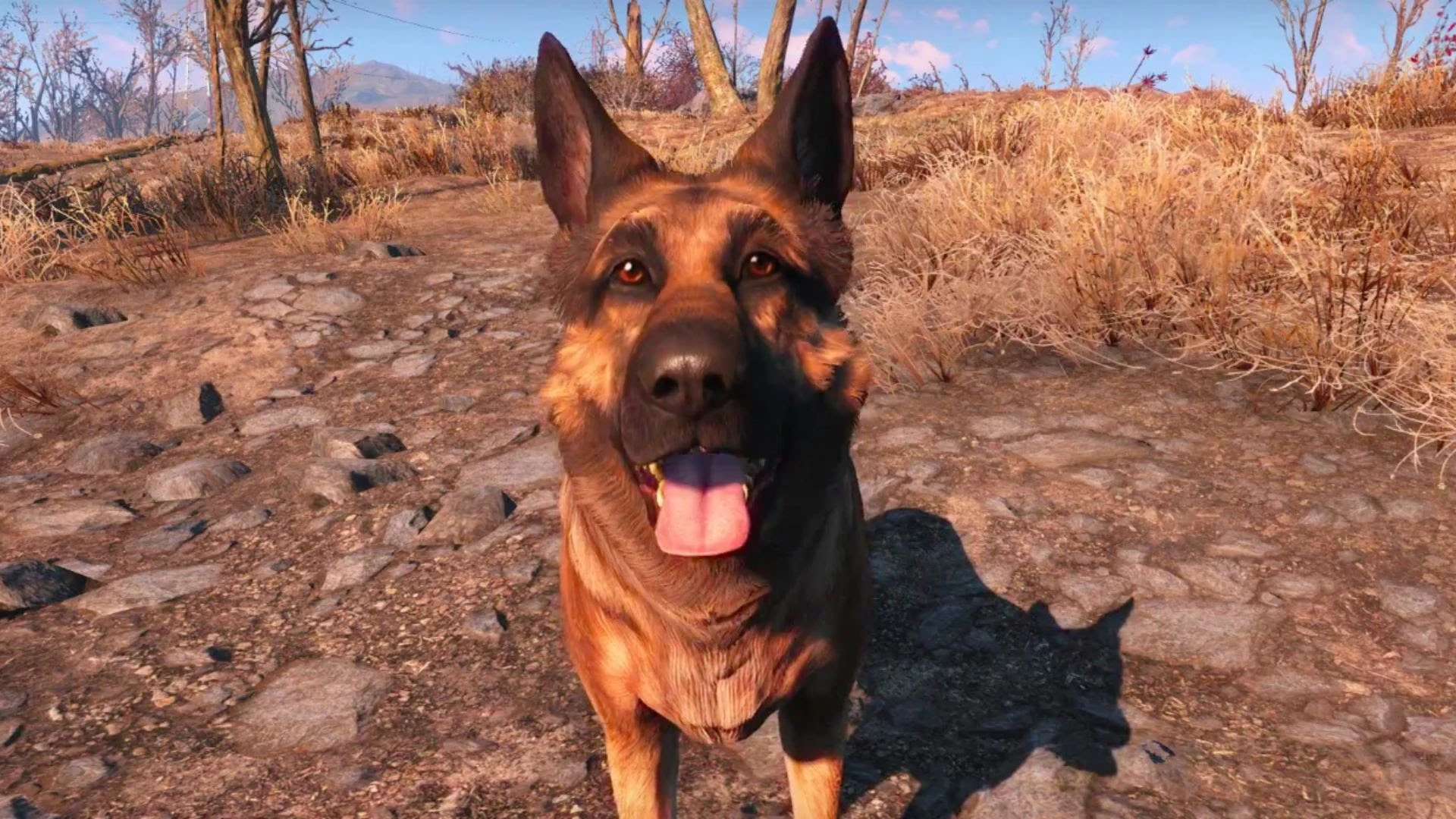
🔍 Analysis
- 👍 1.0% endorsement rate — high engagement, a strong quality signal
- 🏆 #22 of 77 Companions mods in this game by downloads
📋 About This Mod
Assuming UFO4P and EBF are correctly installed, EBF will 'overrule' two scripts of UFO4P during the loading process of FO4:
-
[]followersscript.psc
[
]Hardcore\hc_managerscript.pscOverruling these scripts invalidates the following bug fixes in UFO4P (as of v2. 1. 0):
-
[]20604: hc_managerscript - Cannot call Dispel() on a None object
[
]20606: hc_managerscript - Cannot call show() on a None object[]20812: FollowersScript - cannot call "XYZ" on a none object
[]22189: FollowersScript - Issue with handling of SAS triggers and SAE clutter triggers
[]23092: FollowersScript - Cannot call HasKeyword() on a None object
[]23394: SF_WorkshopDogmeatWhileBuild_0019C5D1: Array has 128 elements out of a maximum of 128...
[]24382: FollowersScript: Cannot call myLocation() on a None object
[]26179: SF_MQ302Min_Preston_ChargePl_0011386A: Cannot call MoveTo() on a None object
In addition it reintroduces spacefiddle's bug fix for companion idle chatterspam which has already been corrected in UFO4P in a different way (see bugfix #21994).
HOW TO RECREATE MANUALLY
followersscript.psc
1. Take followersscript.psc from UFO4P and load it in your favorite Papyrus script editor
2. In the editor, find the function SetCompanion
3. In the editor, remove or comment out the following code:
DismissDogmeatCompanion(ShowLocationAssignmentListIfAvailable = true, SuppressDismissMessage = false)
4. In the editor, find the function SetDogmeatCompanion
5. In the editor, remove or comment out the following code:
Actor CompanionActor = Companion. GetActorReference()
if CompanionActor
DismissCompanion(CompanionActor, ShowLocationAssignmentListIfAvailable = true, SuppressDismissMessage = false)
6. In the editor, save the changes to followersscript.psc
7. Use the FO4 Creadion Kit to compile followersscript.psc in Release Final mode
Hardcore\hc_managerscript.psc
8. Take hc_managerscript.psc from UFO4P and load it in your favourite Papyrus script editor
9. In the editor, find the group CompanionHealing
10. In the editor, at the end of the group add the following code:
bool Property IsDownCompanion = False Auto
bool Property IsDownDogmeat = False Auto
bool Property IsDownRobot = False Auto
11. In the editor, save the changes to hc_managerscript.psc
12. Use the FO4 Creadion Kit to compile hc_managerscript.psc in Release Final mode
INSTALLATION
Use your favorite mod manager and load afte
-
[]20604: hc_managerscript - Cannot call Dispel() on a None object
Compatibility patch that merges script changes from Everyone's Best Friend and UFO4P 2.1.0, preventing one from overriding the other. Essential for players using both mods. High endorsements and downloads indicate strong community trust.
✨ Key Features
📊 Pros & Cons
✅ Pros
- Community-approved with 5,525 endorsements and over half a million downloads
- Solves a real conflict that breaks both mods if left unfixed
- Simple patch—just install and forget
⚠️ Cons
- Last updated in 2020—may not support newer UFO4P versions
- Requires both EBF and UFO4P installed to be useful
For Fallout 4 players who run Everyone's Best Friend alongside UFO4P 2.1.0 and want both to work without script conflicts. Skip if you don't use both mods or if you've updated UFO4P past 2.1.0.
💡 Beginner Tips
- Place this patch after both EBF and UFO4P in your load order to ensure it overwrites correctly.
- If you've updated UFO4P beyond 2.1.0, check the mod page for an updated patch—this one may be outdated.
- Use a mod manager like Vortex or MO2 to easily manage load order and avoid manual file conflicts.
📊 Mod Details
- Game
- Fallout 4 Mods
- Author
- Peregrin0
- Version
- v2.1.0
- Downloads
- 536,756
- Endorsements
- 5,525
- Category
- Companions
- Created
- 2/9/2020
- Updated
- 2/9/2020
🧩 Commonly Used Together
Users add these mods to the same collections — a real compatibility signal, not an AI guess.
🔧 How to Install Fallout 4 Mods
Download from Nexus.
📖 Full step-by-step install guide for Fallout 4 →
Visit the official mod page for specific installation instructions for this mod.
🎮 Need cheat codes or console commands? Check ur gaming wiki for Fallout 4 commands, item IDs, and more.
Keep browsing — more Fallout 4 mods await