Clock Widget - Show Real Time While Loading
🟡 Updated this year⚠️ Install Order · 2 steps
Install in this order, then this mod last — most mods fail to load without their framework and dependencies in place.
Preview
🔍 Analysis
- 👍 1.2% endorsement rate — high engagement, a strong quality signal
- 🏆 #43 of 110 User Interface mods in this game by downloads
📋 About This Mod
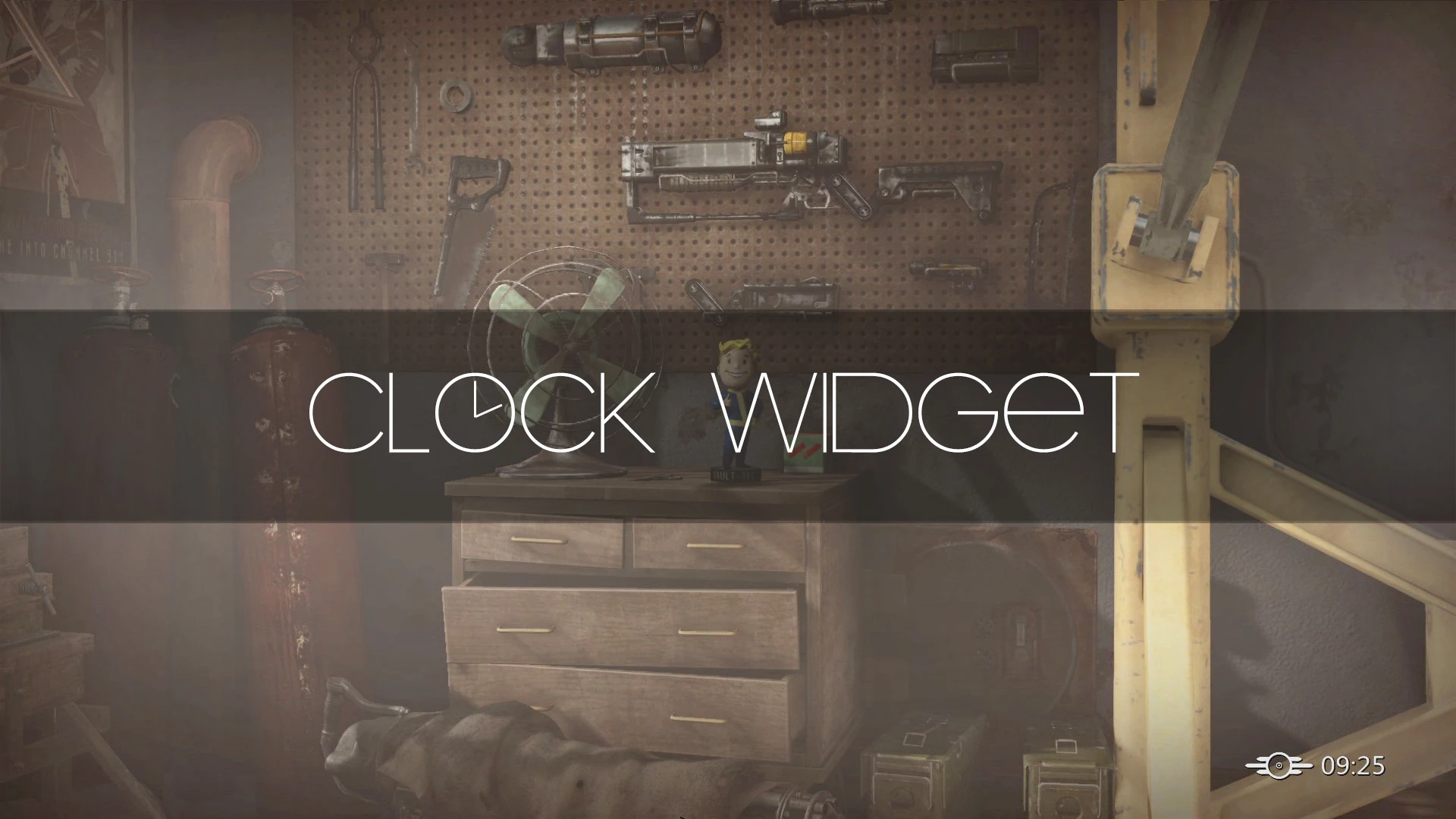
This mod adds a clock widget to loading menu, main menu and fader menu to display current real time while loading. You can change setting in ClockWidget.ini to toggle on/off 24-hour clock. For more details view the pictures. How much time did you spend on loading?
This mod doesn't alter any vanila files, no scripts, no esp, so it should be compatiable with any mods.
Fallout4 V 1. 9. 4 - v1. 10. 26.
Fallout 4 Script Extender (F4SE) V0. 4. 2 or above.
HUD Plus Plus: Adds some UI widgets to HUD to display detailed information of object crosshair points to or selected in quick loot menu.
Better Console - F4SE: Make console menu show more useful info of selected target.
Unlimited Survival Mode - F4SE: Enable console and remove all kinds of restrictions in survival mode.
Unlimited Fast Travel - F4SE: Enable fast travel from interior, remove all kinds of restrictions on fast travel.
Adds a real-time clock widget to the loading, main menu, and fader screens, letting you see the current time while the game loads. A simple UI enhancement with strong community support (6,178 endorsements) and frequent updates.
✨ Key Features
📊 Pros & Cons
✅ Pros
- Huge community trust: 6,178 endorsements and half a million downloads—clearly a go-to for this niche.
- Does exactly what it says: shows real time during loading screens, so you can stop wondering how long you've been staring at a loading bar.
- Active development (updated Dec 2025) means it's likely compatible with current game versions.
⚠️ Cons
- Purely cosmetic—if you're looking for gameplay or performance changes, this won't add anything else.
- Potential compatibility risk with other UI mods that alter loading screens, though not explicitly stated.
For players who hate losing track of time during long loading screens and want a simple, unobtrusive clock. Also great for streamers or anyone who wants to know exactly how long loads take. Skip if you want UI overhauls or gameplay tweaks—this is a single-purpose widget.
💡 Beginner Tips
- If you use a mod manager, install this like any other mod; if manual, just drop the files into your game's Data folder.
- Check your game's mod load order if you have other UI mods—place this one after them to avoid conflicts.
- Since it's a UI mod, test it on the main menu first to confirm the clock appears before diving into a full play session.
📊 Mod Details
- Game
- Fallout 4 Mods
- Author
- Kassent
- Version
- v1.6.0
- Downloads
- 534,730
- Endorsements
- 6,178
- Category
- User Interface
- Created
- 9/13/2017
- Updated
- 12/31/2025
🔧 How to Install Fallout 4 Mods
Download from Nexus.
📖 Full step-by-step install guide for Fallout 4 →
Visit the official mod page for specific installation instructions for this mod.
🎮 Need cheat codes or console commands? Check ur gaming wiki for Fallout 4 commands, item IDs, and more.
Keep browsing — more Fallout 4 mods await