QZ Mod Download Page
⚪ Last updated 2009⚠️ Install Order · 2 steps
1🛠️ FOSE — Fallout Script Extender Download ↗
2🔧 UFO3P — Unofficial Fallout 3 Patch Download ↗
Install in this order, then this mod last — most mods fail to load without their framework and dependencies in place.
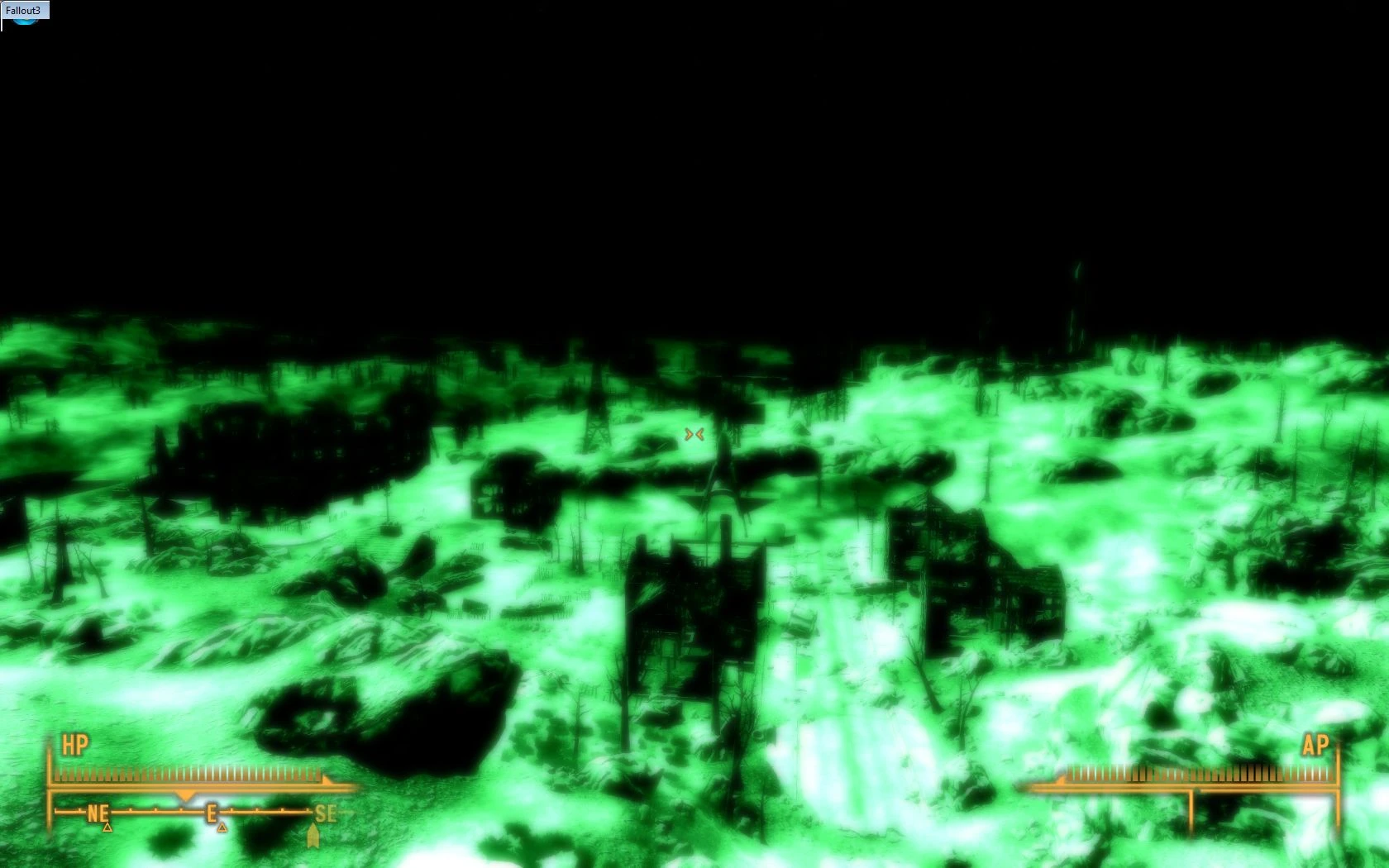
Preview
🔍 Analysis
- 👍 0.0% endorsement rate
- 🏆 #253 of 420 Gameplay Effects and Changes mods in this game by downloads
📋 About This Mod
- QZ Keys - latest version
- 1. 0. 0
- QZ Night Vision - latest version
- BETA
- QZ Traits - latest version
- 2. 0. 0
- QZ Perks Redux - latest version
- 1. 0. 0
- QZ Perks Pack 1 - latest version
- 1. 0. 0
- QZ No VATS Radial Blur - latest version
- 1. 0. 0
🤖 AI-enhanced — based on mod data
A download hub for six mods by qzilla, including QZ Keys, QZ Night Vision, QZ Traits v2, QZ Perks Pack 1, QZ Perks Redux, and QZ No VATS Radial Blur. This is a collection page rather than a single mod, offering a variety of gameplay tweaks. With zero endorsements and a 2009 update, it's an old, niche compilation.
✨ Key Features
Serves as a central download page for six separate mods: QZ Keys, QZ Night Vision, QZ Traits v2, QZ Perks Pack 1, QZ Perks Redux, and QZ No VATS Radial Blur.
Includes gameplay effects and changes, such as new keys, night vision, traits, perks, and removal of VATS radial blur.
Last updated in January 2009, indicating it's a legacy mod collection.
📊 Pros & Cons
✅ Pros
- Bundles six mods into one convenient hub, so you can grab multiple gameplay tweaks without hunting them down separately.
- Covers a range of effects—keys, night vision, traits, perks, and a visual tweak—so there's likely something for different playstyles.
- The No VATS Radial Blur mod is a nice QoL touch for players who find that effect distracting.
⚠️ Cons
- Zero endorsements and a 2009 update date mean this is ancient and likely untested with modern game versions—expect compatibility issues.
- No individual mod descriptions or install instructions are provided, so you're flying blind on what each mod actually does or how to set them up.
- Since it's just a hub, you'll need to download each mod separately, which adds extra steps compared to a single-file mod.
🎯 Is This For You?
For Fallout 3 players who want a grab-bag of old-school gameplay tweaks and don't mind digging through a dated collection. Skip if you're on a modern setup or expect polished, well-documented mods—this is a relic from 2009.
For Fallout 3 players who want a grab-bag of old-school gameplay tweaks and don't mind digging through a dated collection. Skip if you're on a modern setup or expect polished, well-documented mods—this is a relic from 2009.
📦 Install:Medium· 5-10 minutes
💡 Beginner Tips
- Check if your game version matches the mods' era—Fallout 3 patches have changed a lot since 2009, so these may need manual tweaking.
- Since there's no documentation, back up your game files before installing any of these mods, especially if you're using a mod manager.
- Try the No VATS Radial Blur mod first—it's a simple visual change that's less likely to cause conflicts than the gameplay-altering ones.
📊 Mod Details
- Game
- Fallout 3 Mods
- Author
- qzilla
- Version
- multiple
- Downloads
- 9,661
- Endorsements
- 0
- Category
- Gameplay Effects and Changes
- Created
- 12/19/2008
- Updated
- 1/17/2009
🔧 How to Install Fallout 3 Mods
Download from Nexus.
📖 Full step-by-step install guide for Fallout 3 →
Visit the official mod page for specific installation instructions for this mod.
🎮 Need cheat codes or console commands? Check ur gaming wiki for Fallout 3 commands, item IDs, and more.
Keep browsing — more Fallout 3 mods await