Immersive HUD - iHUD
⚪ Last updated 2014⚠️ Install Order · 3 steps
Install in this order, then this mod last — most mods fail to load without their framework and dependencies in place.
Preview
🔍 Analysis
- 👍 3.4% endorsement rate — high engagement, a strong quality signal
- 🏆 #3 of 82 User Interface mods in this game by downloads
📋 About This Mod
Update 2. 3. 1 Removed the scripted installer so this mod should now work with any and all mod managers. Please note that UIO - User Interface Organizer is now recommended for installation.
I recommend using the Adjustable HUD (aHUD) with this mod.
What is iHUD? The aim of iHUD is to provide the immersive feel you get from having no HUD, whilst keeping the usefulness of having one. It takes the permanantly visible HUD elements such as HP, AP, radar etc, and hides them when not needed. Hence the motto:
HUD when you need. HIDE when you don't.
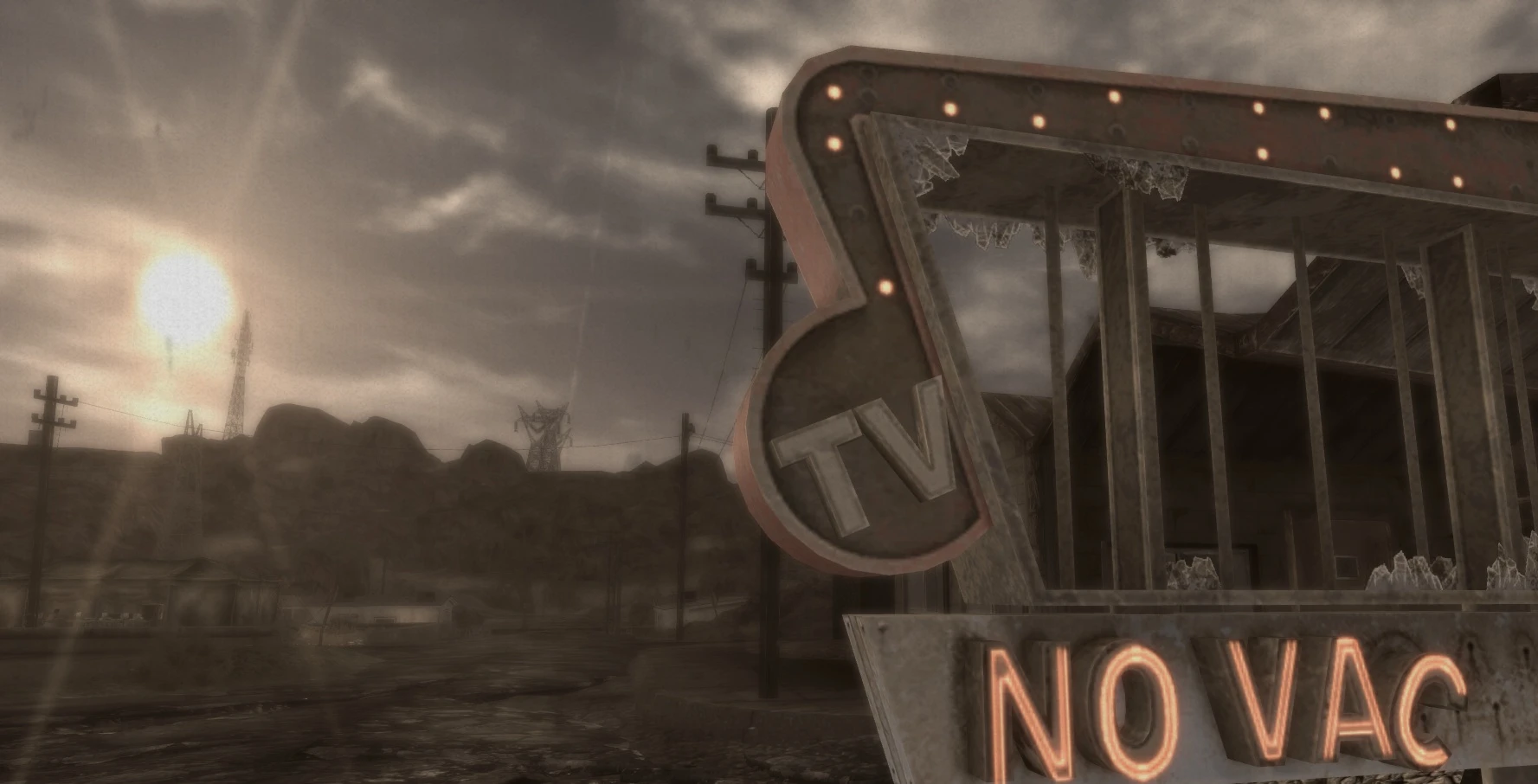
It is a port from the New Vegas mod of the same name, which is why the current picture is from that game. But I like the picture so it may stay until I get chance to play Fallout 3 and find an equally cool kodac moment :)
So how does iHUD work? By default, your HUD will be blank after you load your game, and once the usual quest update messages fade away your screen will be clear and uncluttered. Great for those screenshots and immersive gameplay moments. But you need to see your HUD for some reason? No problem. Just press the 'i' key, and your HUD will appear. Press it again, and it is gone.
But that is not all. The Immersive HUD attempts to make even this task easier for you by automatically switching the HUD elements on and off as needed. For example the crosshair will appear when you draw your weapon. The HitPpoint area will appear when you drop below half health etc.
And once they appear, do you have to make them go? Not at all. They will disapear after a short delay (6 seconds default).
Now I realise not everyone has identical needs, and so iHUD provides a host of custom options. Simply press the 'i' key and hold it for 2 seconds or more, and an in game menu will appear allowing you to change every setting to your own personal needs. You can even change the activation key to another, or even a mouse button.
What it is not It is not a HUD remover! Nothing is removed whatsoever. It is just temporarily hidden.
Requirements This mod NEEDS FOSE! I also recommend using UIO - User Interface Organizer to the point where I consider it a requirement!
What about HUD elements added by other mods? Full iHUD support for: 1. MTUI 2. Darnified UI (Including FOOK and FWE Nightvision) 3. Imps More Complex Needs. 4. Powered Power Armor. 5. Ambient Temperature. 6. Arwen Realism Tweaks. 7. Stimpak Counter. 8. FWE - Fallout Wanderers Edition (Darnified a11 + Hotfix).
I will eventually get compatibility patches for as many appropriate mods as is possible. Just ask if there are specific
Immersive HUD - iHUD is a Skyrim mod that lets you toggle the HUD on demand, offering both functionality and immersion. With over 11,000 endorsements and 342,000 downloads, it's a popular choice for players who want a clean screen without losing essential info. Last updated in 2014, it remains a classic utility for the game.
✨ Key Features
📊 Pros & Cons
✅ Pros
- Huge community trust with 11,617 endorsements and 342k downloads.
- Simple concept that delivers exactly what it promises: HUD on your terms.
- Lightweight and doesn't affect gameplay mechanics, just the interface.
⚠️ Cons
- Last updated in 2014, so might not be compatible with the latest Skyrim Special Edition or Anniversary Edition without patches.
- Requires Skyrim Script Extender (SKSE) to function, which adds an extra setup step.
- No active development or support, so any bugs are unlikely to be fixed.
For Skyrim players who want to enjoy the scenery without a cluttered HUD but still need quick access to health, magicka, and stamina during fights. Perfect for immersion-focused playthroughs and screenshot enthusiasts. Skip if you prefer a always-visible HUD or don't want to bother with SKSE.
💡 Beginner Tips
- Make sure to install SKSE first and launch the game through SKSE's loader, not the default launcher, or the mod won't work.
- Use the in-game MCM (Mod Configuration Menu) to bind a hotkey that feels natural, like the 'H' key, for quick toggling.
- If you're using a mod manager like Vortex or Mod Organizer 2, let it handle the installation to avoid file conflicts.
📊 Mod Details
- Game
- Fallout 3 Mods
- Author
- Gopher
- Version
- 2.3.1
- Downloads
- 342,121
- Endorsements
- 11,617
- Category
- User Interface
- Created
- 2/23/2011
- Updated
- 12/28/2014
🔧 How to Install Fallout 3 Mods
Download from Nexus.
📖 Full step-by-step install guide for Fallout 3 →
Visit the official mod page for specific installation instructions for this mod.
🎮 Need cheat codes or console commands? Check ur gaming wiki for Fallout 3 commands, item IDs, and more.
Keep browsing — more Fallout 3 mods await