AstroMan Cinematic ReShade
⚪ Last updated 2021Preview
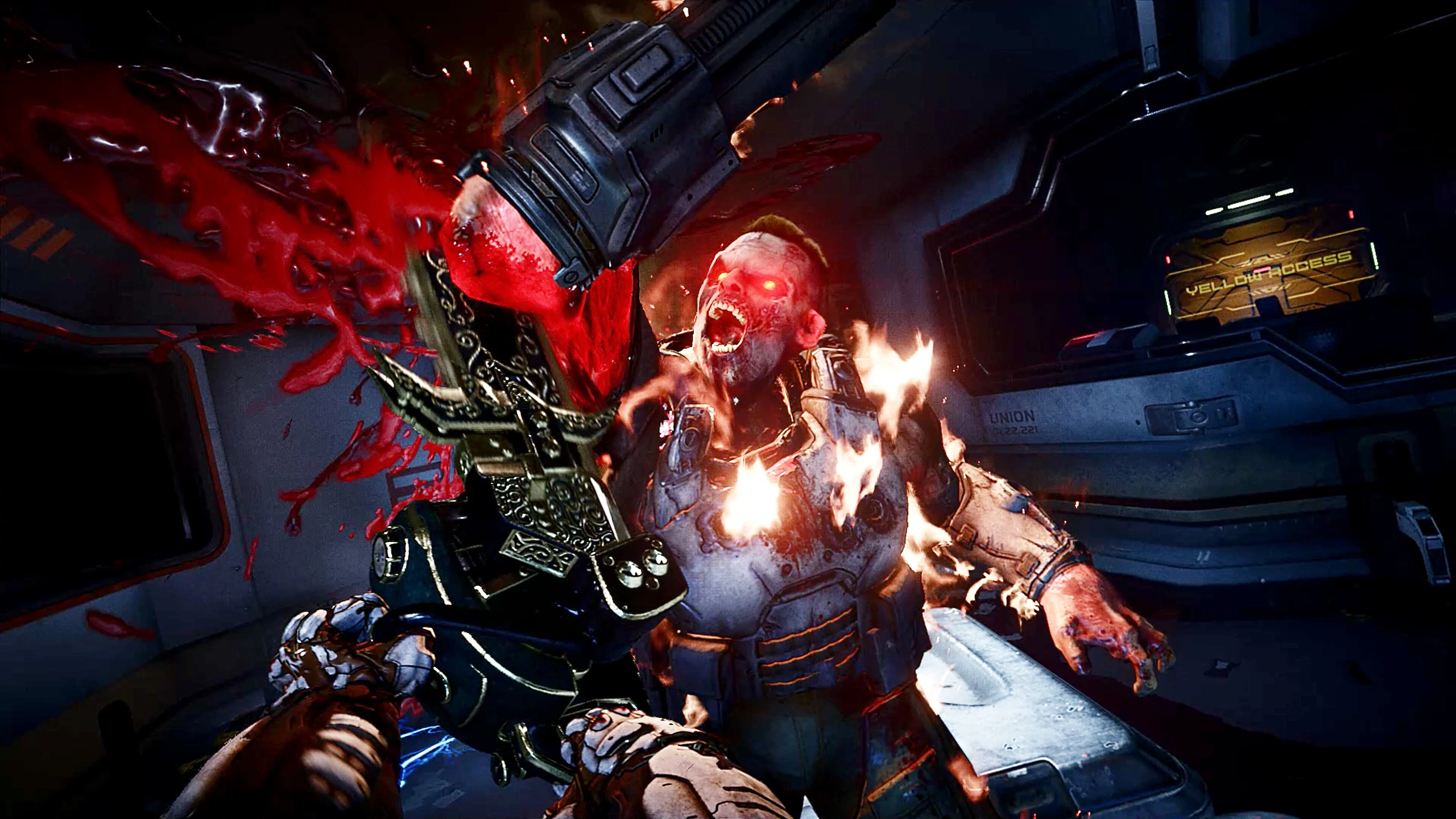
🔍 Analysis
- 👍 3.4% endorsement rate — high engagement, a strong quality signal
- 🏆 #66 of 229 Visuals and Graphics mods in this game by downloads
📋 About This Mod
Edong's very own ReShade preset, because he was sick of getting shit fps with Nvidia FreestyleIMPORTANT!!!!The Cinematic render mode MUST be enabled to not make it look horrible and over-saturated
A ReShade preset by Edong for Star Citizen, designed to deliver a cinematic look while improving performance over Nvidia Freestyle. Requires enabling Cinematic render mode to avoid over-saturation. Small but functional preset with 23 endorsements.
✨ Key Features
📊 Pros & Cons
✅ Pros
- Performance-friendly: author created it to avoid FPS drops from Nvidia Freestyle
- Cinematic look: enhances visuals without heavy performance cost
- Simple to use: just a preset file, no complex setup
⚠️ Cons
- Small userbase: only 23 endorsements, so limited community feedback
- Last updated in 2021: may not be compatible with current Star Citizen patches
- Requires manual enabling of Cinematic render mode, otherwise looks over-saturated
For Star Citizen players who want a cinematic visual upgrade without sacrificing FPS. Skip if you prefer vanilla visuals or don't want to fiddle with ReShade settings.
💡 Beginner Tips
- Make sure to enable Cinematic render mode in the game settings, otherwise the preset will look over-saturated.
- If you're new to ReShade, download the latest ReShade installer and select Star Citizen's executable when prompted.
- After installing, tweak the preset's intensity sliders to match your monitor's brightness and contrast.
📊 Mod Details
- Game
- Doometernal Mods
- Author
- Edong
- Version
- 2.1
- Downloads
- 672
- Endorsements
- 23
- Category
- Visuals and Graphics
- Created
- 9/3/2021
- Updated
- 11/6/2021
🔧 How to Install DOOM Eternal Mods
Download from Nexus Mods.
📖 Full step-by-step install guide for DOOM Eternal →
Visit the official mod page for specific installation instructions for this mod.
🎮 Need cheat codes or console commands? Check ur gaming wiki for DOOM Eternal commands, item IDs, and more.
Keep browsing — more DOOM Eternal mods await