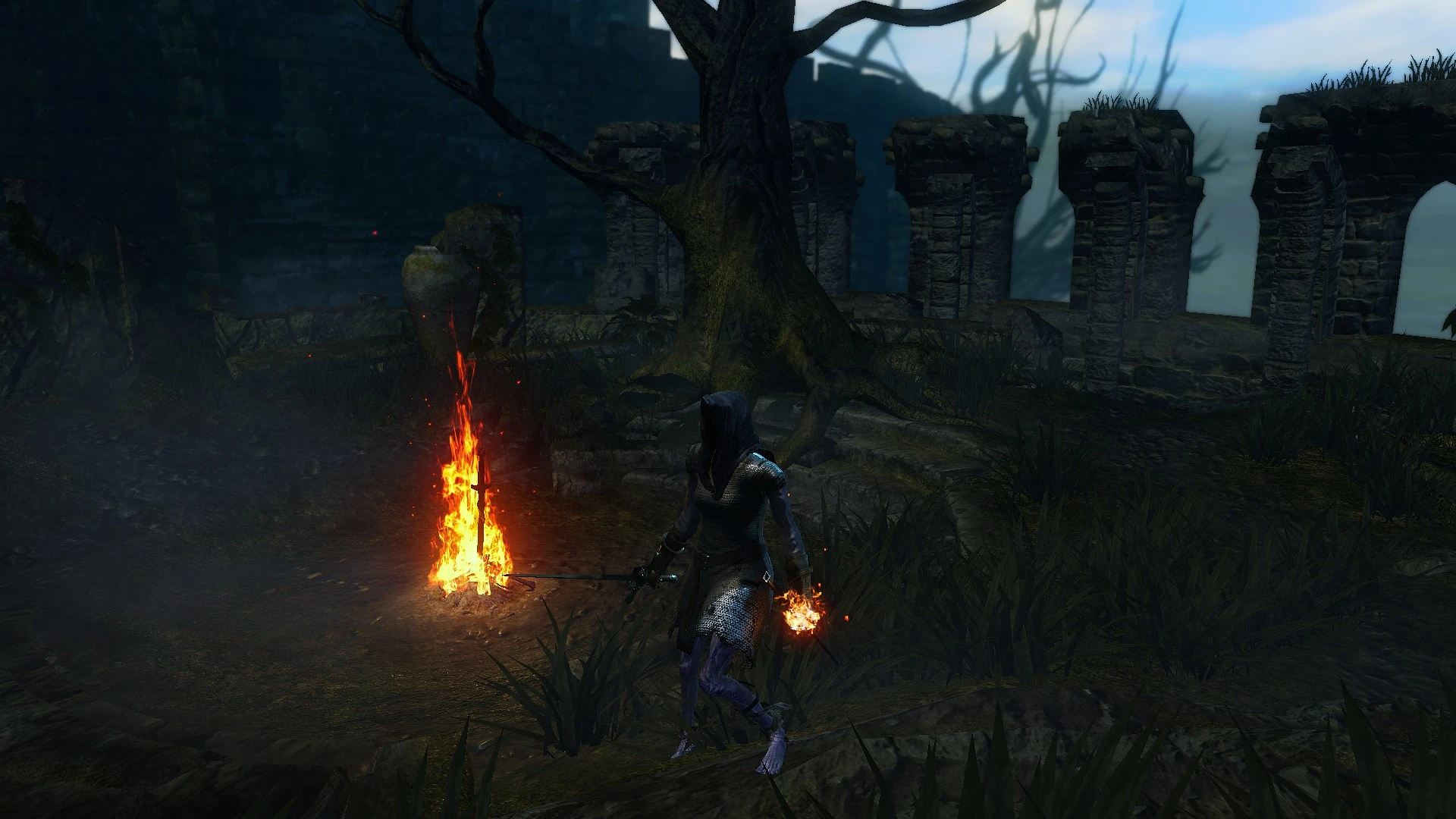
PTDE colour grading
⚪ Last updated 2022Preview
🔍 Analysis
- 👍 3.3% endorsement rate — high engagement, a strong quality signal
- 🏆 #36 of 77 Visuals and Graphics mods in this game by downloads
📋 About This Mod
Colour grading. Zero performance hit.
This ReShade preset is only a LUT edit, hence zero performance impact.
Install ReShade. There will be two packages checkboxed by default. Leave those as they are. When a big list of shaders appears, select "uncheck all" and hit "next".
Download the edited lut.png from here and overwrite the blank lut.png with it.
C:\Program Files (x86)\Steam\steamapps\common\DARK SOULS REMASTERED\reshade-shaders\Textures
Bring up the ReShade UI in game and checkbox "LUT".
Adjust the Chroma and Luma sliders to your preference.
(Screenshots taken with in-game brightness set to 3.)
📊 Mod Details
- Game
- Darksoulsremastered Mods
- Author
- Onoda28
- Version
- 2.0
- Downloads
- 753
- Endorsements
- 25
- Category
- Visuals and Graphics
- Created
- 11/27/2022
- Updated
- 11/30/2022
🔧 How to Install Dark Souls Remastered Mods
Download from Nexus Mods.
📖 Full step-by-step install guide for Dark Souls Remastered →
Visit the official mod page for specific installation instructions for this mod.
🎮 Need cheat codes or console commands? Check ur gaming wiki for Dark Souls Remastered commands, item IDs, and more.
Keep browsing — more Dark Souls Remastered mods await