DSR Texture Packer and Unpacker
⚪ Last updated 2018Preview
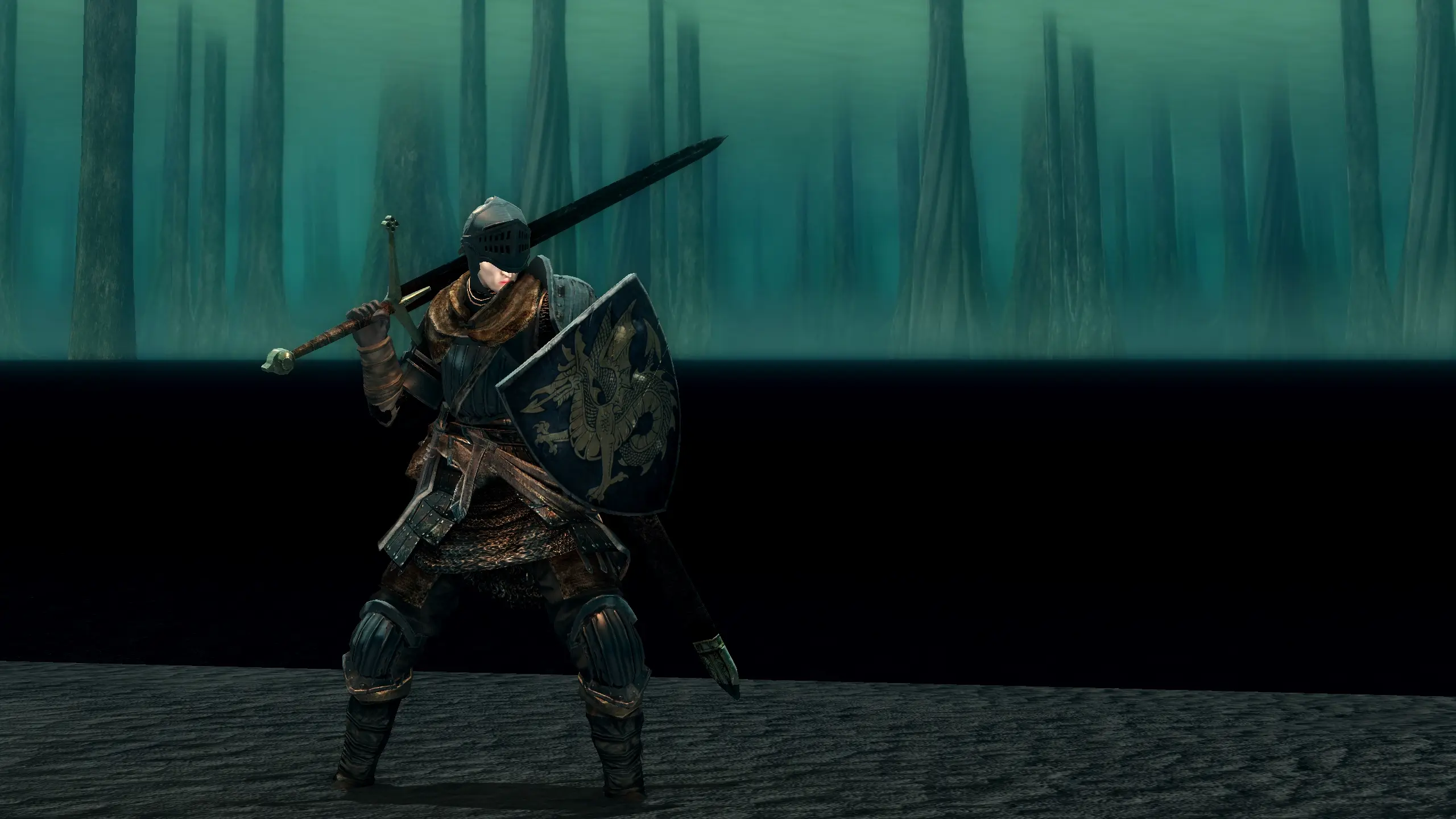
🔍 Analysis
- 👍 3.8% endorsement rate — high engagement, a strong quality signal
- 🏆 #1 of 50 Utilities mods in this game by downloads
📋 About This Mod
TPUP serves two purposes:
-
[]To allow mod authors to unpack every texture in the game in order to edit them, and
[
]To allow players to easily merge and install texture packs from said authors.Requires . NET 4. 7. 2 - Windows 10 users should already have this.
and Visual C++ 2015 - Make sure to get the x64 installer.
Instructions
If you're more of a visual learner, please watch this video going over the instructions; otherwise, read on.
First, download the tool and extract the entire folder wherever you like. After launching it, make sure the Game Directory field points to the folder where your game is installed (the folder that contains DarkSoulsRemastered.exe.) You may also change where unpacked textures are dumped to or where texture overrides are loaded from, but I recommend leaving those with the default.
Creating Texture Mods
Unpacking the game's textures is only required if you want to make your own mods. Once the Game Directory is set correctly, switch to the Unpack tab, click the Unpack button, then go make yourself a sandwich; it will take quite a while to finish. You must have at least 7 GB of free disk space to complete a full unpack.
Once it finishes, find the texture you want to edit in the Dump folder, and place your replacement in the same relative directory in the Override folder. For instance, if you want to override Texture Dump\menu\menu_0\Title.dds, the replacement file should be at Texture Override\menu\menu_0\Title.dds.
If you're trying to port old dsfix textures, search for the hash in dsfix.txt; in many cases the DSR path will be different from the DS1 path, but it should give you a good idea of where to start looking.
When repacking the textures, you will be warned if any files are in formats which do not match the vanilla files. It is highly recommended to go back afterwards and resave these textures yourself instead of relying on the automatic conversion.
Additionally, DSR uses some modern .dds formats which are not well supported in most image editors. Paint. NET users will need this plugin to open them, and Photoshop users will need this one.
To distribute your textures, I recommend including the entire override folder (with unwanted textures removed, of course,) so that users can easily merge it with their own.
Installing Texture Mods
To install texture mods, copy the contents of their override folder into your own, or otherwise follow the author's instructions. Once the files are in place, open the app, verify that the Game Directory is set correctly, then switch to the Repack tab and click the Repack button. The game's files will be edited to include your texture overrides, and any modified files will be backed
DSR Texture Packer and Unpacker is a utility for Dark Souls Remastered that lets you unpack all game textures and replace them with your own, enabling custom texture mods. It has 8,233 endorsements and 215,598 downloads, last updated in July 2018.
✨ Key Features
📊 Pros & Cons
✅ Pros
- Community-approved tool with 8,233 endorsements and over 215k downloads.
- Essential for anyone wanting to create or install texture mods for Dark Souls Remastered.
- Simple utility that does exactly what it says: unpack and repack textures.
⚠️ Cons
- Last updated in 2018, so it might not be compatible with newer game patches or mods.
- As a utility, it requires manual work to actually replace textures—not a plug-and-play mod.
- Potential conflicts with other mods that modify the same texture files; use with caution.
For Dark Souls Remastered modders and players who want to install custom texture overhauls or create their own. If you're a casual player who just wants to play the game, you don't need this—it's a tool for the modding community.
💡 Beginner Tips
- Make sure to back up your original game files before unpacking, so you can restore them if needed.
- Use a mod manager to keep track of your texture replacements and avoid overwriting files accidentally.
- Check the mod's forum or comments for known compatibility issues with other popular mods.
📊 Mod Details
- Game
- Darksoulsremastered Mods
- Author
- TKGP
- Version
- 1.5
- Downloads
- 215,598
- Endorsements
- 8,233
- Category
- Utilities
- Created
- 6/5/2018
- Updated
- 7/14/2018
🔧 How to Install Dark Souls Remastered Mods
Download from Nexus Mods.
📖 Full step-by-step install guide for Dark Souls Remastered →
Visit the official mod page for specific installation instructions for this mod.
🎮 Need cheat codes or console commands? Check ur gaming wiki for Dark Souls Remastered commands, item IDs, and more.
Keep browsing — more Dark Souls Remastered mods await