DS Remastered Chosen Reshade
⚪ Last updated 2020Preview
🔍 Analysis
- 👍 5.6% endorsement rate — high engagement, a strong quality signal
- 🏆 #7 of 77 Visuals and Graphics mods in this game by downloads
📋 About This Mod
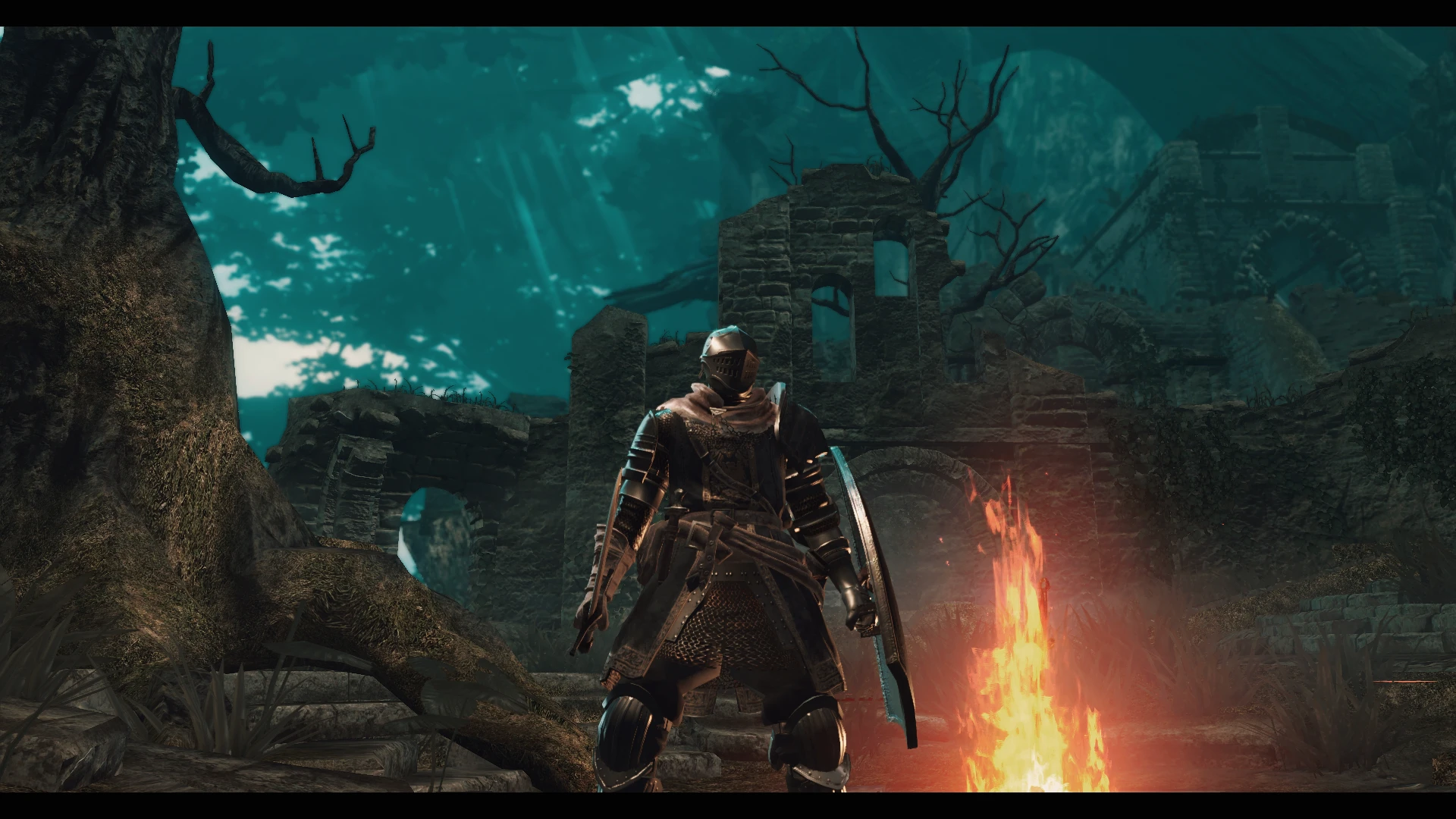
A Reshade preset for a better visual enhancement without performance impact!
🤖 AI-enhanced — based on mod data
DS Remastered Chosen Reshade is a Reshade preset for Dark Souls Remastered that aims to improve visuals without hurting performance. It has 349 endorsements and over 6,000 downloads, making it a popular choice among players seeking a visual upgrade. The preset is lightweight and easy to install.
✨ Key Features
Reshade preset for Dark Souls Remastered
Enhances visual quality without performance impact
Popular with 349 endorsements and 6,283 downloads
📊 Pros & Cons
✅ Pros
- Community-approved (349 endorsements) and widely downloaded (6,283) – clearly a preset people trust.
- Zero performance hit – you get better visuals without sacrificing framerate, which is a huge win for a game like Dark Souls.
- Simple to install – just drop the preset into your Reshade folder and you're good to go.
⚠️ Cons
- Last updated in 2020 – might not be compatible with the latest Reshade versions or game patches.
- Only a preset – you'll need to have Reshade installed separately, which adds an extra step.
- Compatibility risk with other visual mods – if you're using texture overhauls or ENB-like effects, this preset might conflict.
🎯 Is This For You?
For Dark Souls Remastered players who want a quick visual upgrade without tanking their framerate. If you're a purist who prefers the original look, skip it – this is purely cosmetic.
For Dark Souls Remastered players who want a quick visual upgrade without tanking their framerate. If you're a purist who prefers the original look, skip it – this is purely cosmetic.
📦 Install:Easy· Under 1 minute
💡 Beginner Tips
- Make sure you have Reshade installed first – this is just a preset file, not the full Reshade tool.
- If you're using other visual mods, test this preset in a low-stress area first to check for conflicts.
- You can tweak the preset's settings in-game with the Reshade overlay (usually Shift+F2) to adjust to your taste.
📊 Mod Details
- Game
- Darksoulsremastered Mods
- Author
- Phoenix
- Version
- 1.0
- Downloads
- 6,283
- Endorsements
- 349
- Category
- Visuals and Graphics
- Created
- 8/18/2020
- Updated
- 8/25/2020
🔧 How to Install Dark Souls Remastered Mods
Download from Nexus Mods.
📖 Full step-by-step install guide for Dark Souls Remastered →
Visit the official mod page for specific installation instructions for this mod.
🎮 Need cheat codes or console commands? Check ur gaming wiki for Dark Souls Remastered commands, item IDs, and more.
Keep browsing — more Dark Souls Remastered mods await