SotFS SpeedDemon - Tweaked Enemy Speeds
⚪ Last updated 2018Preview
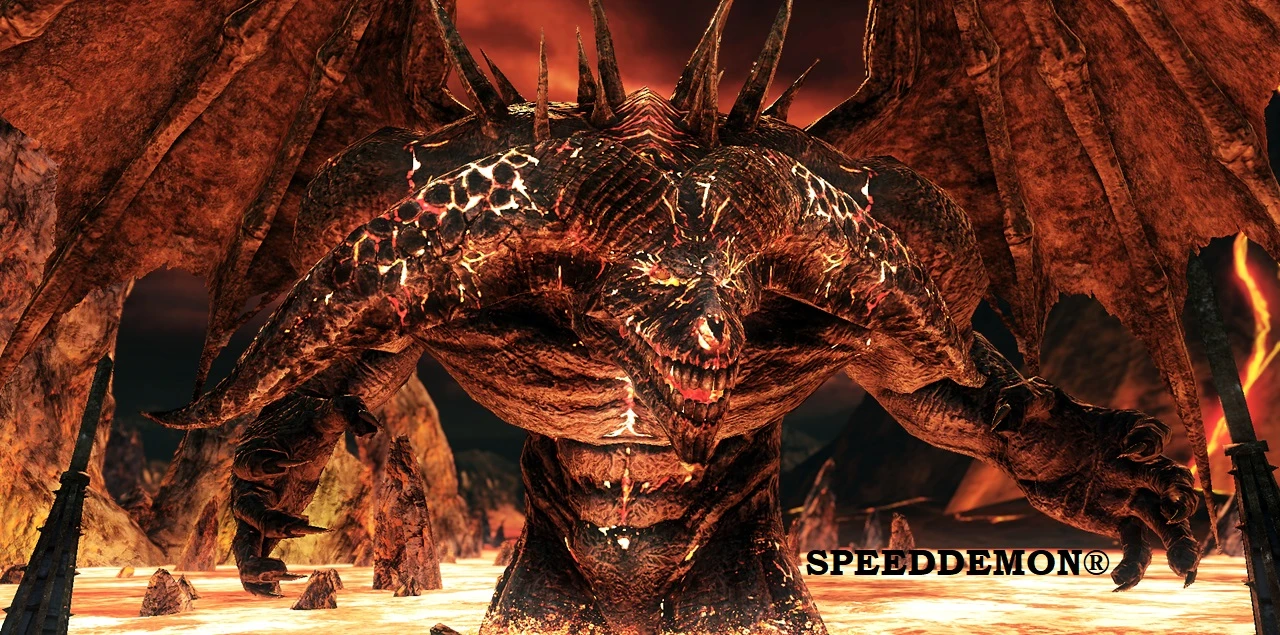
🔍 Analysis
- 👍 5.5% endorsement rate — high engagement, a strong quality signal
- 🏆 #76 of 169 Gameplay Changes mods in this game by downloads
📋 About This Mod
Experience new challenges in DkS2: SotFS! Enemies that have previously been easy prey for the Bearer of the Curse may now become feared opponents. Use the default settings or customize the speed of every single enemy type in the game to
SpeedDemon for Dark Souls 2: Scholar of the First Sin
SpeedDemon is a mod designed to rebalance the creatures of Dark Souls 2 in a way that is interesting and does not feel out of place. The default settings, created by me (Jgwman) should create new challenges in bosses and mobs previously thought as pushovers, and reduce the threat of enemies that presented an uninteresting or overdone challenge. Both are used carefully to maintain an experience very close to the original SotFS experience while hopefully making your next playthough more interesting, and changing where some of the challenge comes in.
Should you have a different idea as to how changing enemy speeds could be interesting, or should you want to see what an enemy looks like at absurdly high or low speeds, the settings for SpeedDemon are fairly simple to edit using the instructions presented on this page.
F. A. Q.
Q) How do I use SpeedDemon?
-
[]Download one of the files from this Nexus page. The recommended file comes preloaded with my settings for a fun new experience. If you prefer, download the "template" file to create your own settings from scratch (the default file can still be changed; the template file simply starts at neutral). Both files are .ct (Cheat Table) files.
[]This mod requires Cheat Engine (CE) to run. Download it from cheatengine.org
[]Launch the game (Steam version of SotFS only), then open the .ct file downloaded from here (it will open automatically in CE once it is installed).
[]Click Yes/OK on the prompt to allow the LUA script to run.
[]Check the box by "Open". After about 6 seconds (during which Cheat Engine may appear to freeze/not respond), the mod is in affect! It can be disabled on the fly in the same manner.
[]Enemy speed settings can be changed on the fly by double-clcking the <script> text where the table directs you to do so, upon which you will receive further instructions.
Q) Can't I be softbanned for this mod, since I need Cheat Engine?
A) Short answer: no. Long answer: SpeedDemon does not edit your save file in any way, thus making it undetectable to DkS2's softban system. While certain cheats available in other tables can result in a ban when used, the SpeedDemon table cannot (much like my item randomizer mod for SotFS).
Q) Can I co-op with the mod?
A) Yes! If all participants in multiplayer use SpeedDemon (with the same settings), everything works perfectly normally (at the modified speed, of course).
Q) Doesn't that mean people can speed up their enemies to stupid levels to troll in online play?
A) No! The speed changes are entirely local to - not your world - but your game. If players join your world, they will see the monsters at normal speed, and they will only get hit when the normal-speed monsters hit the
📊 Mod Details
- Game
- Darksouls2 Mods
- Author
- Jgwman
- Version
- 1.0.0
- Downloads
- 1,211
- Endorsements
- 66
- Category
- Gameplay Changes
- Created
- 2/24/2018
- Updated
- 2/24/2018
🔧 How to Install Dark Souls 2 Mods
Download from Nexus Mods.
📖 Full step-by-step install guide for Dark Souls 2 →
Visit the official mod page for specific installation instructions for this mod.
🎮 Need cheat codes or console commands? Check ur gaming wiki for Dark Souls 2 commands, item IDs, and more.
Keep browsing — more Dark Souls 2 mods await