Modern UI
⚪ Last updated 2024Preview
🔍 Analysis
- 👍 0.7% endorsement rate
- 🏆 #3 of 172 User Interface mods in this game by downloads
📋 About This Mod
Installation:
After installing DS2LightingEngine, create a folder in your 'Game' folder called 'tex_override' (if it isn't there already). Drag the tex_override folders from this mod into your 'Game' folder and merge the folders when prompted.
When in-game, press F1 to access DS2LightingEngine's settings, and set the Engine mode from game to editor (this allows you to swap textures in real-time) and set the max texture resolution to 4K to make full use of this mod, and other HD mods.
I have retired from modding so please do not contact me.
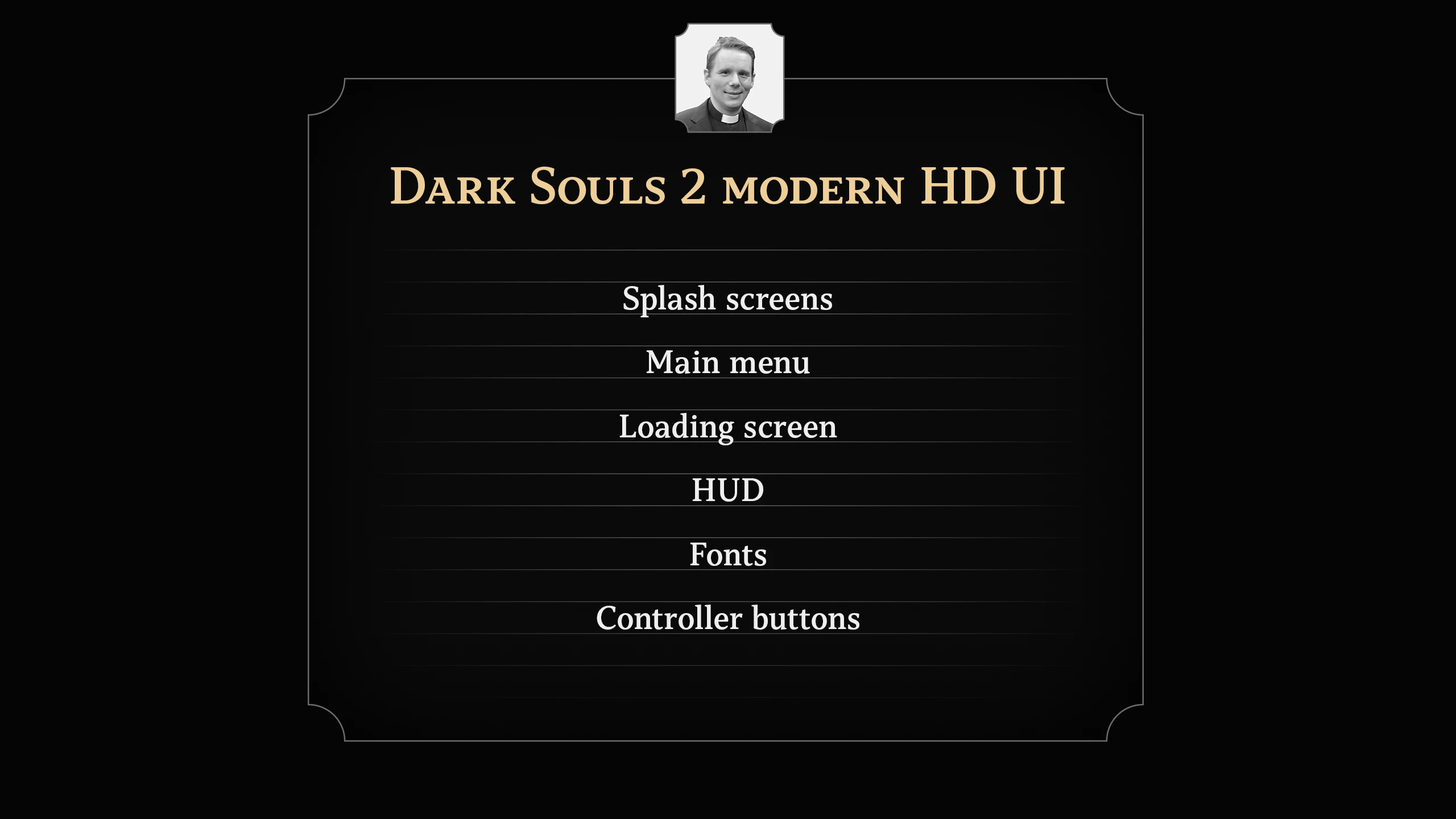
Modern UI is a high-resolution overhaul for Dark Souls 2's interface, replacing splash screens, main menu, loading screens, HUD, and fonts. With 210 endorsements and nearly 30k downloads, it's a popular choice for players wanting a crisper, more modern look without changing gameplay.
✨ Key Features
📊 Pros & Cons
✅ Pros
- Community favorite with 210 endorsements and nearly 30k downloads—clearly a go-to for UI overhauls.
- Covers all major UI elements in one package: splash, menu, loading, HUD, and fonts—no need to hunt for separate mods.
- High-res assets make the interface look sharp on modern displays, a big upgrade from the vanilla blur.
⚠️ Cons
- Purely cosmetic—if you're after gameplay tweaks or new features, this won't add any.
- Potential conflicts with other UI mods that touch the same files, so you'll need to pick and choose.
- No explicit compatibility notes for DLC or specific game versions, so test carefully if you're on a non-standard setup.
For Dark Souls 2 players who want a cleaner, more modern interface without altering gameplay. If you're tired of the dated look and want everything from menus to HUD to feel crisp, this is for you. Skip if you're looking for functional UI changes or if you prefer the original aesthetic.
💡 Beginner Tips
- Since this replaces UI files, make a backup of your original files before installing so you can revert if needed.
- If you use other UI mods, install Modern UI last to ensure it overwrites conflicting files.
- Check the mod's file structure—if it uses a mod manager like Mod Organizer 2, use that for easier management.
📊 Mod Details
- Game
- Darksouls2 Mods
- Author
- WestAard
- Version
- 3.0
- Downloads
- 29,684
- Endorsements
- 210
- Category
- User Interface
- Created
- 12/1/2023
- Updated
- 3/24/2024
🔧 How to Install Dark Souls 2 Mods
Download from Nexus Mods.
📖 Full step-by-step install guide for Dark Souls 2 →
Visit the official mod page for specific installation instructions for this mod.
🎮 Need cheat codes or console commands? Check ur gaming wiki for Dark Souls 2 commands, item IDs, and more.
Keep browsing — more Dark Souls 2 mods await