DS2 FIX KEYBOARD WITH UI ICONS
⚪ Last updated 2023Preview
🔍 Analysis
- 👍 1.9% endorsement rate — high engagement, a strong quality signal
- 🏆 #15 of 172 User Interface mods in this game by downloads
📋 About This Mod
Summary:
This mod is a patch for Dark Souls 2 SotFS that allows PC gamers playing via keyboard/mouse a layout very similar to other games in the franchise such as Dark Souls Remastered or Dark Souls III. To realize this, "DS2 MODERN MENUS AIO" was used as a base to modify the image files to simulate a kinship to the other games in the trilogy. The existence of this modification lies in the fact that it does not seem that FromSoftware is going to update and correct the game again at this point, it is the community who will have to take the reins.
Requirements:
The first thing is to have installed "DS2LightingEngine SotFS" which enables better lighting as well as texture change, this allows us to install "DS2 MODERN MENUS AIO" which gives a better look to the game by remastering its icons to a more current visual style.
-
[]DS2LightingEngine SotFS - Ganaboy
[
]DS2 MODERN MENUS AIO - PeterMcPhileInstallation:
KEYBOARD/MOUSE ARRANGEMENT
-
[]Review the "TUTORIAL" folder and choose the language to observe the referential settings you will have to apply to the in-game controls.
[
]Download and install the "AutoHotkey" program from its official website, once installed you can run the "DS2 Fix Keyboard" file that will allow you to play in a similar way as in Dark Souls Remastered or Dark Souls 3.[]This file must be started every time, before opening the game. And when you exit, to disable it is as easy as going to the taskbar in Windows and click on the up arrow ("show hidden icons"), anticlick on the AutoHotkey script icon (it is a green square with the letter "H") and click on "Exit".
If you want to know more in depth the manual change of these controls for doubts or verify, you can check it in the reddit post of "gladboii" who was the author of this configuration.
UI ICONS
- []Copy the two files from the "UI ICONS" folder and paste them into the game folder named "tex_override" and replace it with the files that are there.
This will install the textures that will be reminiscent of the icons for players using the keyboard/mouse in the other Souls titles, as well as making the controls easier to use to avoid confusion in gameplay.
Credits:
[]PeterMcPhile (author of the new interface on which was based for the modification of this mod)
[]Gladboii (author of the Reddit post that allows to play it properly through PC)
[][size
-
[]Review the "TUTORIAL" folder and choose the language to observe the referential settings you will have to apply to the in-game controls.
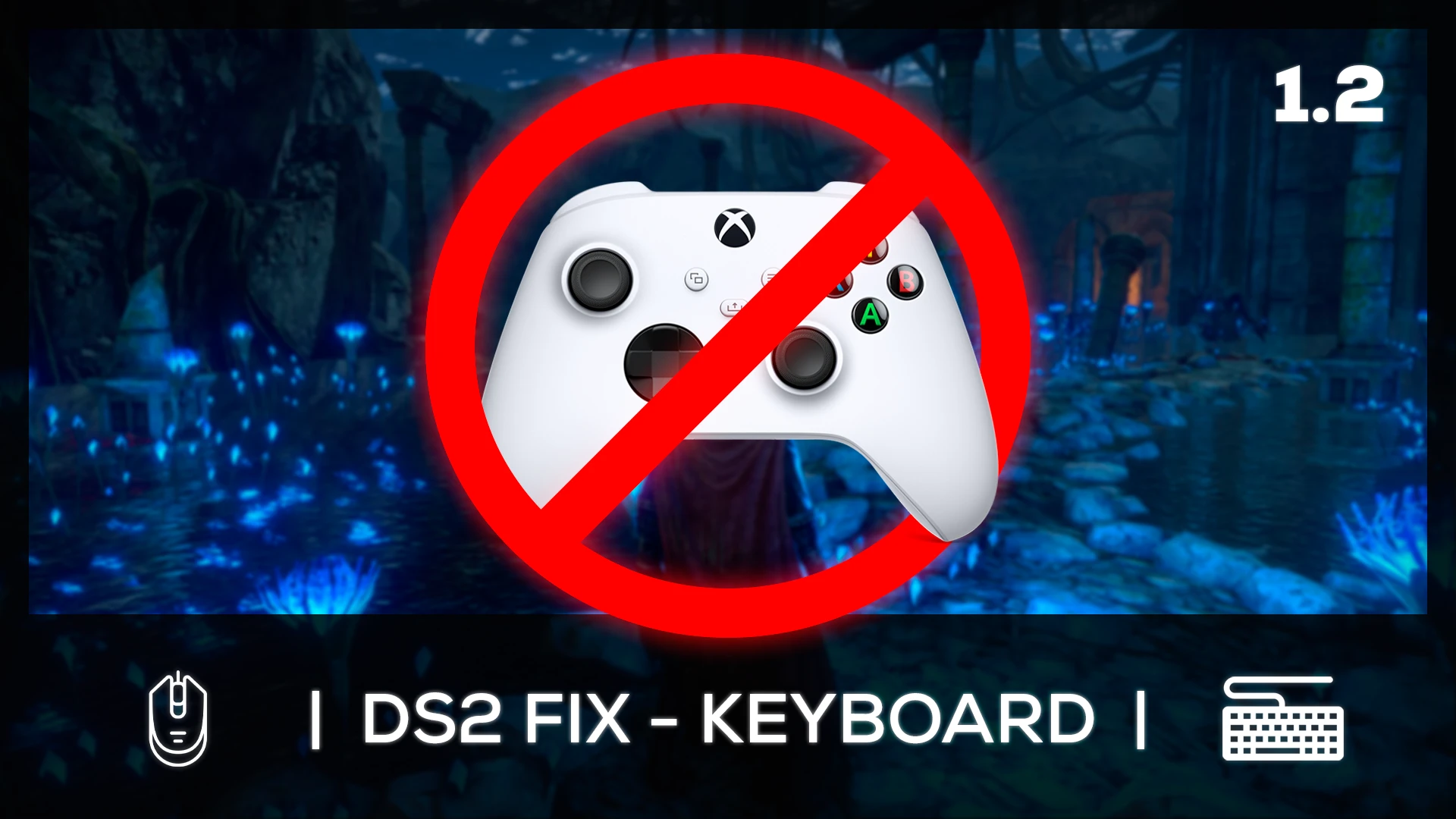
DS2 FIX KEYBOARD WITH UI ICONS is a UI mod that remaps Dark Souls II: Scholar of the First Sin's keyboard and mouse controls to match the layout of Dark Souls Remastered or Dark Souls III, and updates the UI icons to reflect the new bindings. With 136 endorsements and 7,187 downloads, it's a niche fix for players who prefer the modern control scheme.
✨ Key Features
📊 Pros & Cons
✅ Pros
- Solid community support with 136 endorsements and over 7k downloads.
- Solves a real pain point for KBM players who hate the default controls.
- Makes the UI actually match your keybinds, so no more guessing what button does what.
⚠️ Cons
- Only affects keyboard and mouse players; controller users get nothing from this.
- May conflict with other UI mods that alter key bindings or icon textures.
- Last updated in December 2023; could be outdated if the game has received patches since then.
For Dark Souls II SotFS players who play with keyboard and mouse and want a control scheme that feels like DS1 Remastered or DS3. If you're a controller player or happy with the default KBM layout, you can skip this one.
💡 Beginner Tips
- Make sure to back up your original input config files before applying the mod, just in case you want to revert.
- If you use other UI mods, install this one last to avoid overwriting icon changes.
- Test the new bindings in the tutorial area to get used to the layout before diving into real combat.
📊 Mod Details
- Game
- Darksouls2 Mods
- Author
- LleroxD
- Version
- 1.2
- Downloads
- 7,187
- Endorsements
- 136
- Category
- User Interface
- Created
- 11/20/2023
- Updated
- 12/10/2023
🔧 How to Install Dark Souls 2 Mods
Download from Nexus Mods.
📖 Full step-by-step install guide for Dark Souls 2 →
Visit the official mod page for specific installation instructions for this mod.
🎮 Need cheat codes or console commands? Check ur gaming wiki for Dark Souls 2 commands, item IDs, and more.
Keep browsing — more Dark Souls 2 mods await