Bloodborne lock-on for Clean UI (SOTFS - IGP11)
⚪ Last updated 2023⚠️ Install Order · 1 step
Install in this order, then this mod last — most mods fail to load without their framework and dependencies in place.
Preview
🔍 Analysis
- 👍 3.8% endorsement rate — high engagement, a strong quality signal
- 🏆 #93 of 172 User Interface mods in this game by downloads
📋 About This Mod
DS2LE Users should download this one instead!
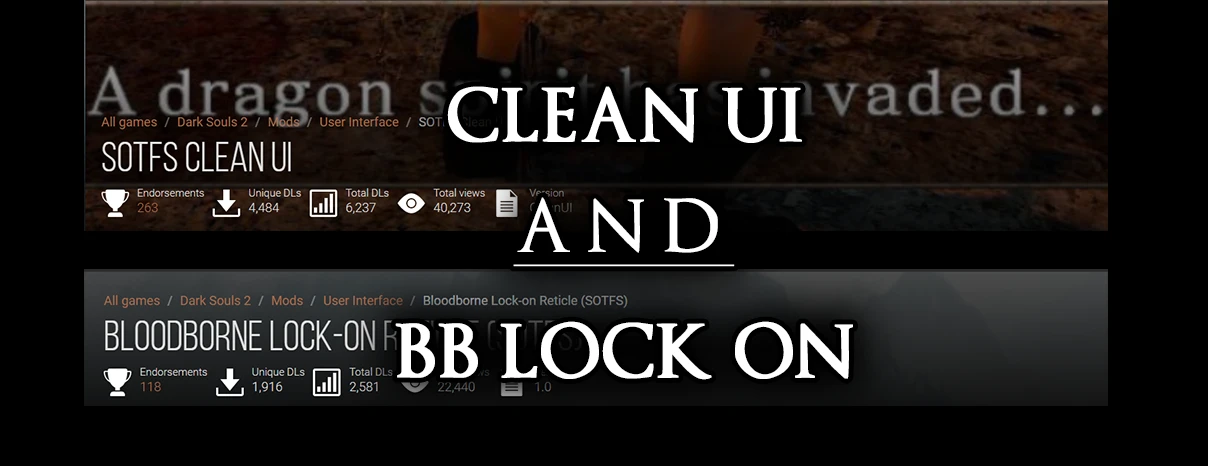
This mod is a combination of these 2 mods:
Bloodborne Lock-on Reticle (SOTFS)
SOTFS Clean UI
Since these 2 mods overwrite the same file, it meant you couldn't have the full Clean UI mod with the Bloodborne reticule mod at the same time.
Well, this issue shall plague you no more! This doesn't require the Bloodborne reticule mod since it's already included (but please do show support to the original mod) but it DOES REQUIRE SOTFS CLEAN UI.
Installation:
1- After downloading this mod (And SOTFS Clean UI), Install IGP11.
2- Extract the DDS files to:
D:\SteamLibrary\steamapps\common\Dark Souls II Scholar of the First Sin\Game\iGP11\tex_override
EXTRACT CLEAN UI FIRST OTHERWISE THIS WILL NOT WORK. THEN extract this mod to the same directory, which will overwrite one of Clean UI's files.
If this folder doesn't exist, no worries just create it.
3- Launch the IGP11 tool, select the "Textures" menu, and ensure the Override Mode is set to "Override".
4- Make sure that "dark souls 2 scholar of the first sin" is selected under the game name menu, then click "LAUNCH GAME".
TIP: IGP11 will create an "iGP11. Launcher" shortcut on both your Desktop and it's installation directory after installing, if you selected DS2 SOTFS once in the app, it will automatically launch the game, which is very convenient.
Recommended Mods:
SOTFS HD Player Messages
HD Bloodstains (SOTFS)
DS3 HD item textures port - WIP
Bloodborne Inspired Mist Gates(SOTFS)
Demon's Souls Style Messages for IGP11
Modified Loading Screen for SOTFS
This mod merges the Bloodborne Lock-on Reticle with the SOTFS Clean UI, letting Dark Souls II: Scholar of the First Sin players use both without conflict. It's a niche UI tweak with 22 endorsements, last updated in March 2023.
✨ Key Features
📊 Pros & Cons
✅ Pros
- Saves you from juggling two separate mods—just drop this in and go
- Small but dedicated following (22 endorsements) means it works for those who use it
- Last updated March 2023, so it's relatively fresh for the modding scene
⚠️ Cons
- Only 22 endorsements—this is a niche mod for a niche audience
- Requires IGP11, which adds an extra layer of setup and potential compatibility headaches
For Dark Souls II players who want the Bloodborne-style lock-on reticle and a cleaner UI without sacrificing one for the other. Skip if you're fine with the vanilla UI or don't want to mess with IGP11.
💡 Beginner Tips
- Make sure IGP11 is installed and configured before adding this mod, or it won't load properly.
- Back up your original UI files in case you want to revert—this mod replaces core interface elements.
- Check the mod's comments section on Nexus for any user-reported issues with specific game versions.
📊 Mod Details
- Game
- Darksouls2 Mods
- Author
- Othienka and KampfKlops and SSJetstream
- Version
- 1.1
- Downloads
- 581
- Endorsements
- 22
- Category
- User Interface
- Created
- 3/27/2023
- Updated
- 3/27/2023
🔧 How to Install Dark Souls 2 Mods
Download from Nexus Mods.
📖 Full step-by-step install guide for Dark Souls 2 →
Visit the official mod page for specific installation instructions for this mod.
🎮 Need cheat codes or console commands? Check ur gaming wiki for Dark Souls 2 commands, item IDs, and more.
Keep browsing — more Dark Souls 2 mods await