REVENANT ReShade 2
⚪ Last updated 2022⚠️ Install Order · 2 steps
Install in this order, then this mod last — most mods fail to load without their framework and dependencies in place.
Preview
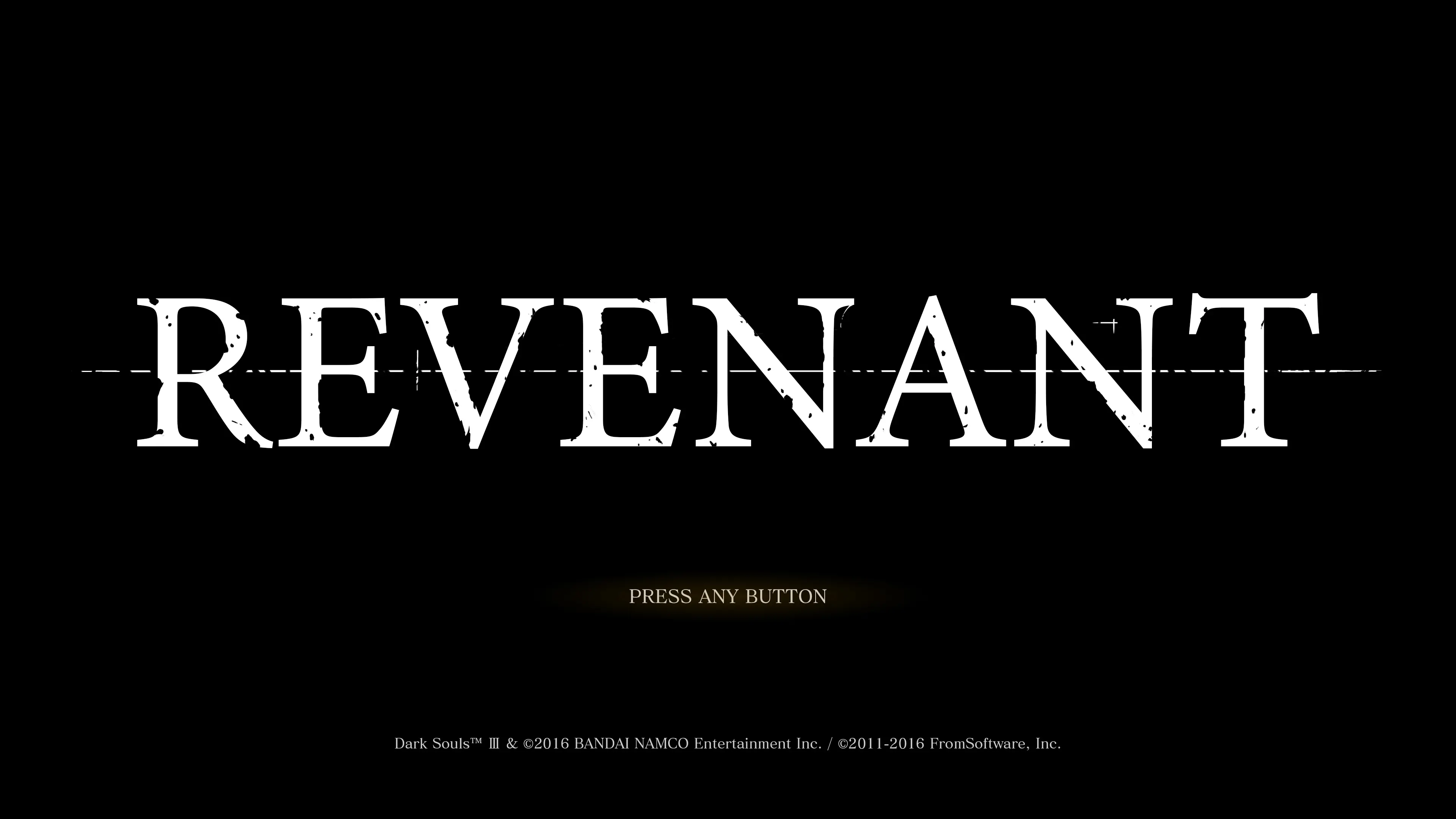
🔍 Analysis
- 👍 4.1% endorsement rate — high engagement, a strong quality signal
- 🏆 #6 of 195 Visuals and Graphics mods in this game by downloads
📋 About This Mod
The new and improved REVENANT ReShade. Retaining the look of the original with newer more efficient ReShade 5. 0. 2 shaders and a few more years of ReShade experience. The goal of this preset is to enhance the grim atmosphere of Dark Souls III with a touch of cinematic flair and a dash of color grading. With this preset at 4K max settings, I get a solid 60 fps with a GTX 3080 Ti.
Effects used
ArtisticVignette
prod80_02_Bloom
GloomAO
LiftGammaGain
Chromatic Aberration
= OPTIONAL shaders
INSTALLATION
1. Install the latest ReShade(currently 5. 0. 2)
2. Download and extract REVENANT ReShade and place the config file in your "DARK SOULS III" game folder(where DarkSoulsIII.exe lives)normally located at: ...\SteamLibrary\steamapps\common\DARK SOULS III.
3. Start the game and go through the ReShade tutorial. From the preset dropdown, select REVENANT ReShade and you're good to go!
RECOMMENDED SETTINGS and Hotkeys
Made with default brightness
* ArtisticVignette
My other presets
REVENANT ReShade 2 is a cinematic ReShade preset for Dark Souls III, updated to ReShade 5.0.2. It applies subtle effects to enhance the game's visuals with a grim, cinematic look without being distracting. With 1,297 endorsements and 31,980 downloads, it's a popular choice for players seeking a moody atmosphere.
✨ Key Features
📊 Pros & Cons
✅ Pros
- Community favorite with 1,297 endorsements and nearly 32k downloads
- Subtle effects keep the game looking natural, not overprocessed
- Updated to ReShade 5.0.2, so it works with the latest ReShade version
⚠️ Cons
- Last updated in February 2022 — may not be compatible with future ReShade updates
- Requires ReShade to be installed separately, which adds setup steps
- No screenshots or detailed settings provided in the description, so you'll have to try it to see if you like the look
For Dark Souls III players who want a cinematic, grim atmosphere without heavy post-processing. If you're into subtle visual enhancements that keep the game's original feel, this is for you. Skip if you prefer vibrant colors or want a dramatic overhaul.
💡 Beginner Tips
- Make sure you have ReShade 5.0.2 or later installed before adding this preset.
- After installing, use the ReShade in-game overlay to tweak the preset's intensity to your liking.
- If the preset doesn't show up, check that you placed the .ini file in the same folder as DarkSoulsIII.exe.
📊 Mod Details
- Game
- Dark Souls 3 Mods
- Author
- phroZac
- Version
- 1.0
- Downloads
- 31,980
- Endorsements
- 1,297
- Category
- Visuals and Graphics
- Created
- 4/28/2016
- Updated
- 2/24/2022
🔧 How to Install Dark Souls 3 Mods
Download from Nexus.
📖 Full step-by-step install guide for Dark Souls 3 →
Visit the official mod page for specific installation instructions for this mod.
🎮 Need cheat codes or console commands? Check ur gaming wiki for Dark Souls 3 commands, item IDs, and more.
Keep browsing — more Dark Souls 3 mods await